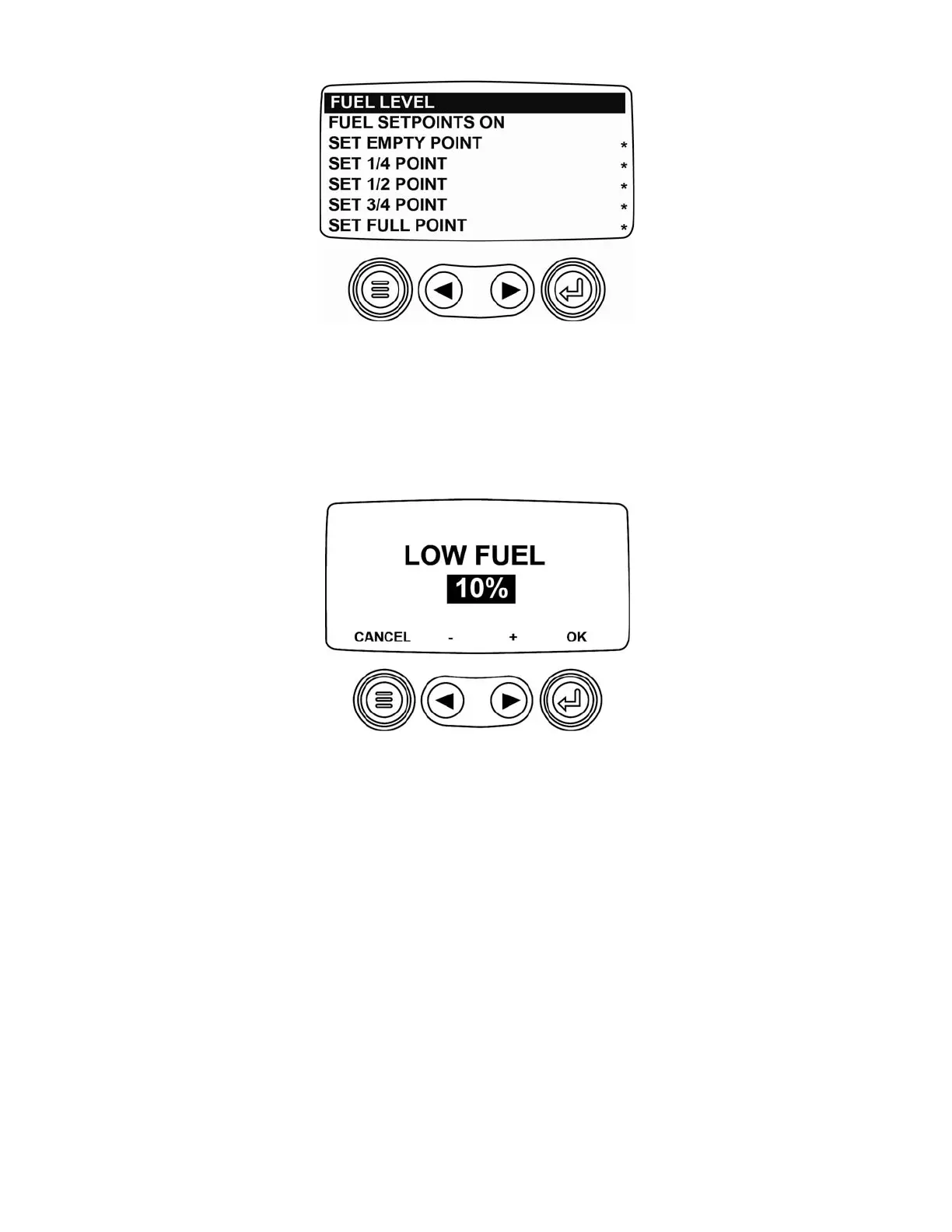
Low Fuel Level Setpoint
The next screen displayed is the LOW FUEL SETPOINT screen. The default setting is 10%. This enables the
PV101 to generate a DTC (Diagnostic Trouble Code) that displays the low fuel level.
Adjusting Low Fuel Level Setting
To change the Low Fuel Level setpoint, use the left and right arrows to increase or decrease the setpoint. Select
the menu button to cancel or the enter button to confirm. To change the setpoint from backlight dimmer input to fuel
level input the enter/OK must be selected.
Show Fuel Setpoints
To Sender settings are preloaded in the device. To view these settings select
SHOW FUEL SETPOINTS
.
(9)



 To Next Page