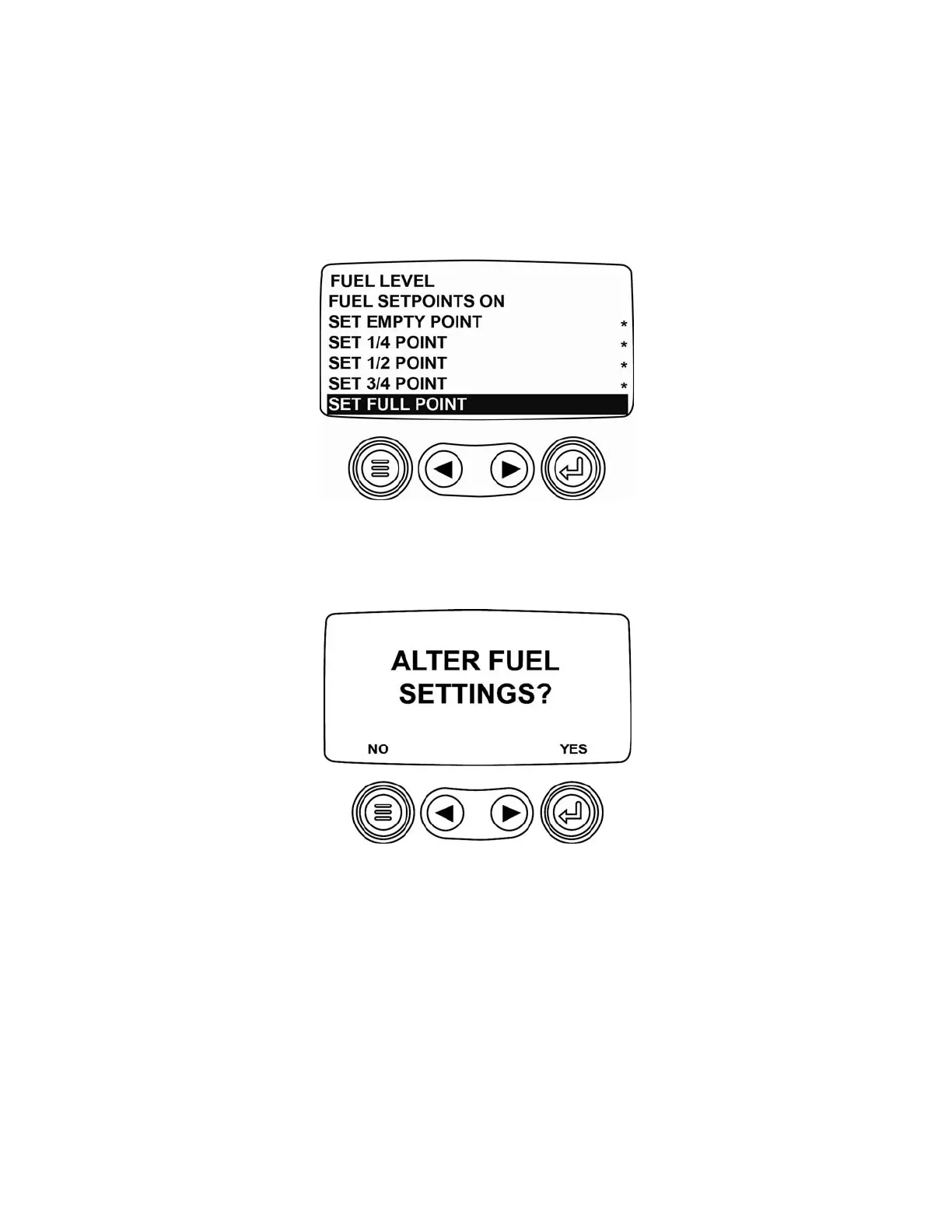
Set Remaining Setpoints
Add fuel to 50% of the tank’s capacity to set the 1/2 point setpoint and 75% of the tank’s capacity to set the 3/4
point setpoint.
Set Full Point
Add fuel to fill the tank to its full capacity and select SET FULL POINT.
The following screen is displayed and now the resistive value that represents the Full point from the non-Murphy
fuel sender must be sent to the PV101. While sending the resistive value, select
[YES]
and the PV101 will have a
new Full fuel setpoint setting.
Now that the Non-Murphy fuel sender calibration process is completed, the FUEL SENDER SETUP SCREEN will
be displayed. Select
FUEL LEVEL
.
(8)



 To Next Page