Using the Murphy Fuel Sender
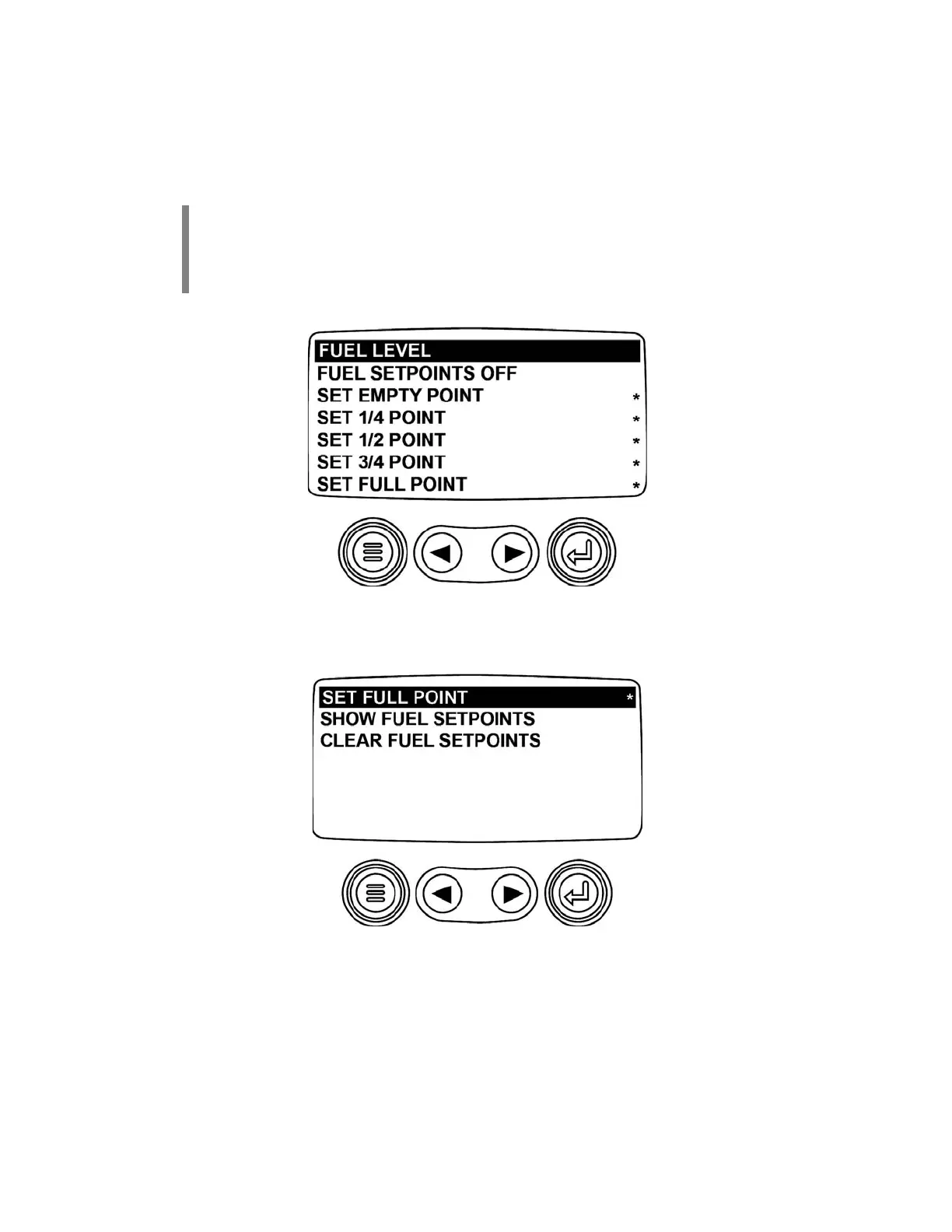
The next screen displayed is the FUEL SENDER SETUP screen. The PV101 ships from the factory set
to be used with a Murphy fuel sender. The FUEL SETPOINTS OFF must be shown to work with a
Murphy fuel sender. Press the right and left arrow keys to navigate the menu. There are two pages to
this screen.
NOTE:
When Fuel Setpoints OFF is set, these screens are displayed but they are not
available for modification. For a non-Murphy fuel sender, see the USING A NON-
MURPHY FUEL SENDER in this document.
NOTE:
The asterisk indicates that the setpoint has been set.
Continue to press the right arrow key to scroll the menu and to see page two of this screen. It contains the
following selections:
(3)



 To Next Page