EasyManua.ls Logo

MUTOH SC-PRO - User Manual

MUTOH SC-PRO
8 pages
Print Icon
To Next Page IconTo Next Page
Loading...
SC-PRO DRIVER INSTALLATION Page 1 of 8
IMPORTANT INSTALLATION INFORMATION
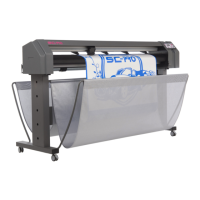
Mutoh SC-Pro Cutting Plotter
Install cutter driver
Dear Customer,
Please find below the procedure to install the SC-Pro cutting plotter driver.
1. Tools necessary
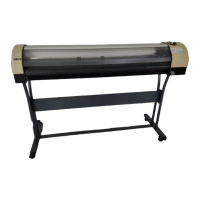
SC-Pro cutter
Workstation
USB cable
SC-Pro installation CD
2. Installation procedure
Step 1 : Make a connection between the SC-Pro and your computer using a USB cable (standard
in-the-box item).
Step 2 : Power ON the cutter and computer.
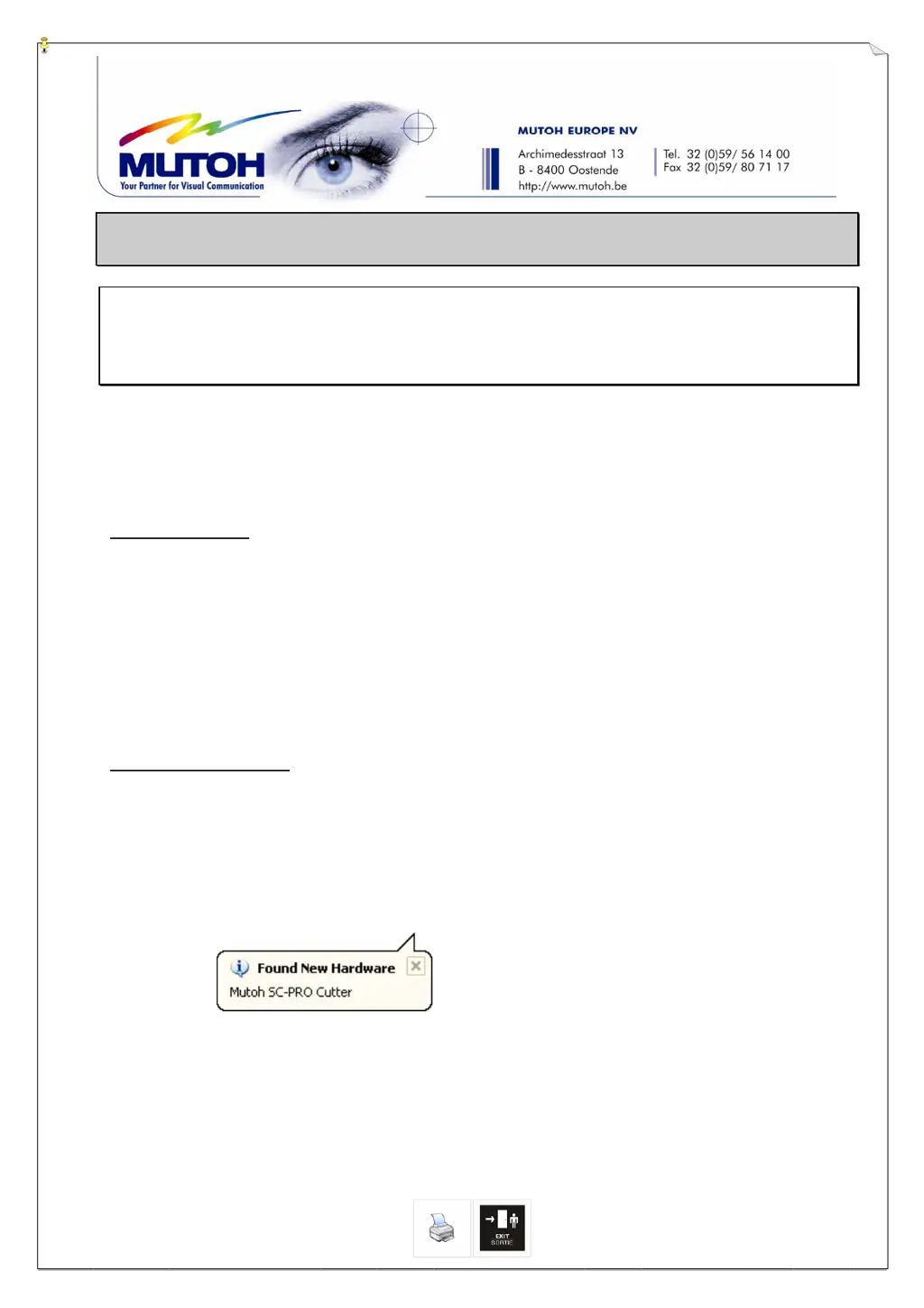
Step 3 : Your computer will automatically detect the cutter.
Step 4 : Be sure that the installation CD is inserted.

Questions and Answers

  • J
    jasonwalkerSep 9, 2025
    What does 'EPOS problem: PG problem occurred' mean on my MUTOH Plotter and how to solve it?
    • W
      walkeranthonySep 9, 2025
      The error 'EPOS problem: PG problem occurred' can occur if a PG command has been executed between 2 segments or at the start of a new job. This can be caused by: media that is too short, the job being interrupted by the user, or a movement cannot be performed due to mechanical failures. Check the media size and reboot the machine.
  • B
    Brianna ColemanSep 12, 2025
    What does 'EPOS problem: No EPOS reference found' mean on MUTOH SC-PRO?
    • D
      Daniel SchmidtSep 12, 2025
      The error 'EPOS problem: No EPOS reference found' means that the reference box cannot be found. Select the correct file in the Mutoh CutServer and start the job manually (send EPOS job). Make sure that the printed reference box is made within the specifications. Be sure that the contour cutting box is located in between the two outer pressure rollers and that the media is loaded straight.
  • S
    Sherry AndersonSep 14, 2025
    Why is the output 2.5x too large or too small on my MUTOH Plotter?
    • G
      Gary HillSep 14, 2025
      If the output is 2.5 times too large or too small, the cutter is likely using the wrong step adjust. Please refer to chapter 4 'Program Step' to correct the step adjust and try again. Alternatively, you can change the step adjust in your software, ensuring both settings match.
  • V
    Vincent CruzSep 16, 2025
    What causes 'The plot data has been lost' error on MUTOH SC-PRO Plotter?
    • A
      Alan MosesSep 16, 2025
      The 'plot data has been lost' error can be caused by interference from other electrical machines, a USB cable that is too long, or incorrect Ethernet settings. Try removing machines emitting heavy electrical waves and install a USB cable shorter than 5 m. Also, check interface settings (baudrate…).

MUTOH SC-PRO Specifications

General IconGeneral
Ink TypeEco-Solvent
Number of Inks8
Media ThicknessUp to 1.5 mm
TechnologyInkjet
Maximum Print Width64 inches
Print ResolutionUp to 1440 dpi
Ink ColorsCyan, Magenta, Yellow, Black, Light Cyan, Light Magenta
Media Width64 inches
InterfaceEthernet
Operating System CompatibilityWindows

Related product manuals