EasyManua.ls Logo

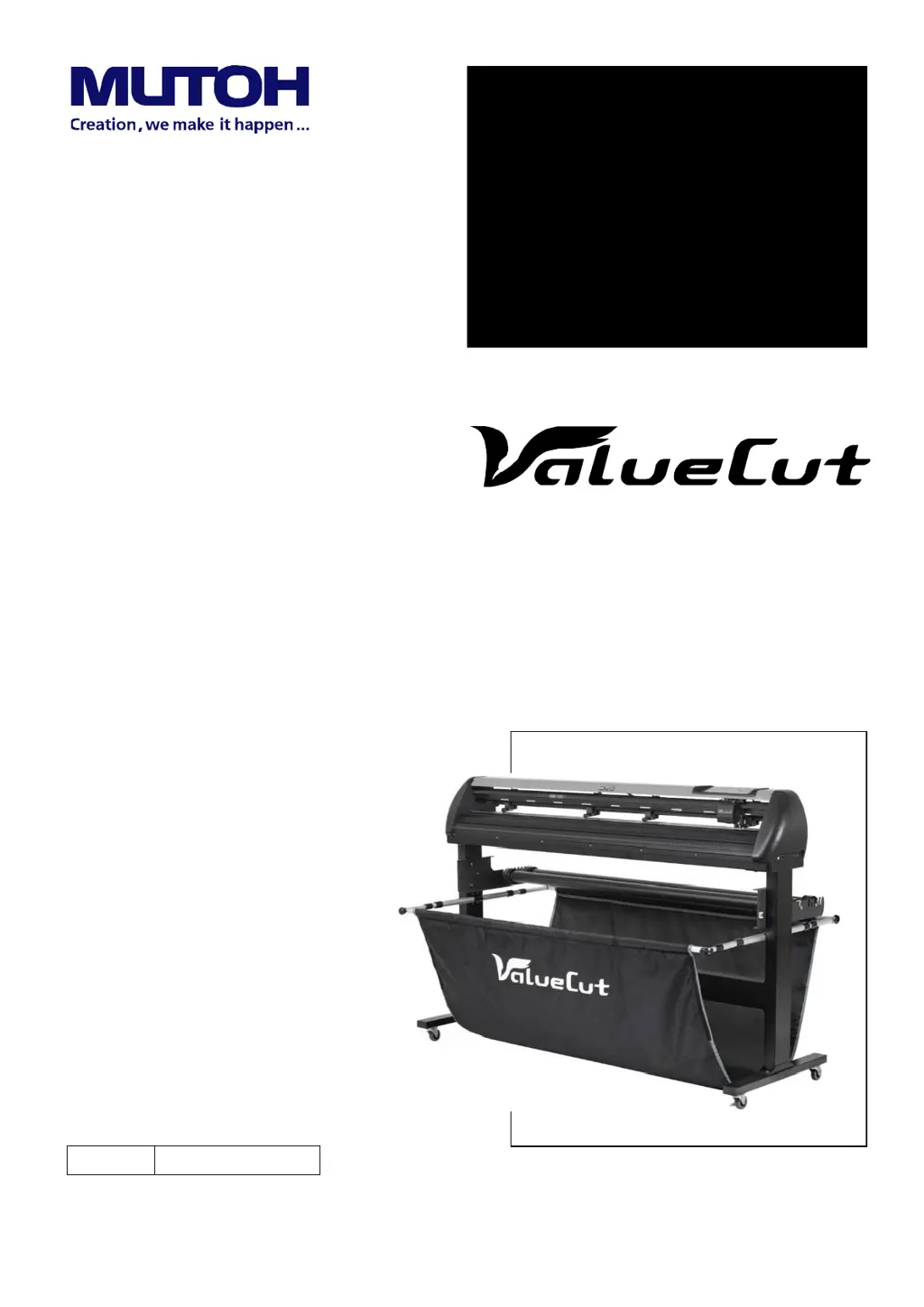
MUTOH ValueCut VC2-1800 - User Manual

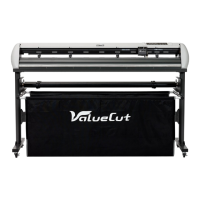
MUTOH ValueCut VC2-1800
68 pages
Print Icon
To Next Page IconTo Next Page
Loading...
No.
VC2E-MM-00
Cutting Plotter
VC2-600
VC2-1300
VC2-1800
MAINTENANCE
MANUAL

Table of Contents

Questions and Answers

  • G
    gpatelAug 19, 2025
    Why does the media shift when plotting a long drawing on my MUTOH ValueCut VC2-1800?
    • R
      Robert RobertsAug 19, 2025
      If the media shifts away when plotting a long drawing on your MUTOH Plotter, try reloading the media. You might also reload the media and pre-run it. If the problem persists, consider changing the media. Cleaning the surface of the drum may also help. As a last resort, replace the drum set or pinch roller.
  • T
    Tammy ConleyAug 21, 2025
    How to improve cutting quality at corners on my MUTOH ValueCut VC2-1800 Plotter?
    • B
      Billy HayesAug 21, 2025
      If you're experiencing poor cutting quality at the corners or endpoints with your MUTOH Plotter, try the following: First, tighten the screw firmly. If that doesn't resolve the issue, replace the blade. You may also need to adjust the offset value, reload the media, replace the media, or change the media. If all else fails, consider replacing the drum set or pinch roller.
  • L
    lkleinAug 25, 2025
    Why is the cutting line wavy on my MUTOH ValueCut VC2-1800 Plotter?
    • A
      Andrea LeeAug 25, 2025
      If the cutting line is wavy on your MUTOH Plotter, try these solutions: First, tighten the screw firmly. If the issue persists, replace the blade. Setting the acceleration to a lower value may also help. Additionally, consider adjusting the belt tension. If none of these work, you might need to replace the carriage, change the media, or replace the drum set or pinch roller. In some cases, replacing the motor may be necessary.
  • J
    jeremythompsonAug 26, 2025
    What to do if media drops sometimes from my MUTOH ValueCut VC2-1800?
    • D
      Daniel ThompsonAug 26, 2025
      If the media drops sometimes when using your MUTOH Plotter, try these solutions: First, reload the media. You could also move the pinch roller to a better position. If the issue continues, change the media or cut the media evenly and reload it. As a last resort, replace the drum set or pinch roller.
  • Q
    qwintersAug 28, 2025
    Why does my MUTOH ValueCut VC2-1800 make abnormal noise from the drum?
    • L
      Lisa FrenchAug 28, 2025
      If you notice an abnormal noise coming from the drum during operation of your MUTOH Plotter, try the following: First, adjust the belt tension. If the noise persists, consider replacing the main board or replacing the drum itself. Also, ensure all screws are tightened firmly. If the problem continues, you may need to replace the X or Y motor.
  • C
    Caitlyn PhillipsAug 30, 2025
    What to do if the carriage is locked on my MUTOH ValueCut VC2-1800 Plotter?
    • L
      Latoya EstradaAug 31, 2025
      If the carriage is locked and cannot move on your MUTOH Plotter, the following steps may help: Replace the carriage. Alternatively, adjust the belt tension or tighten the screws.
  • B
    Brian GravesSep 2, 2025
    Why does my MUTOH Plotter make abnormal noise in standby mode?
    • S
      Susan PerrySep 2, 2025
      If your MUTOH Plotter is making abnormal noises during standby mode, try these steps: Begin by tightening the screws firmly. If the noise continues, adjust the belt tension. If the problem persists, consider replacing the main board.
  • J
    Joan AllisonSep 4, 2025
    How to fix cutting force if it's not applied correctly on my MUTOH ValueCut VC2-1800 Plotter?
    • D
      David BurgessSep 4, 2025
      If the cutting force is not being applied correctly by your MUTOH Plotter, you can try resetting the cutting force on the panel or with a command. Another approach is to reload the blade and readjust it. If these steps don't resolve the issue, consider changing the carriage set.
  • V
    vpachecoSep 6, 2025
    What to do if media width is not detected on my MUTOH ValueCut VC2-1800 Plotter?
    • B
      Brian HobbsSep 6, 2025
      If the media width cannot be detected on your MUTOH Plotter because the pinch roller position is not clear, try these steps: Lower the lever and release the lock. You might also need to adjust the board mounting position or check the board mounting position. If the problem persists, replace the cable or the carriage board.
  • K
    Keith AndersonSep 8, 2025
    What causes a serious error when feeding media on MUTOH ValueCut VC2-1800 Plotter?
    • N
      Nicole BradySep 8, 2025
      If a serious error occurs when feeding media into your MUTOH Plotter, try enabling “Auto media feed” on the panel. Also, try adjusting the belt tension.

Summary

Revision History

Important Safety Information

Safety Instructions

General precautions for personal safety during operation and maintenance.

Electrical and Site Safety

Guidelines for electrical tool safety and site safety requirements.

Introduction

Exploded View Diagrams

Main Unit Assembly

Illustrates the main components of the ValueCut cutting plotter.

Electronic and Electrical Assembly

Shows the electronic components and their layout.

Left End Assembly

Details the parts and assembly of the left side of the plotter.

Right End Assembly

Details the parts and assembly of the right side of the plotter.

X Motor Bracket and Belt Assembly

Explains the components related to the X-axis motor and belt.

Carriage Assembly

Illustrates the parts that make up the carriage.

Pinch Roller Assembly

Shows the components of the pinch roller mechanism.

Main Beam Assembly

Details the main beam structure and its components.

Drum Assembly

Illustrates the parts of the drum assembly.

Stand and Basket Assembly

Shows the stand and media basket assembly.

System and Wiring Diagrams

System Diagram

Provides a block diagram of the plotter's system architecture.

Main Board Wiring Diagram

Details the wiring connections for the main board.

Driver Board Wiring Diagram

Details the wiring connections for the driver board.

Maintenance Procedures

Removing Outer Covers

Step-by-step guide to remove the plotter's outer covers.

Component Replacement

Procedures for replacing key components like motors, boards, carriage, and pinch rollers.

Firmware and Settings Management

Instructions for firmware updates, backing up, initializing, and restoring settings.

Belt Tension Adjustment

Guide to adjust belt tension for optimal performance, including motor belts.

Troubleshooting and Diagnostics

Maintenance Diagnostics Overview

Overview of diagnostic feature and how to start it.

Specific Diagnostic Tests

Covers tests for sensors, encoders, motors, and interfaces.

Common Problems and Solutions

Lists common operational issues and their corrective actions.

Error Message Handling

Details error messages and procedures for resolution.

Appendix

Recommended Service Parts List

Lists recommended parts for service and maintenance.

Technical Specifications

Consumable and Optional Items

MUTOH ValueCut VC2-1800 Specifications

General IconGeneral
BrandMUTOH
ModelValueCut VC2-1800
CategoryPlotter
LanguageEnglish

Related product manuals