- 21 -
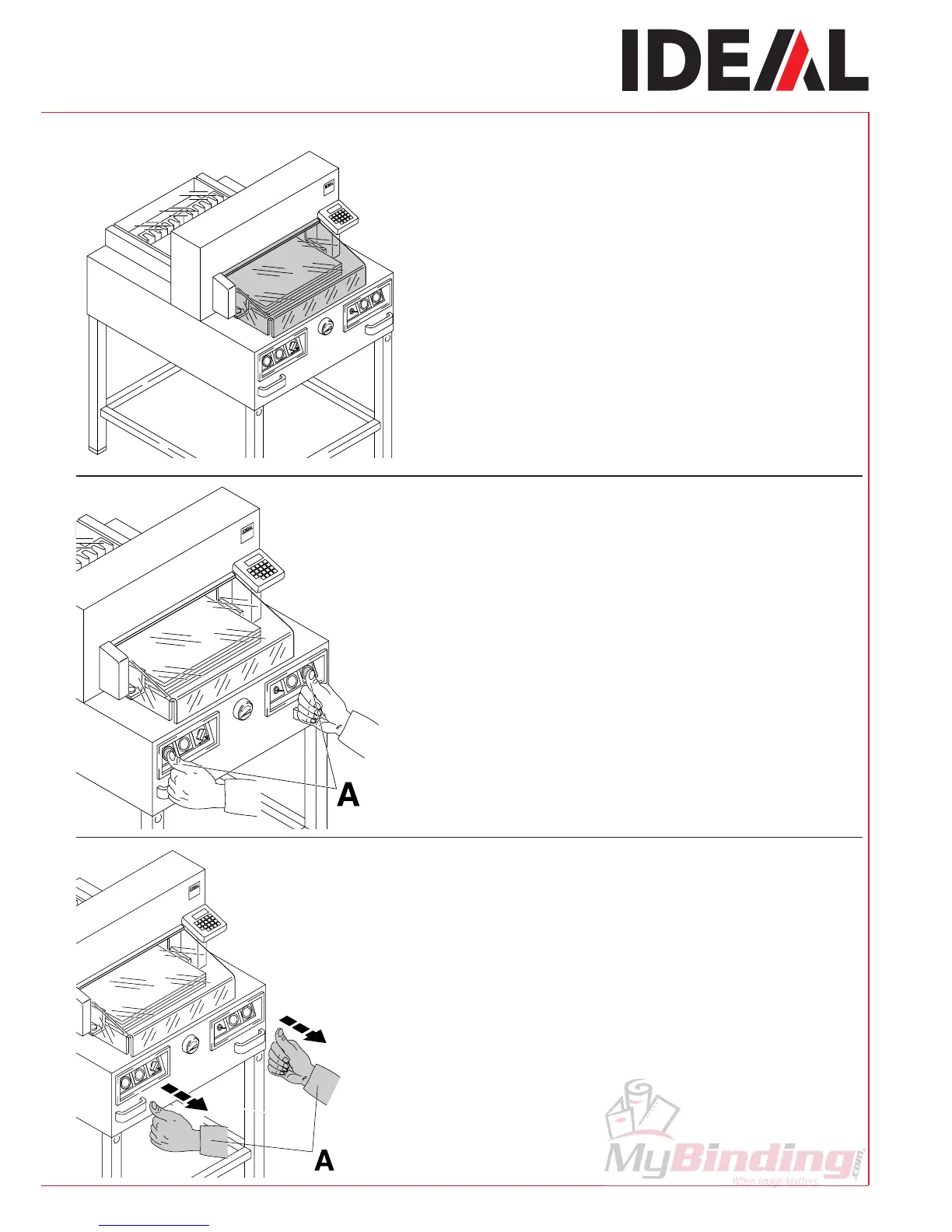
Close the safety guard.
Cutting activation:
Press both buttons of the two-handed control
system activation (A) simultaneously and them
pressed until the paper is completely cut.
To interrupt or stop cutting:
To interrupt or stop cutting, release
both buttons (A) of the two-hand control.
•
Operation
•



 To Next Page