5
Charging Power Bank
Please fully charge your Power Bank before using the rst time.
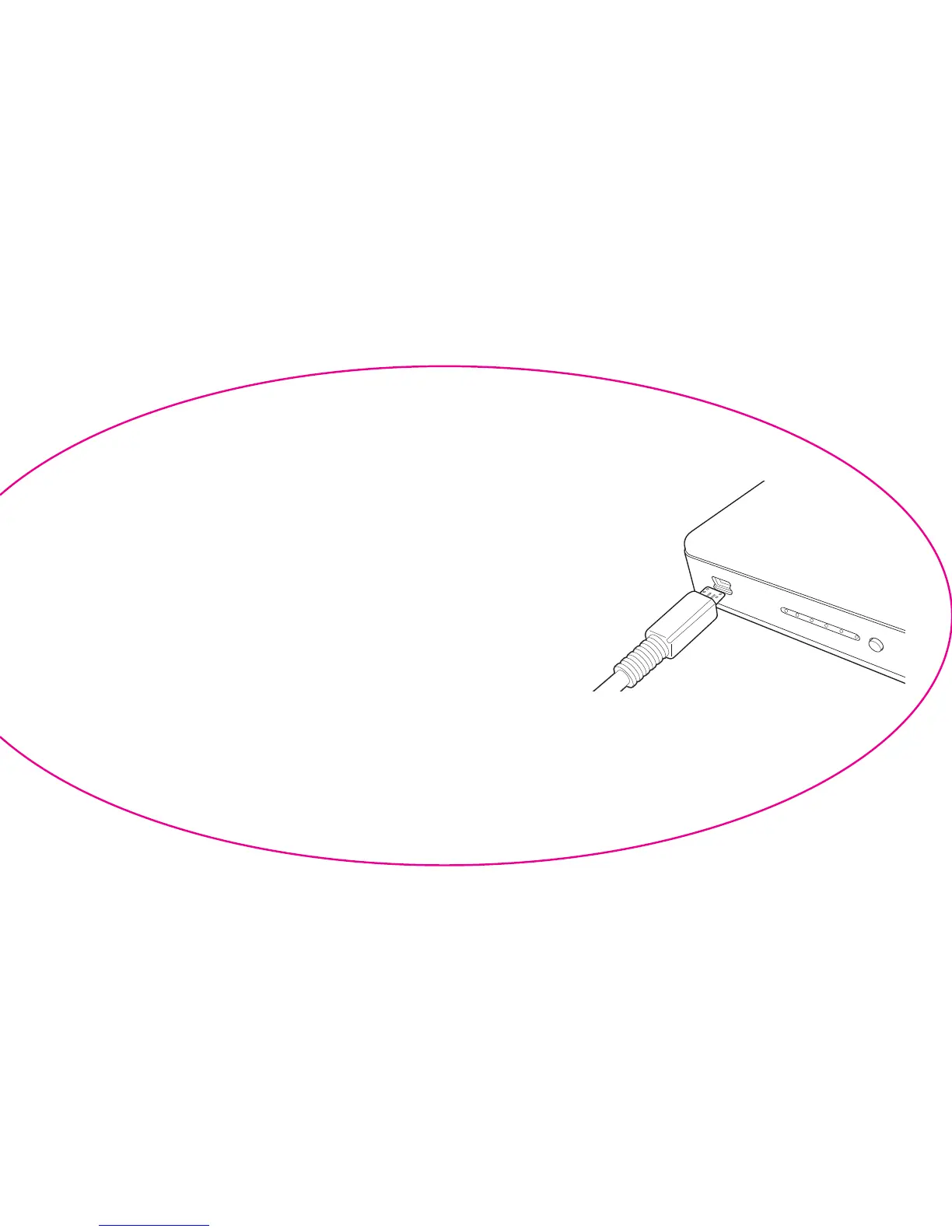
To charge, connect the included USB cable’s Micro-USB connector
to Power Bank’s charging port (Fig. 2) and the other end to the USB
wall adapter that came with the device you want to charge or a
computer. When connected, the LEDs on the side of the unit will
ash indicating that it is charging. Charge time for Power Bank
alone is about 3.5 hours from a standard 2.1A iPad
®
USB
wall adapter, or about 6.5 hours from a standard 1A iPod
®
/
iPhone
®
USB wall adapter. Note: USB wall adapters not included. Note: It is
normal for Power Bank to be warm to the touch while in use.
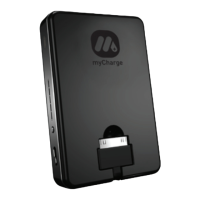
Fig. 2


 To Next Page