8
Overload Protection
Power Bank enables you to charge multiple devices. Because devices
vary in their power requirements, it's possible to connect a group of devices that need
more than what Power Bank can supply. When this occurs, Power Bank implements overload
protection. LEDs will ash indicating which device cannot be charged because its power needs are
too great:
• Left 2 LEDs ash - A device connected to the Micro or Mini USB connector
• Middle 2 LEDs ash - A device connected to the USB port with your cable
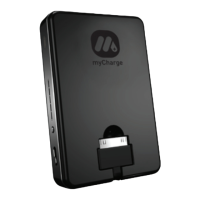
• Right 2 LEDs ash - A device connected to the Apple connector


 To Next Page