4
Quick Start
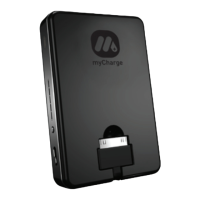
1. Unfold the appropriate built-in connector from its storage position and
connect it to the device you want to charge. You can also supply your own USB device
cable and connect it to the full-size USB port.
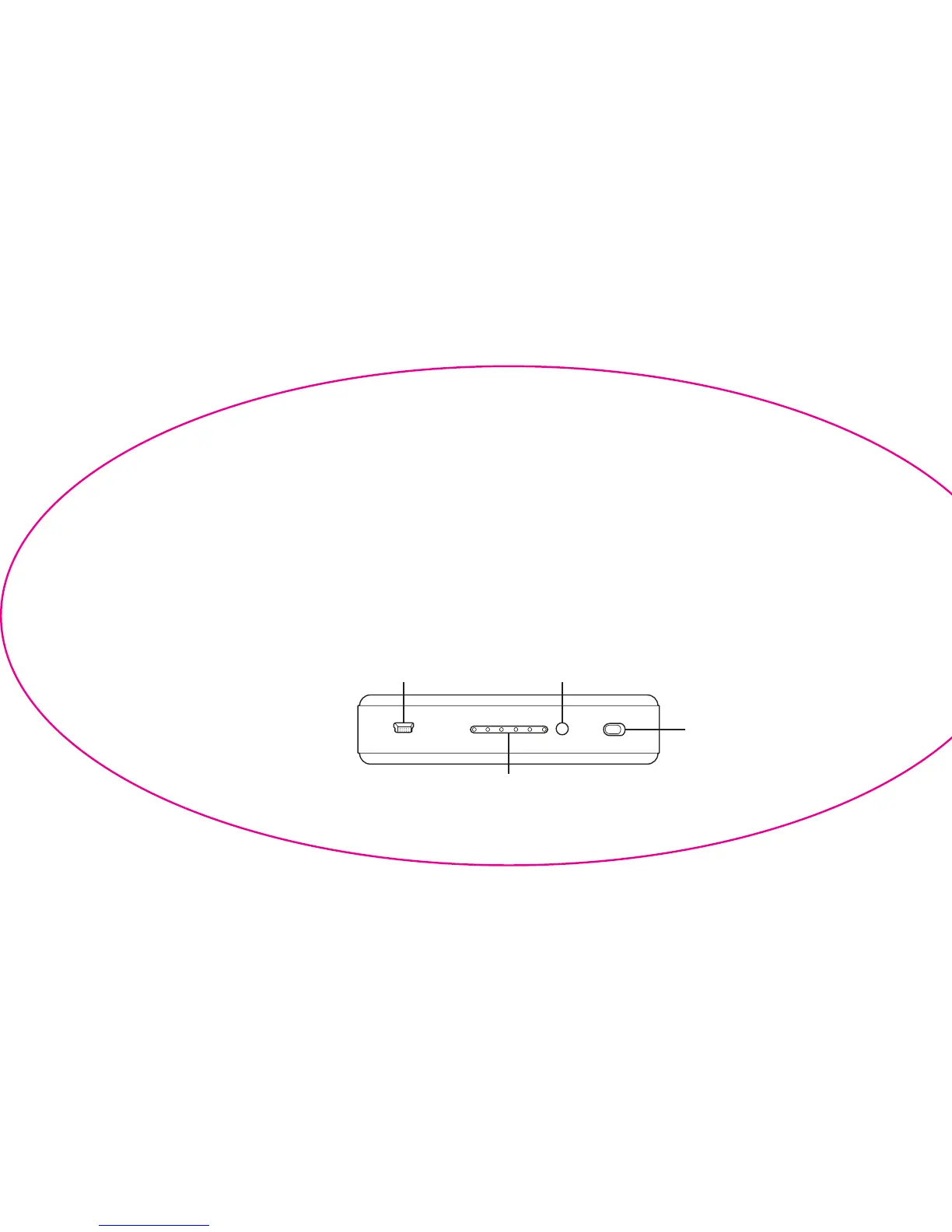
2. Move the function switch left into the on/charge position (green indicator) to begin charging. (Fig. 1)
3. When nished, move the function switch back into the off/sync position (red indicator) to
prevent unnecessary discharging.
Fig. 1
Level Check ButtonMicro USB Input
Function Switch
LED Indicators


 To Next Page