7
To charge a device, connect it to the appropriate connector and move the
move the function switch left into the on/charge position (green indicator). To charge a device
with your own USB cable, connect the cable to your device and insert the USB connector into
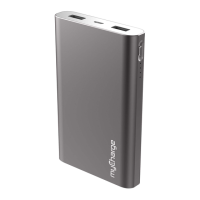
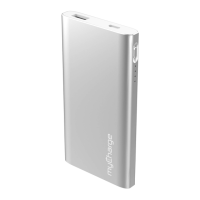
Power Bank's full-size USB port. Power Bank is capable of charging up to 4 devices at the same time.
When Power Bank's internal battery is depleted beyond the ability to charge the connected devices, all
LEDs will ash for 30 seconds indicating it's time to connect a power source. Use a standard USB iPad
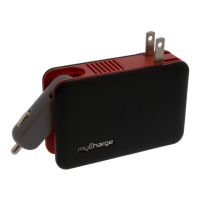
or iPod/iPhone wall adapter, or one that came with your device rated for 1A output or more. The
charge time of your Power Bank with devices attached will vary depending on the current
charge level of those devices and its internal battery.


 To Next Page