EasyManua.ls Logo

myPhone HAMMER 3 - User Manual

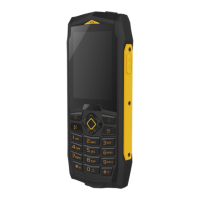
myPhone HAMMER 3
38 pages
Print Icon
To Next Page IconTo Next Page
Loading...
User Manual
HAMMER 3
Lot number:201703

Questions and Answers

Summary

General Safety Guidelines

Prohibited Use and Road Safety

Avoid using the phone when prohibited, when it may cause danger, or while driving.

Specific Safety Precautions

Device Usage Warnings

Battery Temperature and Handling

Avoid extreme temperatures and improper use of battery to prevent damage or fire.

Technical Specifications

Display and Connectivity

Details display type, resolution, GSM connectivity, battery, camera, and Bluetooth/Wi-Fi.

Durability and Dimensions

Specifies water/dustproof standard (IP68), dimensions, and weight.

Phone Appearance and Controls

Front View Features

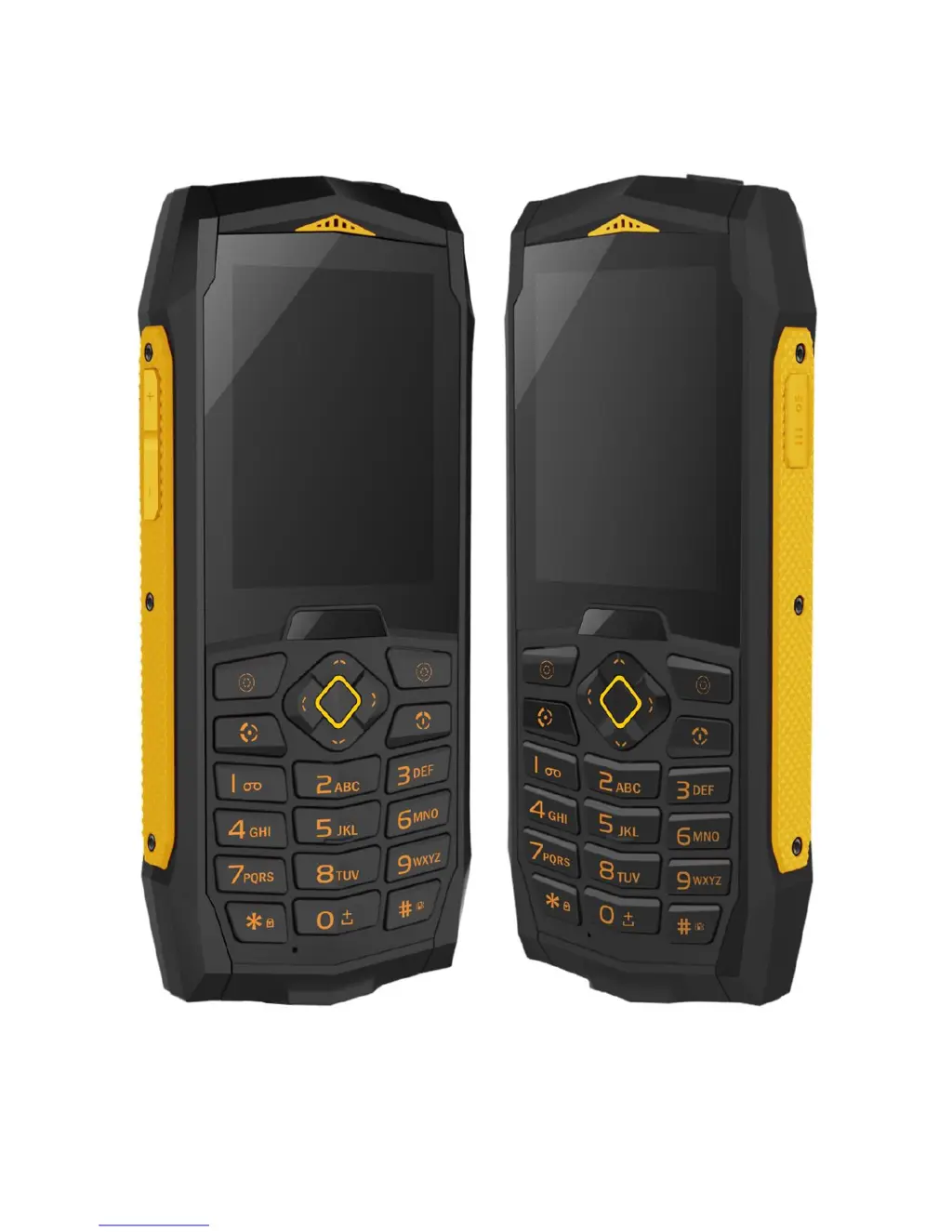
Identifies display, audio connector, speaker, flashlight, camera, torch, menu, contacts, and headset buttons.

Rear View Features and Controls

Identifies volume buttons, casing bolts, and keypad.

Introduction and Basic Operation

Turning Phone On;Off

Instructions on how to power the device on and off, including code entry.

Phone Setup and Charging

Installing SIM, Memory Card, and Battery

Detailed steps for inserting SIM, memory card, and battery, noting contact orientation.

Battery Status and Keypad Lock

Call Handling and Text Messages

Advanced Phone Features

Call Features and SIM Management

Dual SIM Functionality

How to use two SIM cards simultaneously or select a single SIM.

Bluetooth Features and File Transfer

Bluetooth Visibility and Device Pairing

Managing phone visibility and pairing with other Bluetooth devices.

Camera and Video Recording

Troubleshooting Common Issues

SIM and Network Connectivity Problems

Solutions for SIM card installation and network reception issues.

Call and Microphone Functionality Issues

Troubleshooting steps for inability to make calls or be heard.

Device Maintenance and Troubleshooting

Headset, Speaker, and Connection Issues

Resolving problems with headsets, speakers, and establishing connections.

Proper Battery Usage and Charging

Guidelines for prolonging battery life and proper charging practices.

Device Care and Safety

Battery Lifespan and Disposal

Factors affecting battery life and instructions for proper disposal.

Safety Information and Road Use

Accessory Use and Temperature Limits

Importance of using original accessories and avoiding extreme temperatures.

Road Safety Guidelines

Rules for using the phone while driving, emphasizing safety.

Surroundings Security and Technology

Area Security and Medical Device Interference

Following rules in forbidden areas and awareness of medical device interference.

SAR Value and Equipment Disposal

Electrical and Electronic Equipment Disposal

Guidelines for proper disposal of WEEE-marked products.

Battery Disposal and Conformity

Battery Disposal and Recycling Procedures

Proper methods for disposing of and recycling used batteries and accumulators.

myPhone HAMMER 3 Specifications

General IconGeneral
BrandmyPhone
ModelHAMMER 3
CategoryCell Phone
LanguageEnglish

Related product manuals