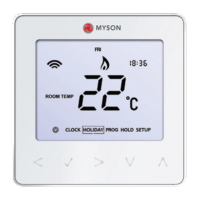
Touch 2 WiFi
21
set
temperature but the Touch 2 Wifi remains active.
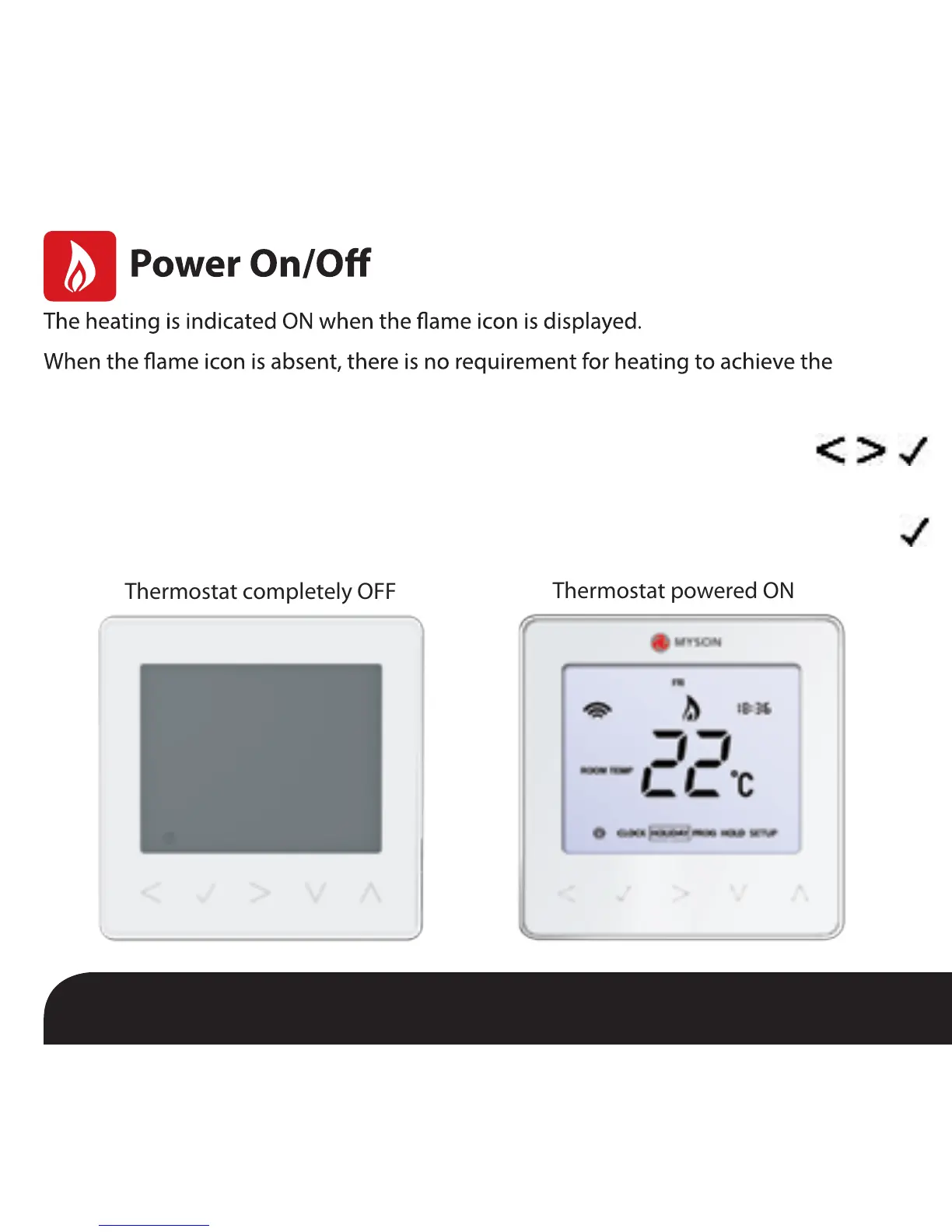
the Tick key for approximately 4 seconds until the display goes blank ...................
The display and heating output will be turned OFF.
To turn the thermostat back ON, press the Tick key once .............................................................
Thermostat completely OFF
Thermostat powered ON
To turn the Touch 2 Wifi off completely, scroll to the Power Icon and hold


 To Next Page