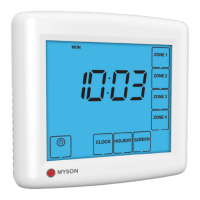
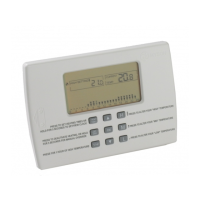
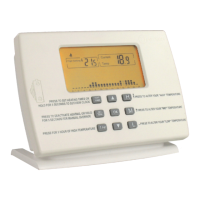
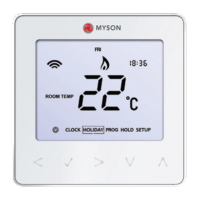
Touch 2 WiFi
7
Mode Select
This Touch 2 WiFi can either be used as a thermostat or a time clock.
Thermostat mode is the default setting.
To change between thermostat or time clock modes, follow these steps.
• Use the Left / Right keys to scroll to SETUP ...............................................................
• Press and hold the Tick button for 10 seconds ..........................................................
• Use the Left / Right keys to scroll between modes ..................................................
Mode 1 = Thermostat
Mode 2 = Time Clock
•
The Touch 2 WiFi will revert to the main display screen for the selected mode.
explained on page 8, then turn to page 33.
For time clock mode instructions, first pair the time clock with the Touch 2 Hub as


 To Next Page