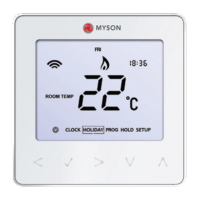
Touch 2 WiFi
27
Re-calibrating the Thermostat
If you need to re-calibrate the thermostat, follow these steps.
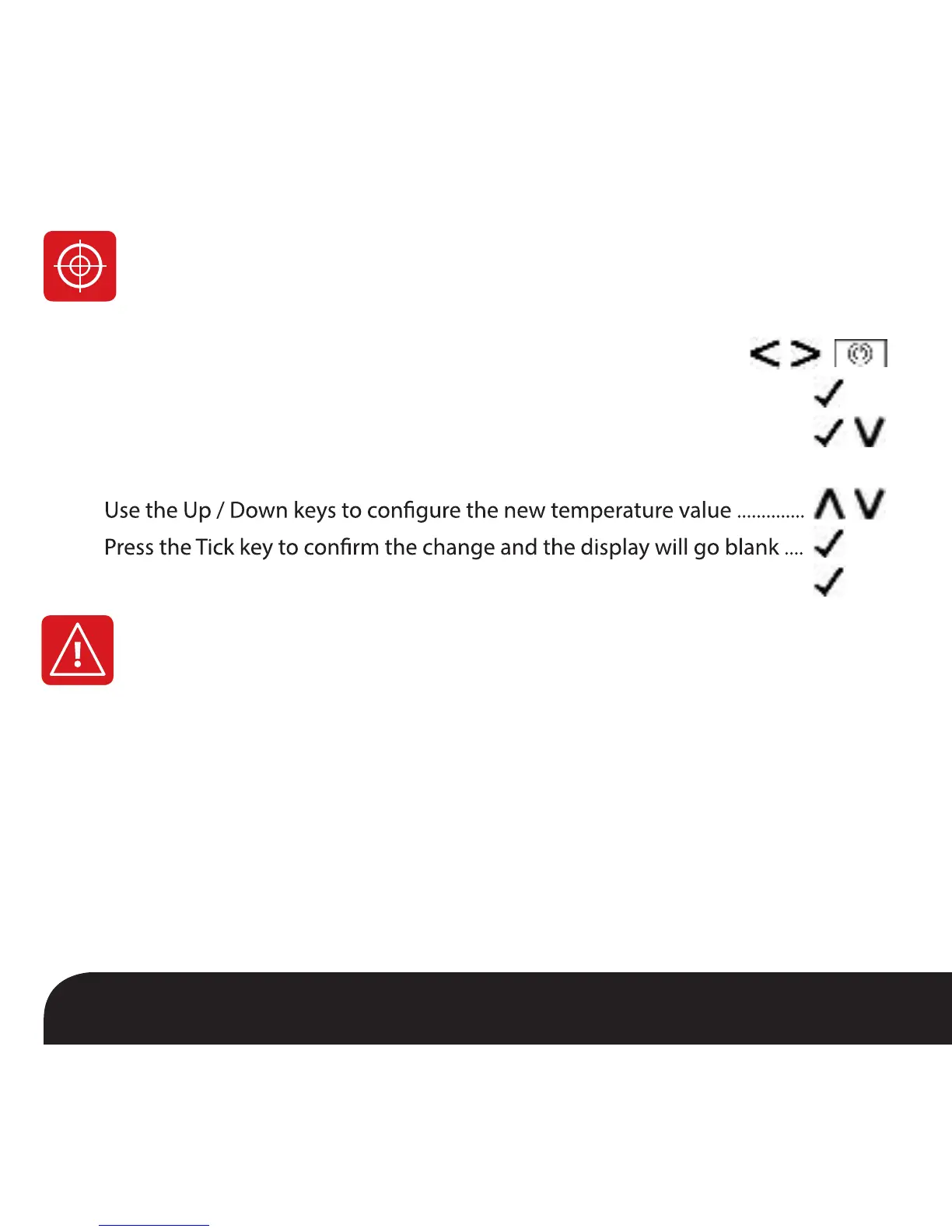
• Use the Left / Right keys to scroll to the Power Icon ............................
• Press and hold Tick to turn the display OFF ...........................................................
• Press and hold the Tick and Down keys together for 10 seconds ..................
• The current temperature will appear on the display.
•
•
• Press the Tick key once to turn the thermostat ON ............................................
Error Codes
E0 = The internal sensor has developed a fault.
E1 = The remote FLOOR probe has not been connected.
The remote FLOOR probe has not been wired correctly.
The remote FLOOR probe is faulty.
E2 = The remote AIR probe has not been connected.
The remote AIR probe has not been wired correctly.
The remote AIR probe is faulty.
When terminated for thermostat operation the screen will display an error code if a fault
is detected.


 To Next Page