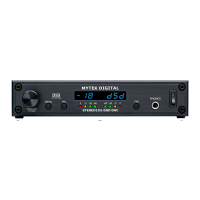
Function Buttons
Two buttons, FN1 and FN2, are user programmable switches. Each
button's function is set inside the Function menu. The following
options are available (*PCM Only – not DSD):
Input - Allows the user to select 3 user “Presets,” Input A, Input B,
Input C; Each input can be assigned to either SPDIF, AES,
Toslink/ADAT, USB1, USB2, FireWire, Analog/SDIF or none. The
none allows to only switch between 2 Input presets.
Mute - Mutes the audio output.
Phase - Inverts the signals phase.
Mono - Sums left and right channel to mono.
L-R* - Subtracts one channel from the other, canceling out mono
information while leaving the stereo information.
Mid Side* - A combination of Mono (L+R) and L-R, the mid signal is
the sum of L and R (mono) and the side signal is the stereo
information from the L-R operation.
Dim Vol - Instantly lowers the level by 20dB.
Display
Brightness – Sets the brightness the LED display.
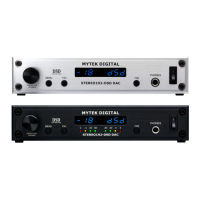
Meters - Turns the signal level meters on or off. (Available on black
panel versions only).
Auto-Off - This will turn the whole display off after selected amount
of time (secs). A dim dot will stay lit to show that the unit is
operational. Engaging any controls will wake up displays.
Remote
Enable - On and Off. Allows the Stereo192-DSD DAC to be
controlled by a Remote Control.
Mode - Select the remote type Apple or RC 5.
Adress Set – One time use of Apple remote ENTER button pairs the
remote with the DAC.
Fir mware
Version - Displays the current Firmware version.
Restore - Restores the unit's parameters to the factory default.
www.mytekdigital.com Page: 14/48


 To Next Page