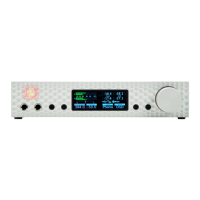
OS X FireWire Recor ding Setup
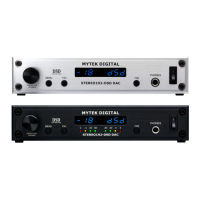
1. Change the MYTEK Stereo192-DSD DAC input setting to
Firewire.
Press the Menu button
Rotate the knob until
INPUT
is selected
Press the knob
Rotate the knob until
Fire
is selected
Press the Menu button Twice
2. Connect to the appropriate Digital Source to the Digital inputs on
the Stereo192-DSD DAC via AES/EBU, S/PDIF, TOSLINK, or
ADAT.
3. On the Digital Source select or make note of the desired Sample
Rate feeding the MYTEK Stereo192-DSD DAC.
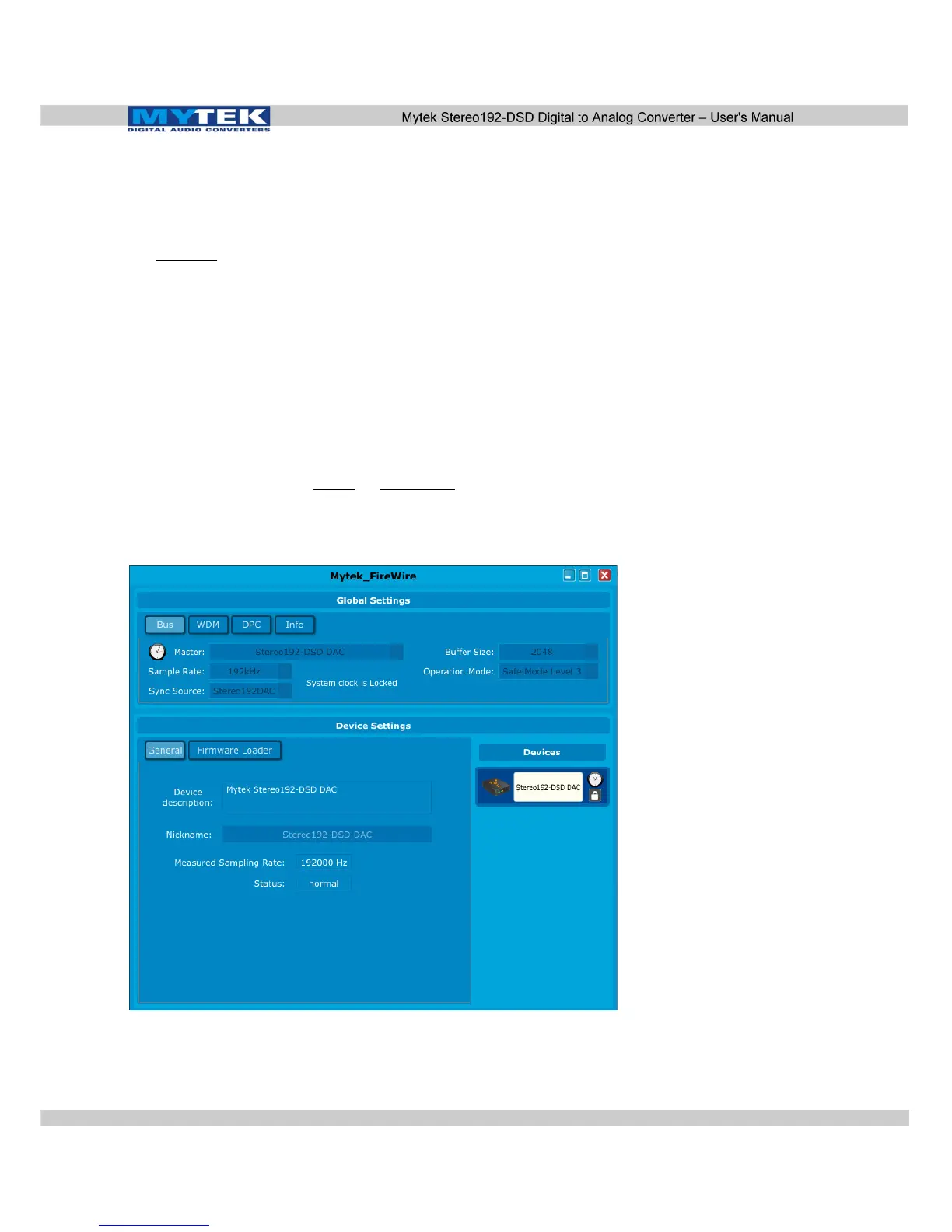
4. Locate and click the Mytek Dice Drv Control Panel located in
the applications folder.
www.mytekdigital.com Page: 43/48


 To Next Page