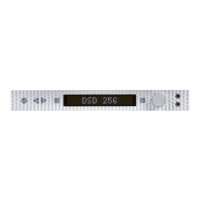
Mytek Manhattan Digital to Analog Converter – User's Manual
5.5 Windows – USB 2.0 driver installation
It is recommended to install the drivers before the unit is connected to the computer.
The latest drivers are available at mytekdigital.com
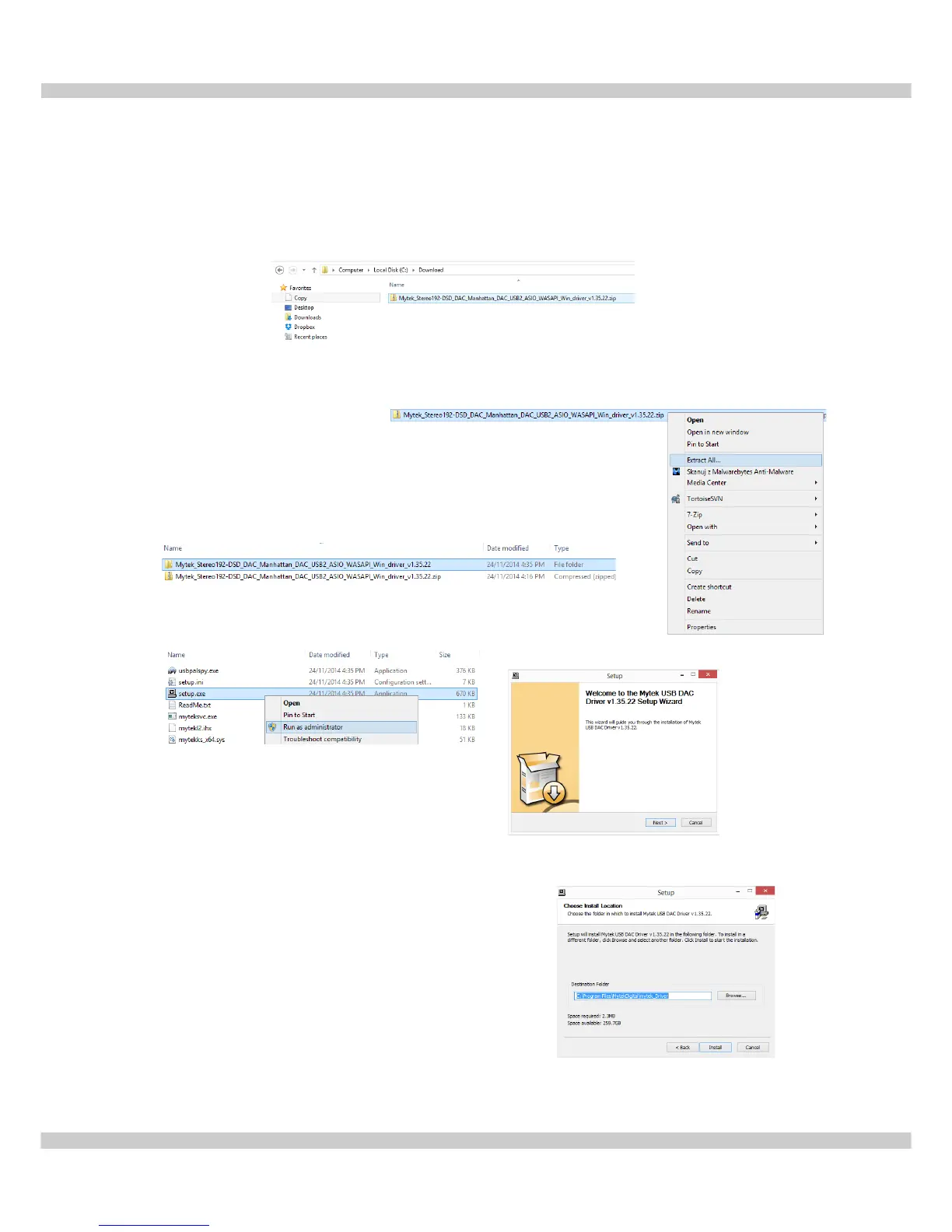
1. Locate the Mytek_Stereo192-DSD_DAC_Manhattan_....zip file
2. Extract the contents of the Mytek_Stereo192-DSD_DAC_ Manhattan_....zip installer
by right clicking on the installers icon and selecting Extract All...
3. Open the extracted Mytek_Stereo192-DSD_DAC_
Manhattan_.. folder.
4. Double click the "Setup.exe" file.
5. Once the Setup.exe opens press "Next"
6. Choose the location of installation. By default it will
install in C:\Program Files\MytekDigital\mytek_Driver.
We recommend leaving this as is. If you wish to
customize the install choose the location by
selecting browse. Select Install.
www.mytekdigital.com Page: 12/25


 To Next Page