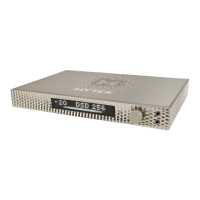
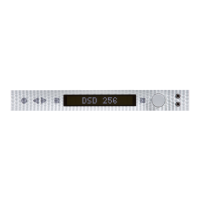
Mytek Manhattan Digital to Analog Converter – User's Manual
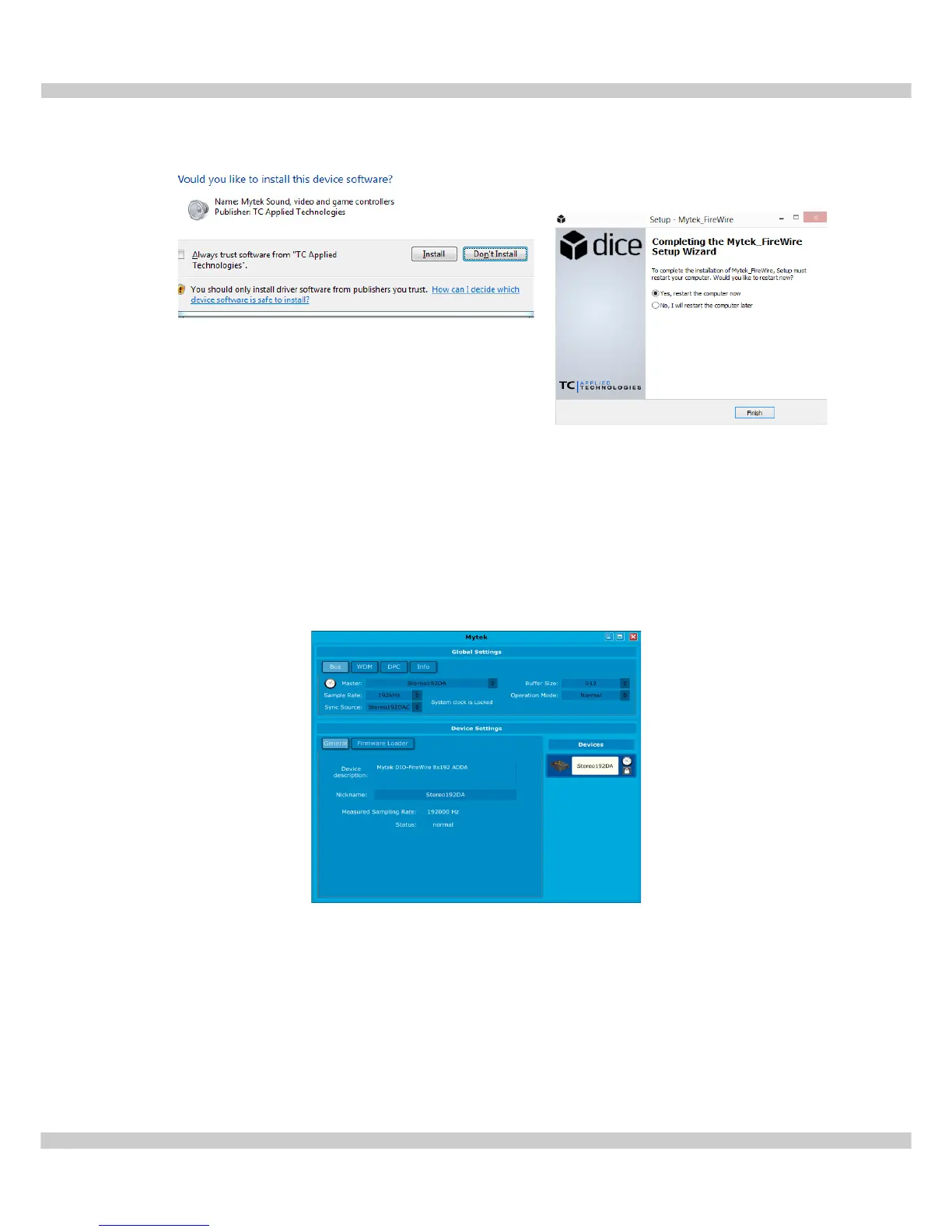
6. If any “Window's Security Warnings” appears choose Install to continue installation.
7. Once installation has begun it may take several
minutes to complete please be patient until the
task completes. Finalize the installation by
selecting Restart. This will restart your computer
and complete the Mytek Firewire driver installation.
8. After computer reboot turn the Manhattan ON. Next double clict the icon to open the
Mytek_Firewire Control Panel. The black cube icon is located in your Start menu
and on your Desktop.
9. Make sure the Stereo192-DSD DAC is connected and input is set to Fire. If so the
Mytek Control Panel will say System Clock Locked.
www.mytekdigital.com Page: 15/25


 To Next Page
 Loading...