9
EFTPOS terminal
Supplied equipment with terminal
Sagem Terminal
Power pack and cord
POS connector cable (RS22 cable)
(optional) RS22 to USB adaptor cable
GPRS SIM
Paper Roll
Installation steps
1. Power the terminal. Connect the power pack and cord then plug into a power point.
2. Connect the power adaptor to the power socket on the back of the terminal.
. Connect the RS22 cable (supplied) to the COM port on the back of the PC
(normally COM 1).
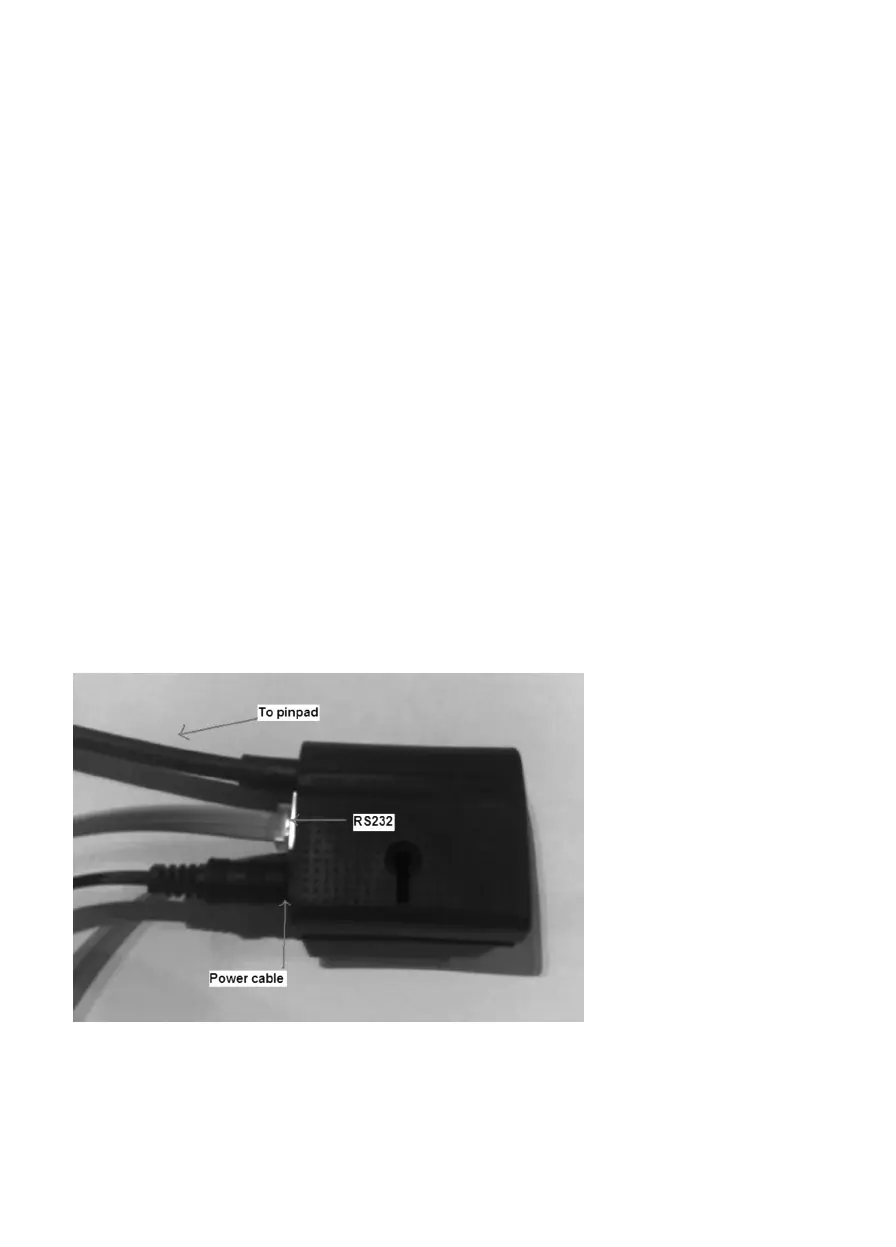
4. Connect the other end of the RS22 cable to the RS22 connector located next to the
power cable shown below.
NAB Integrated hardware installation



 To Next Page