En /
4/ Mode 3: PC Advanced Mode*
(via PC / Mac companion app)
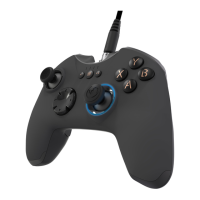
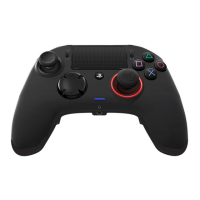
In this mode you can use Revolution Pro Controller 2 to play PC games. To do so you will need to download, and
install, the PC / Mac companion app, which is compatible with Windows® 7/8/10 & Mac OS X 10.11 (El Capitan) / 10.12
(Sierra) operating systems. It can be downloaded at the following link:
www.nacongaming.com
Once you have downloaded the companion app and launched it, follow the onscreen instructions for the
installation (registration required to download the software).
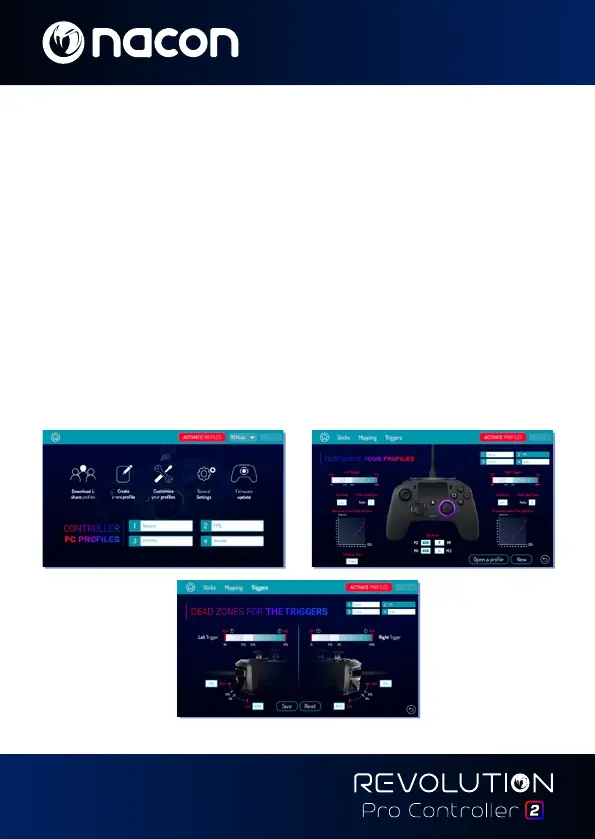
After installing the PC / Mac companion app you will be able to do the following:
• Adjust the settings of the left and right sticks
• Re-map all buttons (excluding PS button)
• Map buttons to the 4x shortcut buttons
• Create and load up to 4x custom profiles onto your controller, then switch between them during game play
• Adjust the dead-band on the L2 and R2 triggers
• Independently adjust the vibration intensity on the left and right hand grips
• Adjust the backlight around the right stick
*PC Advanced Mode not tested nor endorsed by Sony Interactive Entertainment Europe.



 To Next Page