EN /
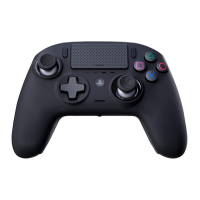
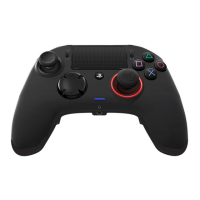
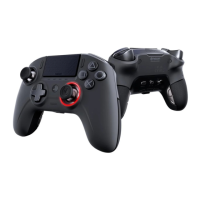
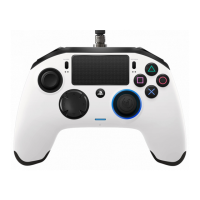
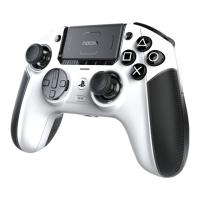
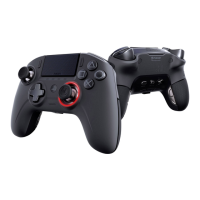
I Features
This controller has 3 x modes:
Mode 1 = PS4™ Mode (see section 2)
Mode 2 = PS4™ Advanced Mode (see section 3)
Mode 3 = PC Advanced Mode* (see section 4)
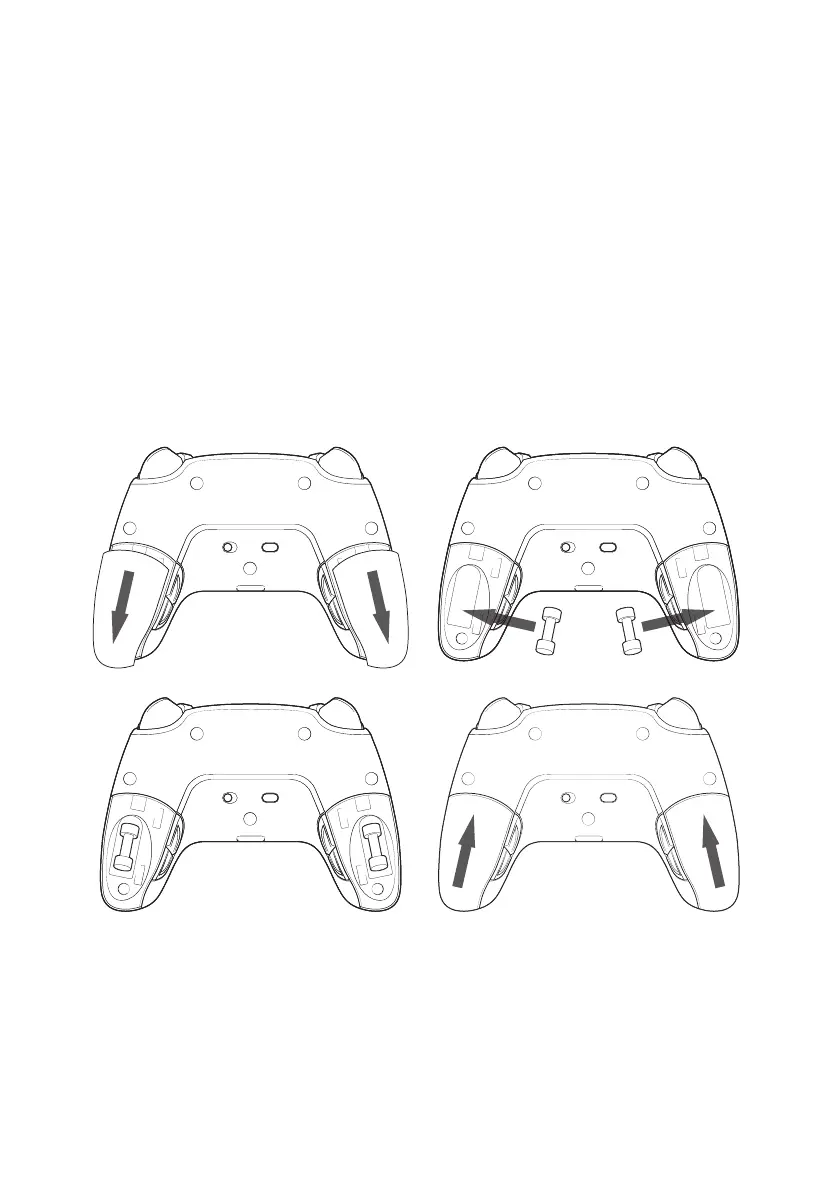
I Weight management
To modify the weight of your controller you need to:
1. Carefully slide down the weight compartment to open it.
2. Insert the weight as desired.
3. Carefully slide up the weight compartment to close it.
I Audio setting management
To adjust volume level and microphone gain from the PS4™ system, you need to:
1. Open the PS4™ system’s menu: “Settings” > “Devices” > “Audio devices”.
2. Adjust manually the volume and microphone levels.
*PC Advanced Mode not tested nor endorsed by Sony Interactive Entertainment Europe.



 To Next Page