EN /
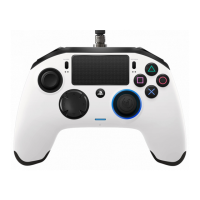
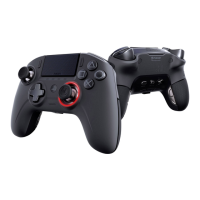
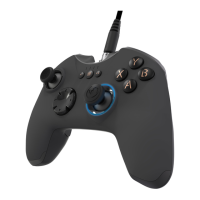
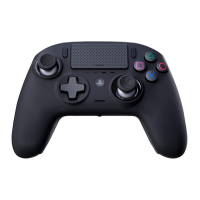
1/ How to use the REVOLUTION Pro Controller 3
Note: do not touch the sticks or triggers when you connect your controller to any PS4™ system.
-
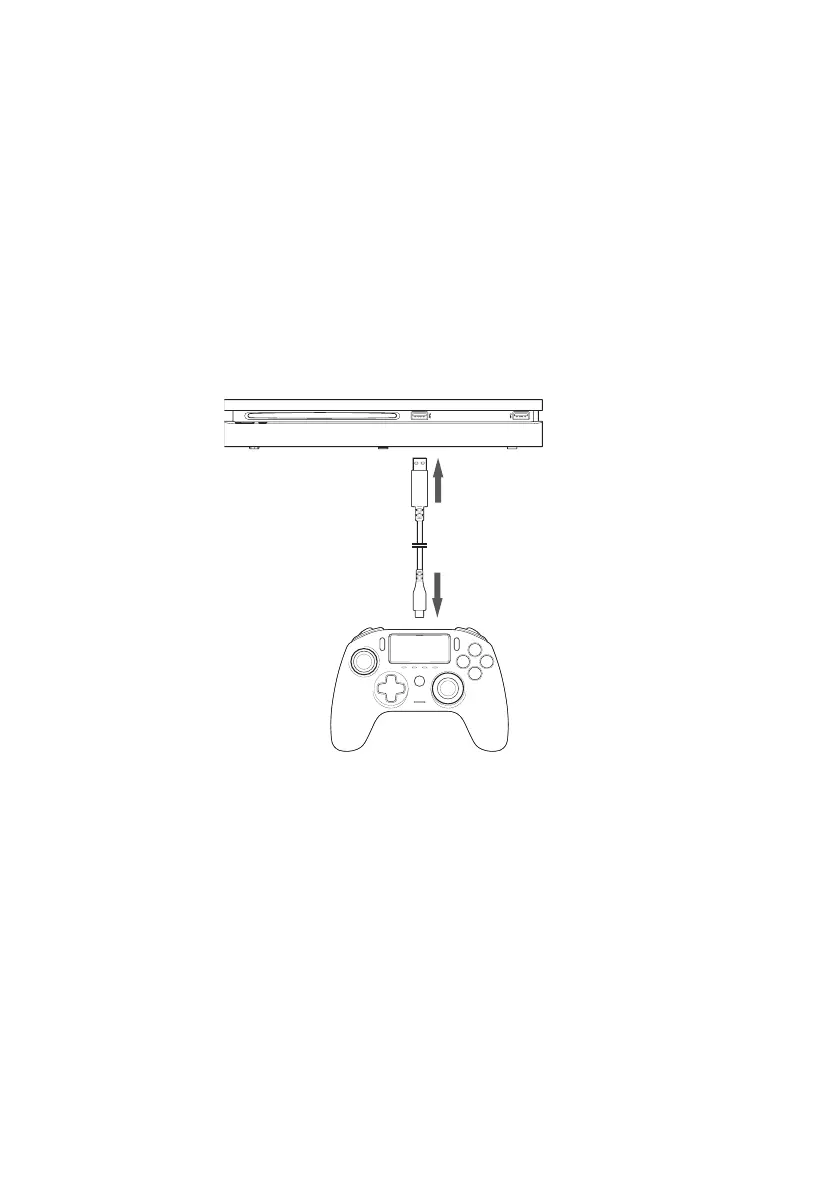
Connect the cable to the back of the controller and ensure it is securely fastened.
-
Plug the controller into a free USB port on any powered on PS4™ system, ensuring
that you do not touch the sticks or triggers.
-
Press the PS button. The LED player status indicator will light up. Please note the
player status indicator can react to in-game action, if supported by the software.
-
You are now ready to play.
-
The controller will power off as soon as it is disconnected from the cable or PS4™
system.
NOTES:
- The 'Mode Selection' switch on the back determines if the controller is working
in PS4™ Mode (Position 1) or PS4™ Advanced Mode (Position 2).
- The PC Advanced Mode (Position PC) allows to switch your controller into the
X-Input Mode for PC* use.
*PC Advanced Mode not tested nor endorsed by Sony Interactive Entertainment Europe.



 To Next Page