6
UNPACK and INSTALL
WHAT'S IN THE BOX.....
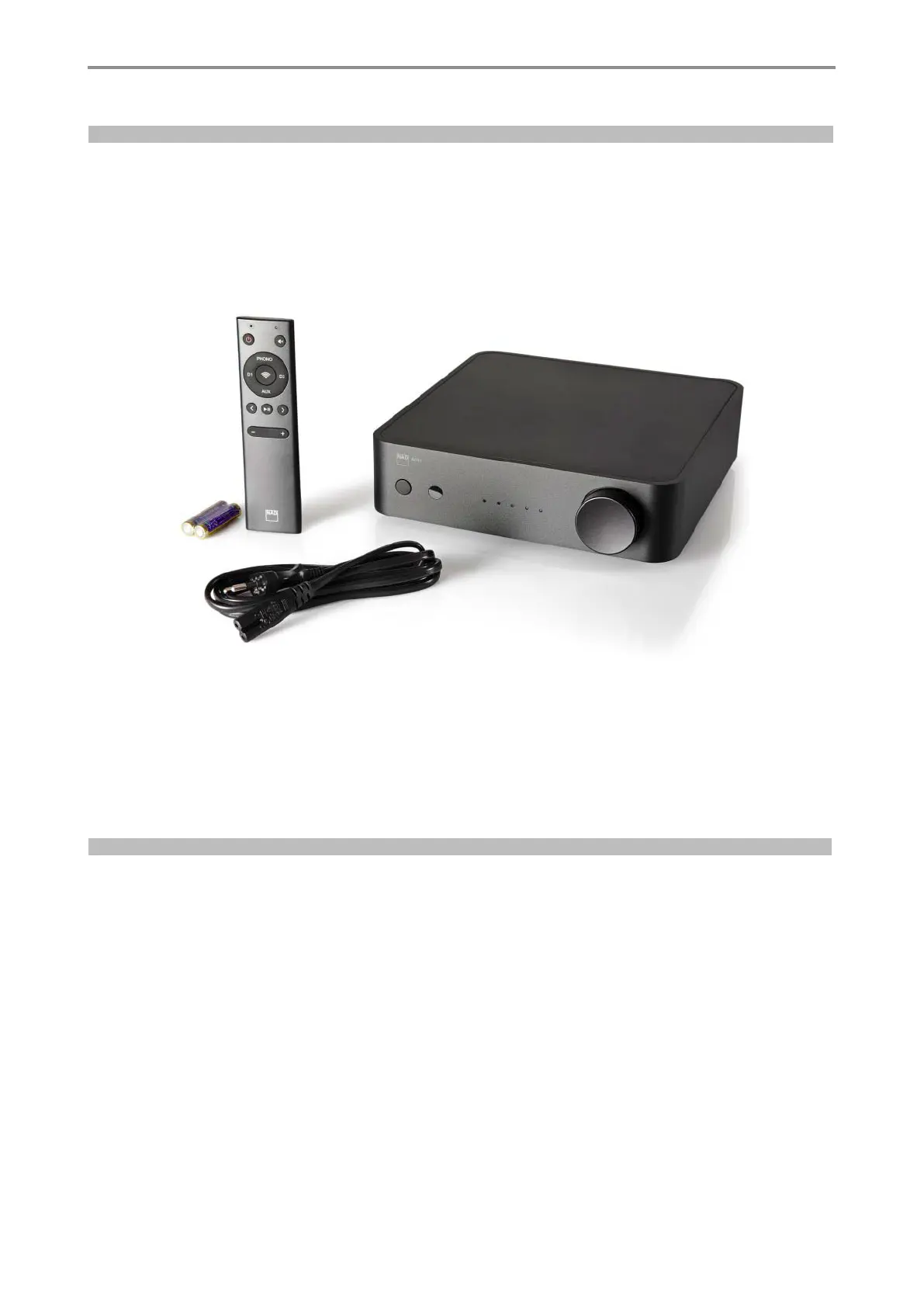
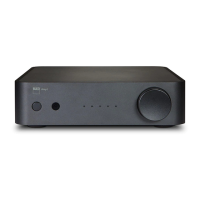
• NAD AMP1
• Quick start guide
• Power cable
• Remote Control with AAA batteries
• Google Chromecast instructions
We recommend that you keep the original box and packing material for future. transportation.
We also recommend that you keep this User Manual for future use.
Quick installation guide
This simple guide will help you get started with your AMP1.
Place the AMP1 on a firm, level surface. Do not place the unit on a soft surface like a carpet.
Make all the connections to your AMP1 with the unit unplugged from the mains power source. It is also advisable to power down or unplug all
associated components while making or breaking any signal or AC power connections.
1 Connect applicable speakers to the LEFT and RIGHT SPEAKERS terminal ofthe AMP1.
2 Using applicable connectors (not supplied), connect source devices to corresponding input sockets of the AMP1.
3 Connect corresponding end of the mains power cord to the AC mains input of the AMP1and the plug connected to a mains power source.
4 With all applicable sources hooked up to the AMP1 and powered up, press (Standby) to switch ON the AMP1 from standby mode.
5 Start listening by rotating the SOURCE knob to select preferred source input. Rotate Volume control knob to adjust audio level.
Getting started
LAN$ HSTREAMING LAN
S/PDIF sources $ OPTICAL D1, OPTICAL
D2
Analog sources $ LINE IN, PHONO (MM)
Other sources $ Bluetooth/Google Chromecast


 To Next Page