7
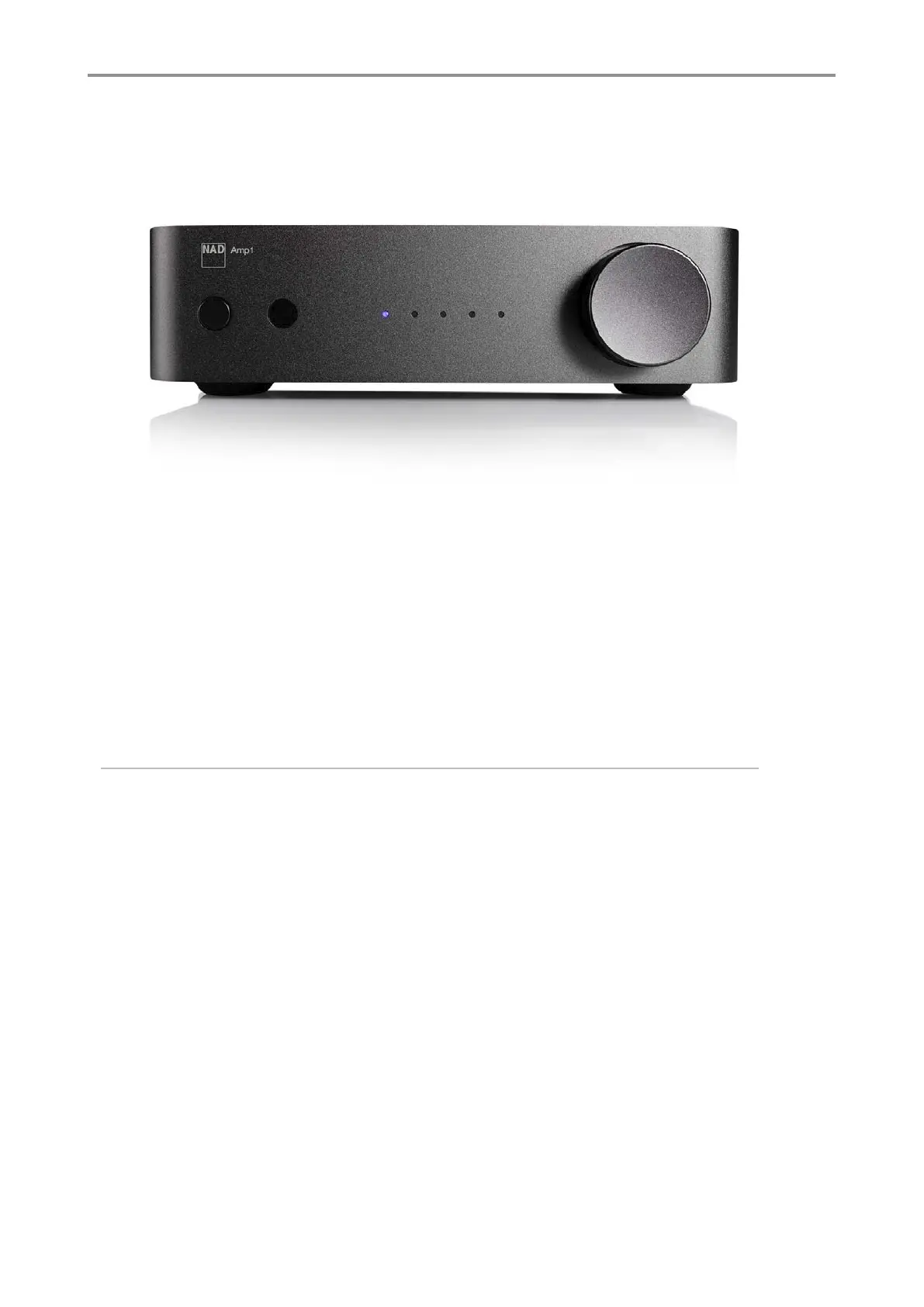
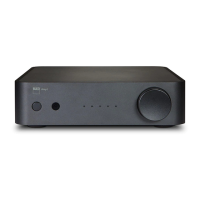
1. Power On power Off
- Press to power ON, press to power OFF.
2. Remote eye sensor
3. Five LED Input indicators - from left to right: Cast/BT, Phono, Line In, Optical Input (D1), Optical Input (D2)
4. Volume control and selector.
- Turn left or right for volume +/-, press volume button for input select.
IDENTIFICATION OF CONTROLS
① ②
③ ④
FRONT CONTROLS


 To Next Page