IDENTIFICATION OF CONTROLS
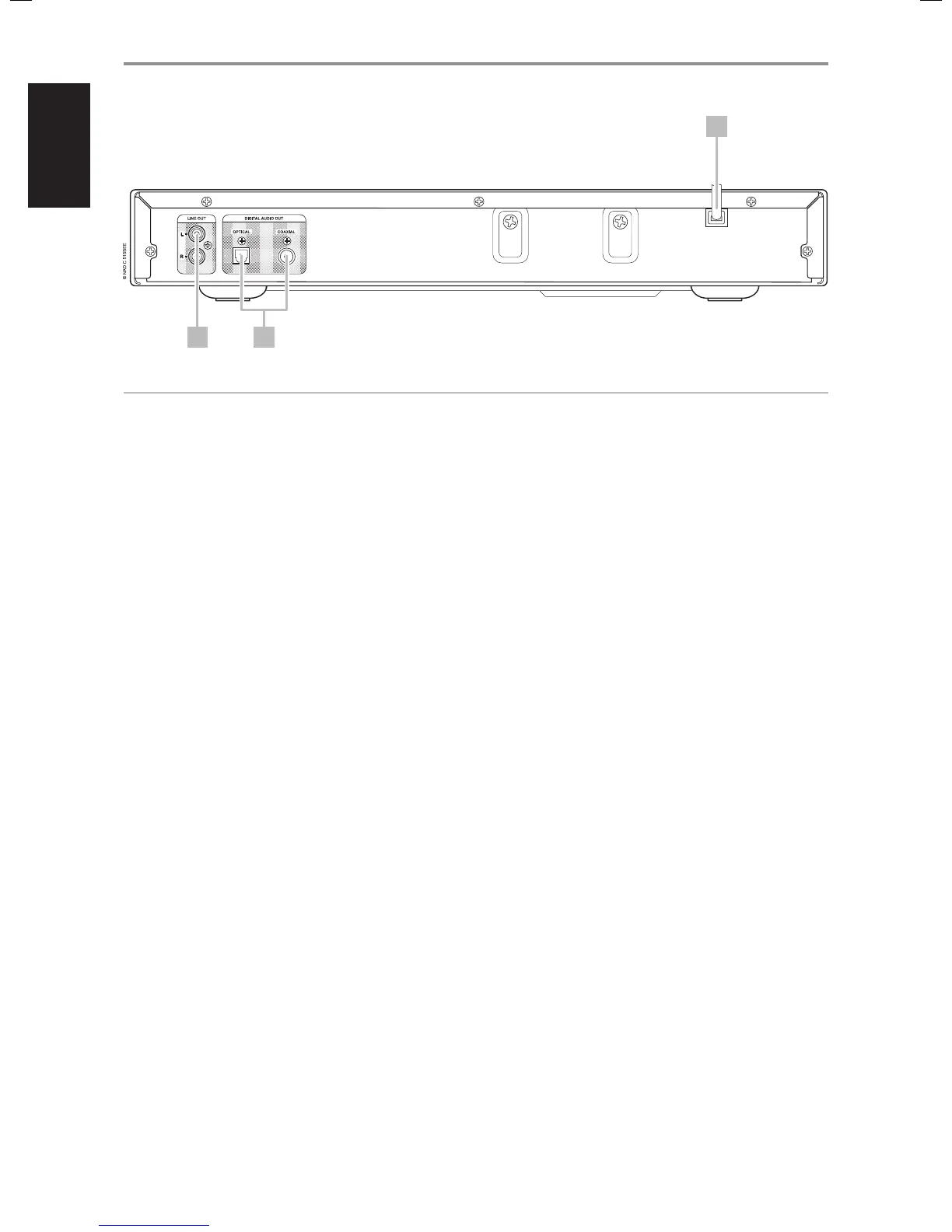
REAR PANEL
1 LINE OUT: Connect to the corresponding analog audio input of an
amplier, receiver or stereo system.
2 DIGITAL OUT (COAXIAL, OPTICAL): Connect the optical or coaxial
digital OUT ports to the corresponding S/PDIF digital input of an
amplier, receiver, computer soundcard or other digital processors.
3 AC POWER CORD: Plug the AC power cord into a live AC wall socket.
Make sure all connections have been made before connecting to the
mains.
3
1 2
ATTENTION!
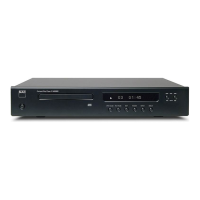
Please make sure that the C 515BEE is powered o or unplugged before making any connections. It is also advisable to power-down or unplug all
associated components while making or breaking any signal or AC power connections.


 To Next Page