EasyManua.ls Logo

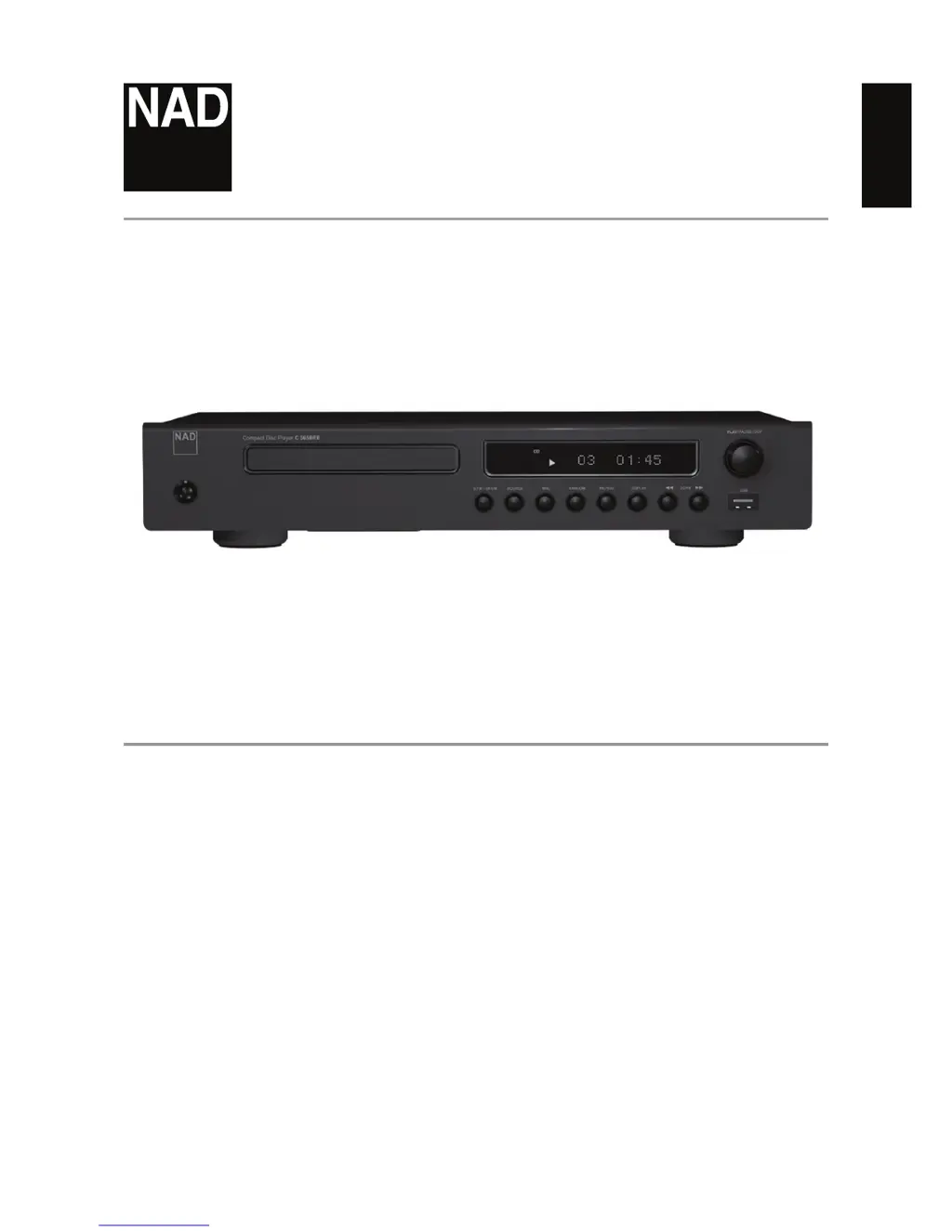
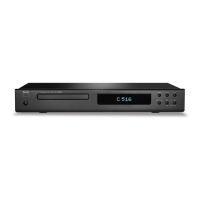
NAD C565BEE - User Manual

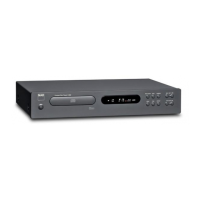
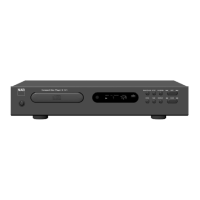
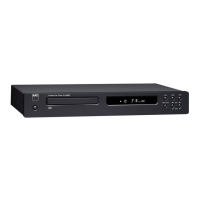
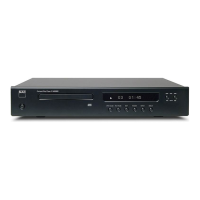
NAD C565BEE
20 pages
Print Icon
To Next Page IconTo Next Page
Loading...
ENGLISHFRANÇAISESPAÑOLITALIANODEUTSCHNEDERLANDSSVENSKAРУССКИЙ
®
Owners Manual
C565BEE
Compact Disc Player

Other manuals for NAD C565BEE

Questions and Answers

  • E
    ernestdoyleAug 13, 2025
    Why is there no sound coming from my NAD C565BEE CD Player?
    • J
      Jesse MorrisonAug 13, 2025
      If you're not getting any sound from your NAD C 565BEE CD Player, there are a couple of things to check: * Make sure the equipment connected to the CD player with the audio cable is set to the correct input mode to receive the CD signal output. Select the correct input mode of the audio receiver so you can listen to the sound from the C 565BEE. * Ensure that the equipment connected to the audio cable is turned on.
  • C
    cervantesbradleyAug 16, 2025
    What to do if my NAD C565BEE CD Player does not start playback?
    • R
      Richard HarrisAug 16, 2025
      If your NAD C 565BEE CD player isn't starting playback, try these solutions: * Ensure the disc is loaded correctly with the label side facing up. * Clean the disc, as it might be too dirty.
  • J
    Jasmin PorterAug 20, 2025
    Why does the sound skip on my NAD C565BEE CD Player?
    • M
      Melissa MartinezAug 20, 2025
      If the sound skips on your NAD C 565BEE, it might be due to vibration or physical shock from external sources. Try changing the installation location of the CD player.
  • Y
    Yvonne JonesAug 23, 2025
    What to do if NAD C565BEE CD Player power is on but it doesn't work?
    • V
      Victor TateAug 25, 2025
      If the power is on but your NAD C 565BEE CD player isn't working, make sure a disc is inserted.
  • J
    John SchwartzAug 28, 2025
    What to do if the NAD CD Player remote control does not work?
    • A
      Andrea LynchAug 28, 2025
      If the remote control for your NAD CD Player isn't working properly, try the following: * Make sure you're pointing the remote directly at the remote sensor on the CD player. * Try moving closer to the CD player, as the remote might be too far away. * Replace the batteries in the remote control, as they might be dead.
  • E
    Elizabeth BarronAug 31, 2025
    How to fix NAD C565BEE CD Player with no power?
    • S
      Shannon JonesAug 31, 2025
      If your NAD CD Player has no power, make sure the power cord is securely plugged into the wall outlet.
  • K
    Kendra FernandezSep 4, 2025
    Why does my NAD C565BEE CD Player VFD show 'UNLOCKED' at Optical Input mode?
    • F
      Faith DavisSep 4, 2025
      If your NAD C 565BEE's VFD shows 'UNLOCKED' in Optical Input mode, it could be due to these reasons: * No source component is connected to the OPTICAL DIGITAL AUDIO IN port on the rear panel. Connect a source component to this port. * The connected source is not supplying a compatible audio signal. Ensure that the connected source is supplying a compatible audio signal via the C 565BEE’s OPTICAL DIGITAL IN.
  • K
    Kelly MontgomerySep 8, 2025
    How to fix NAD C565BEE that cannot be switched to standby mode?
    • K
      Kelly HawkinsSep 8, 2025
      If your NAD C 565BEE CD player cannot be switched to standby mode, check if a mono plug is plugged into the +12V TRIGGER IN port on the rear panel. If it is, unplug it.

Summary

IMPORTANT SAFETY INSTRUCTIONS

General Safety Guidelines

Covers reading instructions, cleaning, attachments, water proximity, placement, and ventilation.

Power, Grounding & Protection

Ensures correct power source, grounding, cord protection, external connections, and lightning safety.

Service, Hazards & Compliance

Procedures for service, replacement parts, hazards, FCC, and laser safety.

Environmental & Battery Disposal

Notes on environmental protection and proper disposal of waste batteries.

INTRODUCTION

Getting Started Guide

Covers unpacking, setup, location choice, installation notes, and initial setup steps.

IDENTIFICATION OF CONTROLS

Front Panel Controls

Detailed descriptions of buttons, indicators, and the display on the player's front panel.

Rear Panel Connections

Explanation of all input/output ports and connectors on the rear of the unit.

Remote Control Overview

Description of the CD 9 remote control buttons and battery compartment.

OPERATION

CD Playback Modes

Instructions for playing audio CDs, CD-R/RW, MP3/WMA files, and programming tracks.

USB & Optical Input Usage

Guide to connecting and playing audio from USB devices and optical digital sources.

Remote Control Operations

Using the remote for programming, filter selection, and other playback functions.

REFERENCE

Troubleshooting and Problem Solving

Common issues with the player and their potential solutions.

Disc Care and Storage

Recommendations for handling, cleaning, and storing discs to ensure playback quality.

SPECIFICATIONS

Technical Data and Dimensions

Details on general parameters, power consumption, and physical dimensions of the unit.

Safety Instructions

Installation and Usage Precautions

Covers unpacking, power, water, mounting, ventilation, heat, cords, and outlet safety.

Electrical and Servicing Safety

Details antenna grounding, lightning protection, cart safety, cleaning, and servicing requirements.

Warranty Information

NAD C565BEE Specifications

General IconGeneral
BrandNAD
ModelC565BEE
CategoryCD Player
LanguageEnglish

Related product manuals