EasyManua.ls Logo

NAD C541 - User Manual

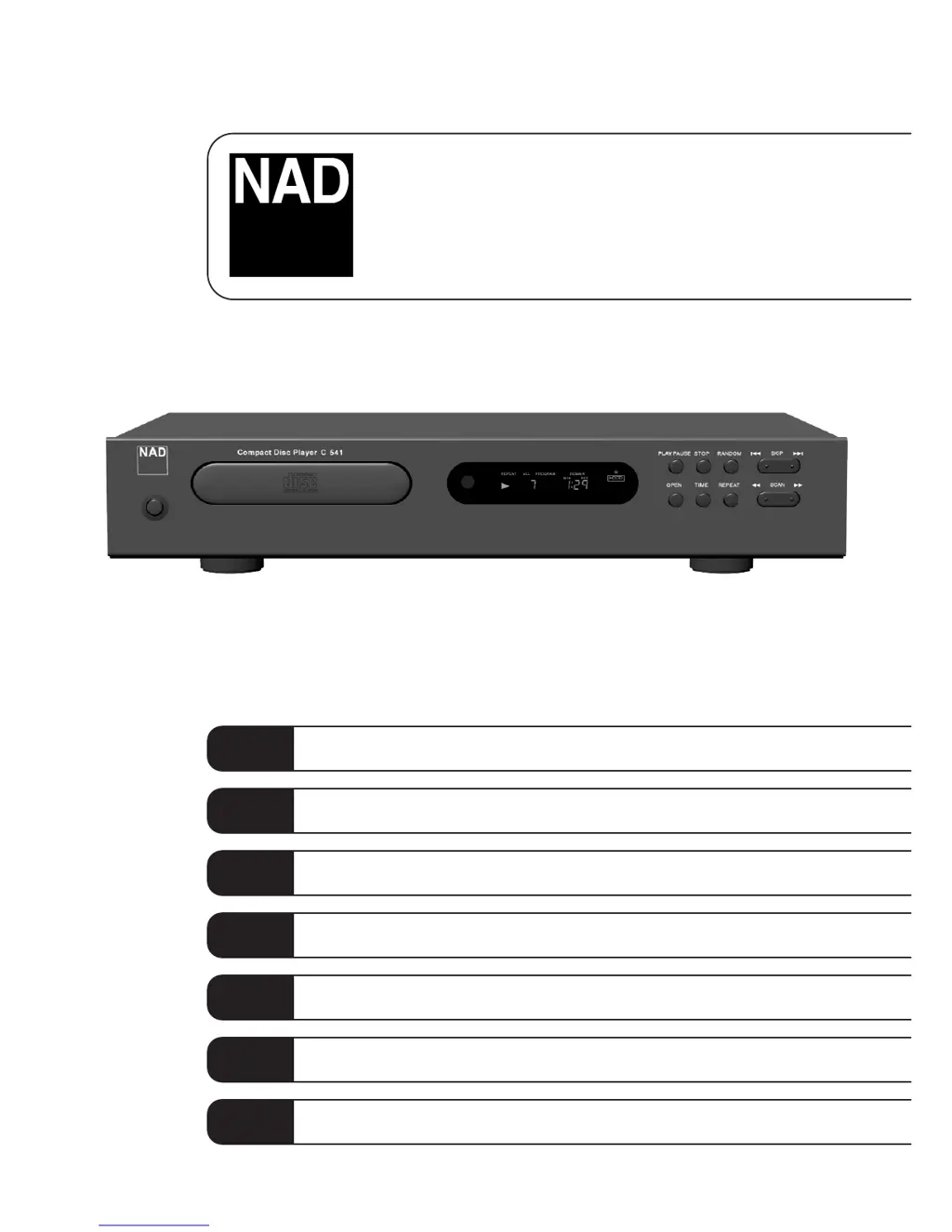
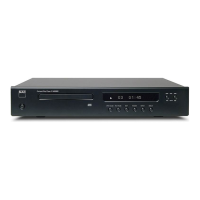
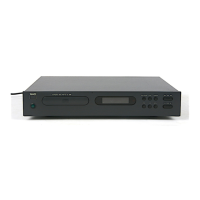
NAD C541
46 pages
Print Icon
To Next Page IconTo Next Page
Loading...
Owner’s Manual
GB
Manuel d’Installation
F
Bedienungsanleitung
D
Manual del Usuario
E
Manuale delle Istruzioni
I
Manual do Proprietário
P
Bruksanvisning
S
C541
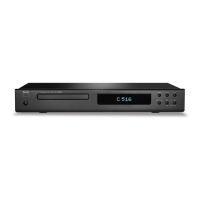
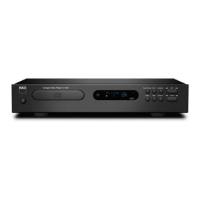
Compact Disc Player

Questions and Answers

  • A
    Ashley EllisonJul 26, 2025
    Why is there no sound from my NAD C541?
    • O
      ocoleJul 26, 2025
      First, verify that the audio cables are correctly connected between the CD player and your amplifier/receiver. Also, ensure that the input selector on your amplifier or receiver is set to CD.
  • B
    Barry BarkerJul 31, 2025
    What to do if my NAD C541 remote control does not work?
    • B
      Benjamin PhillipsJul 31, 2025
      Try replacing the batteries in the remote control. If that doesn't work, make sure there are no objects blocking the remote sensor on the CD player.
  • A
    Alexandria NewtonAug 5, 2025
    What to do if my NAD C541 CD Player disc play does not start?
    • T
      Tina FisherAug 5, 2025
      Make sure the disc is loaded correctly, with the label side facing up. If it still doesn't play, the disc may be dirty, so try cleaning it.
  • A
    Allen ThomasAug 9, 2025
    What to do if my NAD CD Player sound skips?
    • S
      spencer25Aug 10, 2025
      The CD player might be experiencing vibration or physical shock from external sources. Try changing the installation location to a more stable surface.
  • D
    debrarodriguezAug 14, 2025
    How to fix a humming sound from my NAD CD Player?
    • C
      Christopher Mitchell IIAug 14, 2025
      Check all cable connections, especially the phono connecting cables, to ensure they are not loose.
  • B
    Brandon Delgado MDAug 19, 2025
    What to do if my NAD CD Player has no power?
    • C
      Carlos JonesAug 19, 2025
      Make sure the power plug is firmly inserted into the AC outlet.

Summary

Important Safety Instructions

Electrical Safety Precautions

Warnings to prevent electric shock, fire, and moisture damage.

Installation and Grounding Guidelines

Guidelines for safe installation near power lines and antenna grounding.

Front Panel Controls

Power On;Off and Disc Drawer

Describes the power button operation and the disc drawer functionality.

Display Functions

Details information provided by the display regarding playback status.

Playback Control Buttons

Explanation of Open, Play/Pause, Time, Stop, and Repeat buttons.

Random, Scan, and Skip Operations

Instructions for using Random, Scan, and Skip functions for track selection.

Rear Panel Connections

Line Output

Connects the player's audio output to an amplifier's line-level input.

Digital Output

Provides a digital audio signal output compatible with SPDIF standard.

NAD Link In;Out

Enables centralized control of the system by passing commands.

AC Line Cord

Connects the player to a standard AC mains wall outlet.

Remote Control Operation

Numeric Keypad and Program Entry

Using keypad for direct track selection and programming playback sequences.

Installation and Maintenance

Installing and Replacing Batteries

Instructions for installing and replacing AAA batteries in the remote control.

Handling and Cleaning Compact Discs

Guidelines for proper disc handling, cleaning, and care to ensure playback.

Troubleshooting

Power and Playback Issues

Addresses no power, disc not starting, or no sound issues.

Sound and Remote Control Problems

Solutions for sound skips, non-functional remote, or humming sounds.

NAD C541 Specifications

General IconGeneral
TypeCD Player
Digital to Analog Converter24-bit/192kHz
Signal to Noise Ratio>110dB
Total Harmonic Distortion<0.003%
OutputRCA
Channel Separation>90dB
Frequency Response20Hz - 20kHz
Output Voltage2V

Related product manuals