EasyManua.ls Logo

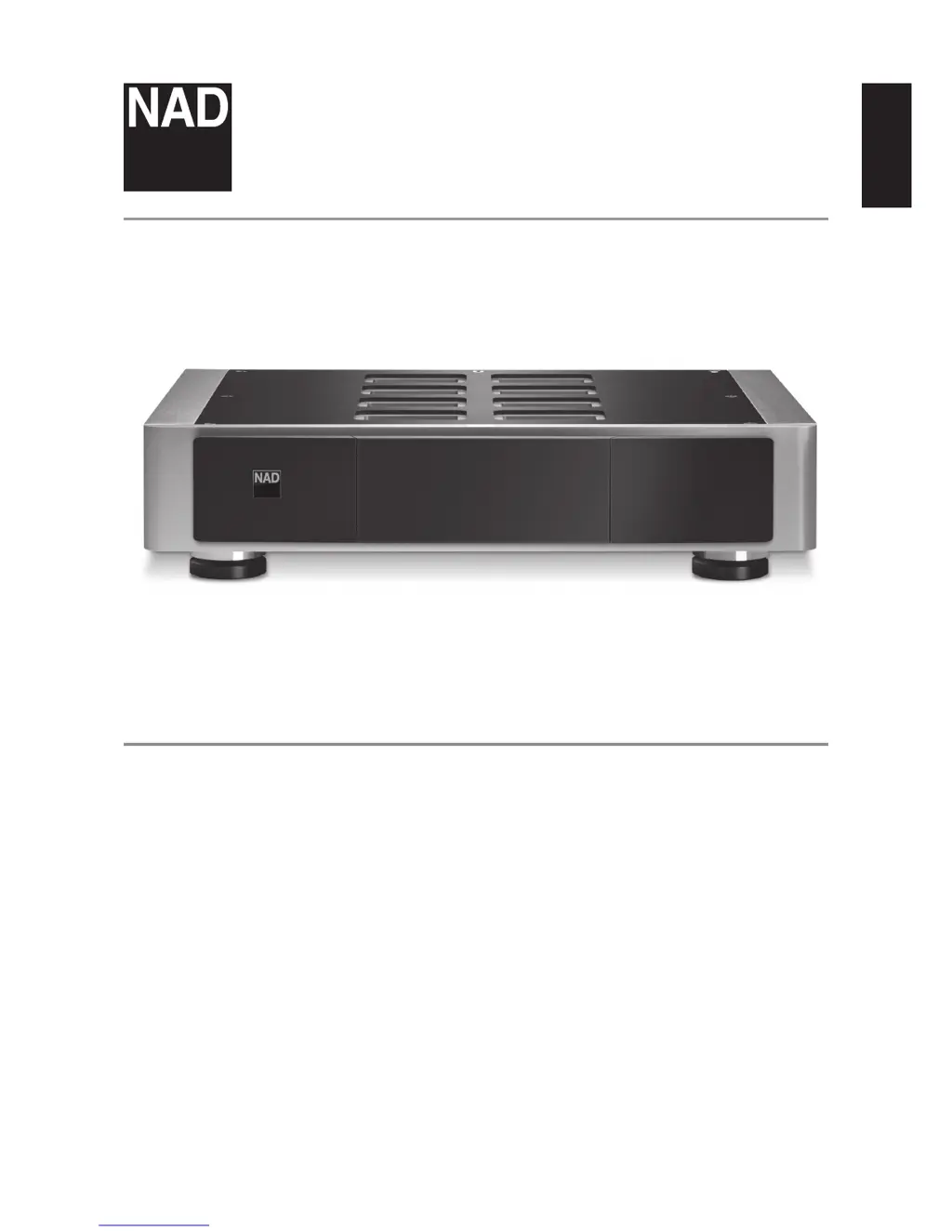
NAD M22 - User Manual

NAD M22
12 pages
Print Icon
To Next Page IconTo Next Page
Loading...
ENGLISHFRANÇAISESPAÑOLITALIANODEUTSCHNEDERLANDSSVENSKAРУССКИЙ
®
Owners Manual
M22
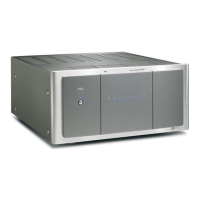
Stereo Power Amplier

Other manuals for NAD M22

Questions and Answers

  • B
    Briana BellJul 26, 2025
    How to fix NAD Amplifier when it has no power?
    • T
      Tracy McgeeJul 27, 2025
      If your NAD Amplifier has no power, ensure the mains power cord is securely connected to both the amplifier's AC input and a working power outlet. Also, verify that the power switch is turned ON. If the amplifier is in standby mode, press the Standby button to switch it ON.
  • T
    torresalexanderAug 1, 2025
    What to do if NAD Amplifier has no sound?
    • S
      Stacy RichardAug 1, 2025
      If you are not getting any sound from your NAD Amplifier, first check that an active input signal is being applied through the analog audio input ports. Then, make sure the volume control on your external source is not set to the minimum level. Increase the volume until you can hear the audio.
  • E
    Emma SwansonAug 5, 2025
    What to do if NAD Amplifier has no sound in one channel?
    • K
      Kim ReynoldsAug 6, 2025
      If you're experiencing no sound from one channel on your NAD Amplifier, begin by inspecting the speaker connections to ensure they are properly connected and not damaged. Next, check the input leads and their connections to confirm they are neither disconnected nor damaged.
  • B
    Benjamin ScottAug 10, 2025
    Why is my NAD Amplifier always at standby mode?
    • T
      Tina WilsonAug 11, 2025
      If your NAD Amplifier is always in standby mode and cannot be switched on using the Standby button, check the +12V TRIGGER IN port on the rear panel. If a mono plug is plugged in, unplug it.
  • W
    William SmithAug 16, 2025
    How to enable balanced audio output on NAD Amplifier?
    • M
      Morgan WongAug 16, 2025
      If there is no balanced audio output from your NAD Amplifier, check the SELECT switch. If it is set to SINGLE-ENDED, switch it to BALANCED.
  • E
    eric57Aug 20, 2025
    How to enable single-ended audio output on NAD Amplifier?
    • J
      Jennifer NelsonAug 20, 2025
      If there is no single-ended audio output from your NAD Amplifier, check the SELECT switch. If it is set to BALANCED, switch it to SINGLE-ENDED.

Summary

Important Safety Instructions

Outdoor Antenna & Lightning Safety

Grounding for antennas and protection against lightning and power surges.

Safety Instructions: Service, Mounting & Hazards

Electrical Hazard Warnings & Placement

Alerts for electrical shock risks, dangerous voltage, and proper unit placement for ventilation.

Getting Started and Installation

Quick Setup Procedure

Step-by-step guide to connect and operate the M22 amplifier for initial use.

Front Panel Controls and Indicators

Standby Button Operation

Instructions for switching the M22 ON and OFF using the standby button.

Rear Panel Connections and Functions

Protect Mode Indicators

Explanation of the PROTECT LED turning red and troubleshooting steps.

Rear Panel Power and Signal Inputs

Power Switch and AC Mains Input

Operation of the power switch and connecting the mains power cord.

Troubleshooting Common Issues

No Power or Standby Issues

Solutions for the amplifier not powering on or not switching from standby mode.

No Sound or Single Channel Issues

Troubleshooting steps for no audio output or only one channel producing sound.

Specifications and Reference

Overall Specifications

Detailed technical specifications including output power, THD, dynamic power, and input sensitivity.

NAD M22 Specifications

General IconGeneral
Damping factor800
Amplifier class-
Frequency range3 - 30000 Hz
Audio output channels- channels
Signal-to-Noise Ratio (SNR)120 dB
Total Harmonic Distortion (THD)0.003 %
Dynamic power per channel (2 Ohm)355 W
Dynamic power per channel (4 Ohm)640 W
Dynamic power per channel (8 Ohm)620 W
LED indicatorsYes
Product colorBlack, Grey
Connectivity technologyWired
Power consumption (standby)0.5 W
Power consumption (typical)40 W
Package weight15000 g
Weight and Dimensions IconWeight and Dimensions
Depth379 mm
Width435 mm
Height103 mm
Weight8900 g

Related product manuals