EasyManua.ls Logo

NAD M28 - User Manual

NAD M28
10 pages
Print Icon
To Next Page IconTo Next Page
Loading...
Owners Manual
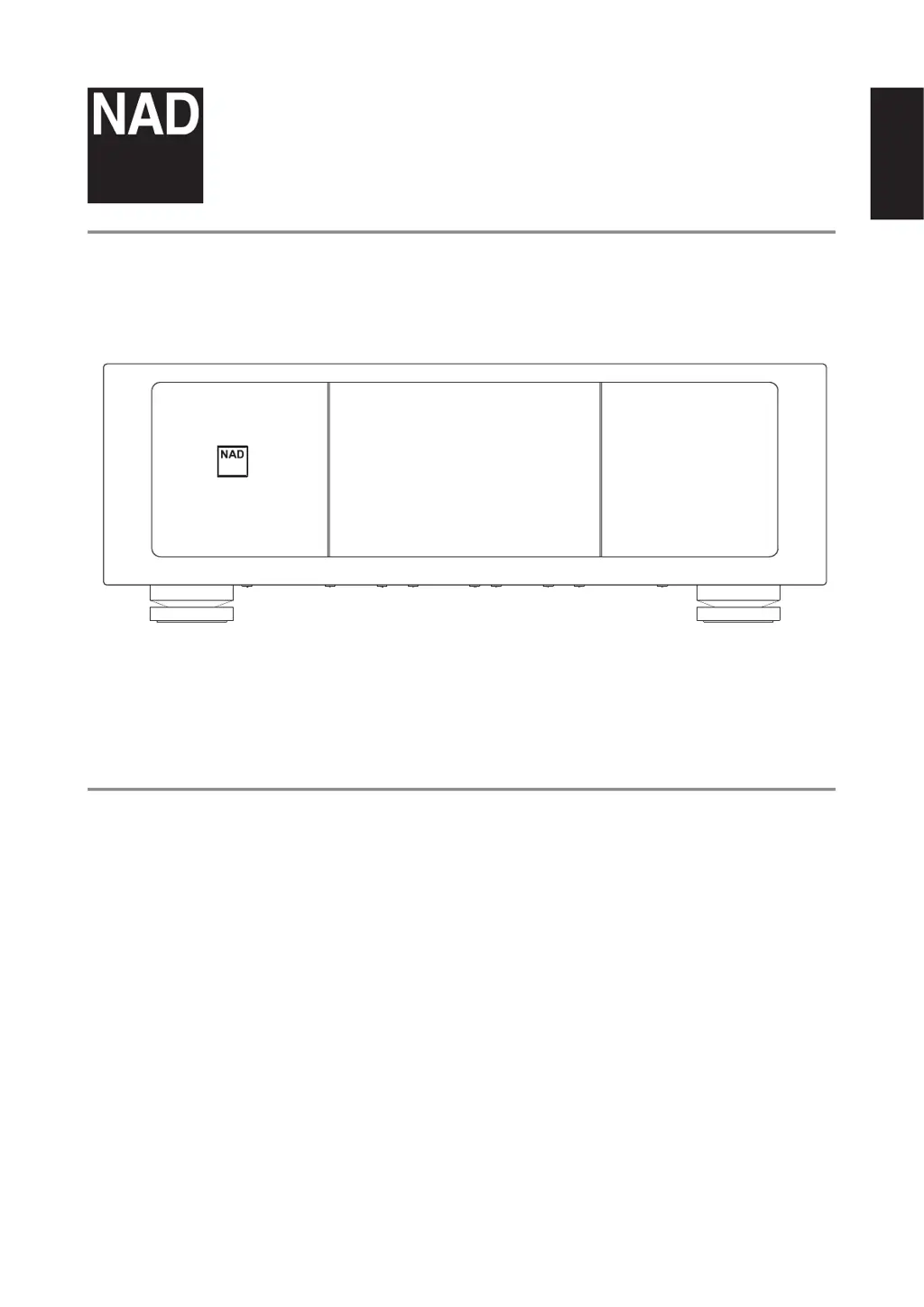
Seven Channel Power Amplier
®
M28
© NAD M28
ENGLISHFRANÇAISESPAÑOLITALIANODEUTSCHNEDERLANDSSVENSKAРУССКИЙ

Questions and Answers

  • E
    Emily FitzgeraldJul 28, 2025
    How to troubleshoot NAD M28 Amplifier with no power?
    • K
      Katelyn CainJul 28, 2025
      If your NAD Amplifier isn't powering on, here's what to check: 1. Ensure the mains power cord is securely plugged into both the amplifier's AC mains input and a working power outlet. 2. Verify that the power switch is in the ON position. 3. If the amplifier is in standby mode, press the Standby button to switch it ON.
  • G
    grossAug 2, 2025
    Why is there no sound coming from my NAD M28?
    • L
      Lisa WhiteAug 2, 2025
      If you're not getting any sound from your NAD Amplifier, consider the following: * Make sure that there is an active input signal applied through the analog audio input ports. * Check the external source volume control and increase the volume to a suitable level.
  • B
    Brian MartinezAug 8, 2025
    What to do if one channel of my NAD M28 Amplifier has no sound?
    • K
      Kirsten LeonardAug 9, 2025
      If you're experiencing sound from only one channel on your NAD Amplifier, try these troubleshooting steps: 1. Inspect the speaker connections to ensure they are properly connected and not damaged. Also, check the speakers themselves. 2. Examine the input leads and connections to confirm they are neither disconnected nor damaged.
  • R
    Rodney DanielsAug 15, 2025
    How to enable balanced audio output on NAD M28 Amplifier?
    • C
      Charles ConradAug 16, 2025
      If there is no BALANCED audio output from your NAD Amplifier, check the SELECT switch. If it is set to SINGLE-ENDED, set it to BALANCED.
  • K
    Kirsten TownsendAug 21, 2025
    How to enable single-ended audio output on NAD M28 Amplifier?
    • J
      Jacob BeckAug 21, 2025
      If there is no SINGLE-ENDED audio output from your NAD Amplifier, check the SELECT switch. If it is set to BALANCED, set it to SINGLE-ENDED.

Summary

Important Safety Instructions

General Safety Guidelines

Covers essential safety guidelines for operation, cleaning, water, and attachments.

Service, Parts, and Disposal

Details conditions requiring service, replacement parts, and battery disposal.

Safety Symbols and Warnings

Explains warning symbols and cautions for electrical shock and operation.

Placement and Environmental Cautions

Provides specific advice on unit placement and avoiding hazards.

Important Safety Instructions (Continued)

FCC Statement and Compliance

Details FCC compliance, CE marking, and general cautions.

Environmental Protection and Battery Disposal

Information on proper disposal of electronic equipment and batteries.

Introduction and Getting Started

Unboxing and Quick Setup

Contents of the box and a step-by-step guide for initial setup.

Installation and Connection Notes

Covers unit placement, ventilation, saving packaging, and connector types.

Feet Installation

Instructions for attaching the magnetic feet to the amplifier.

Identification of Controls

Front Panel Controls

Details the standby button, power indicator, and auto standby features.

Rear Panel Audio Inputs

Explains balanced and single-ended analog audio inputs and their configurations.

Rear Panel Protection Indicators

Describes the protect LEDs and their color indications for different conditions.

Rear Panel Switches and Features

Covers select switch, trigger input, dimmer, fuse holder, and speaker terminals.

Power and Mains Input

Explains the power switch, its standby mode function, and AC mains input.

Reference and Troubleshooting

Troubleshooting Common Problems

Addresses common issues like no power, no sound, and connectivity problems.

Reference and Specifications

Product Technical Specifications

Lists detailed technical specifications, dimensions, and weight.

NAD M28 Specifications

General IconGeneral
Amplifier ClassClass D
Power Output200W per channel (8Ω)
Total Harmonic Distortion<0.003% (250 mW to rated power, 8 Ohms and 4 Ohms)
Signal-to-Noise Ratio>120dB (A-weighted)
Frequency Response20Hz - 20kHz
ConnectivityBalanced XLR inputs, RCA inputs
Dimensions435 x 120 x 400 mm (W x H x D)
Damping Factor>800

Related product manuals