ENGLISH
14
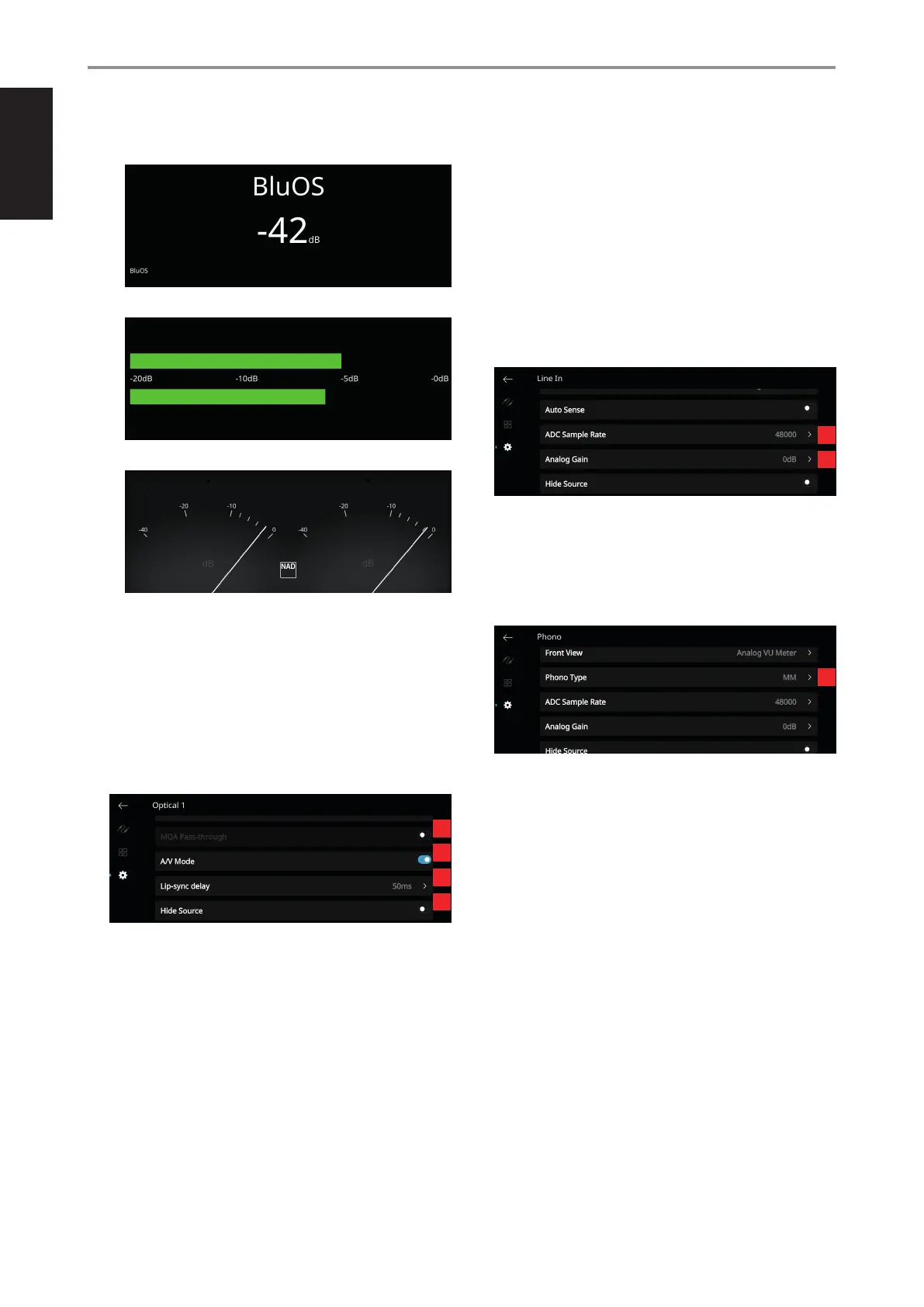
• Source (Detailed): display Source name plus other information like
volume level.
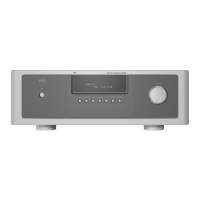
• Digital VU Meter
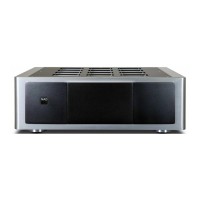
• Analog VU Meter
VU Meter monitors or reects audio input level of current BluOS
source. If “Mute” is enabled, the VU meter will not turn o or go to
minimum level as it is the audio output that is muted.
5 Auto Sense (not applicable for Phono and BluOS Sources): At
enabled mode, unit wakes up from standby mode when triggered by
an applicable active Source.
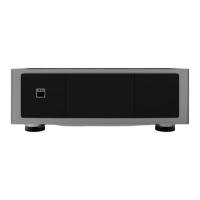
6 MQA Pass-through (applies only to Coaxial and Optical Sources):
Enable MQA Pass-through for the M33 to act as MQA decoder or
renderer when MQA certied CD player or other MQA certied devices
are connected to coaxial or optical input ports.
7 A/V Mode: By connecting your TV or other video sources to your
M33 through coaxial, optical or HDMI input ports, you can listen to
your favorite shows or movies through your BluOS system. Grouping
multiple BluOS devices from one of these inputs can require
an abundance of network trac. A/V mode creates a short and
unobtrusive buer to your audio to ensure your BluOS system stays in
sync with your video even with slower or cluttered networks.
Enabled: With A/V Mode enabled on your input source, audio delay
will be automatically adjusted to keep your grouped BluOS devices
in sync with the video source connected. Use the Lip-sync delay
slider below the A/V Mode setting to manually adjust the lower end
of this delay to better suit the speed of your network.
Disabled: When your M33 is connected to an audio source without
video, such as a turntable or CD player, the A/V Mode setting
should be disabled.
8 Lip-sync delay: With A/V Mode enabled, “Lip-sync delay” can be
adjusted to ensure your audio is staying in sync over your network
with the original video source. By varying “Lip-sync delay” from 50ms to
150ms, one can delay the audio output to synchronize it with the video
image of the corresponding source.
9 Hide Source: Activate or deactivate selected Source
10 ADC Sample Rate (applies to Analog Sources only)
An analog audio input is converted to digital signal by making use of
M33’s superb circuitry called analog-to-digital converter (ADC).
Using this ADC Rate feature, the sampling rate of the resulting digital audio
signal (available at the digital output ports) can be converted into three
levels - 48K, 96K and 192K. Make sure that the associated equipment will be
able to handle the applicable digital audio signal level.
11 Analog Gain (applies to Analog Sources only)
Gain adjustment allows all sources to play back at the same volume
level so you don’t need to adjust the volume every time a new source
is selected. It is generally preferable to reduce the level of the loudest
source rather than making louder the softer sources.
12 Phono Type (applies to Phono Sources only)
OPERATION
USING THE FRONT PANEL DISPLAY
6
7
8
9
10
11
12



 To Next Page