EasyManua.ls Logo

NAD S300 - User Manual

NAD S300
36 pages
Print Icon
To Next Page IconTo Next Page
Loading...
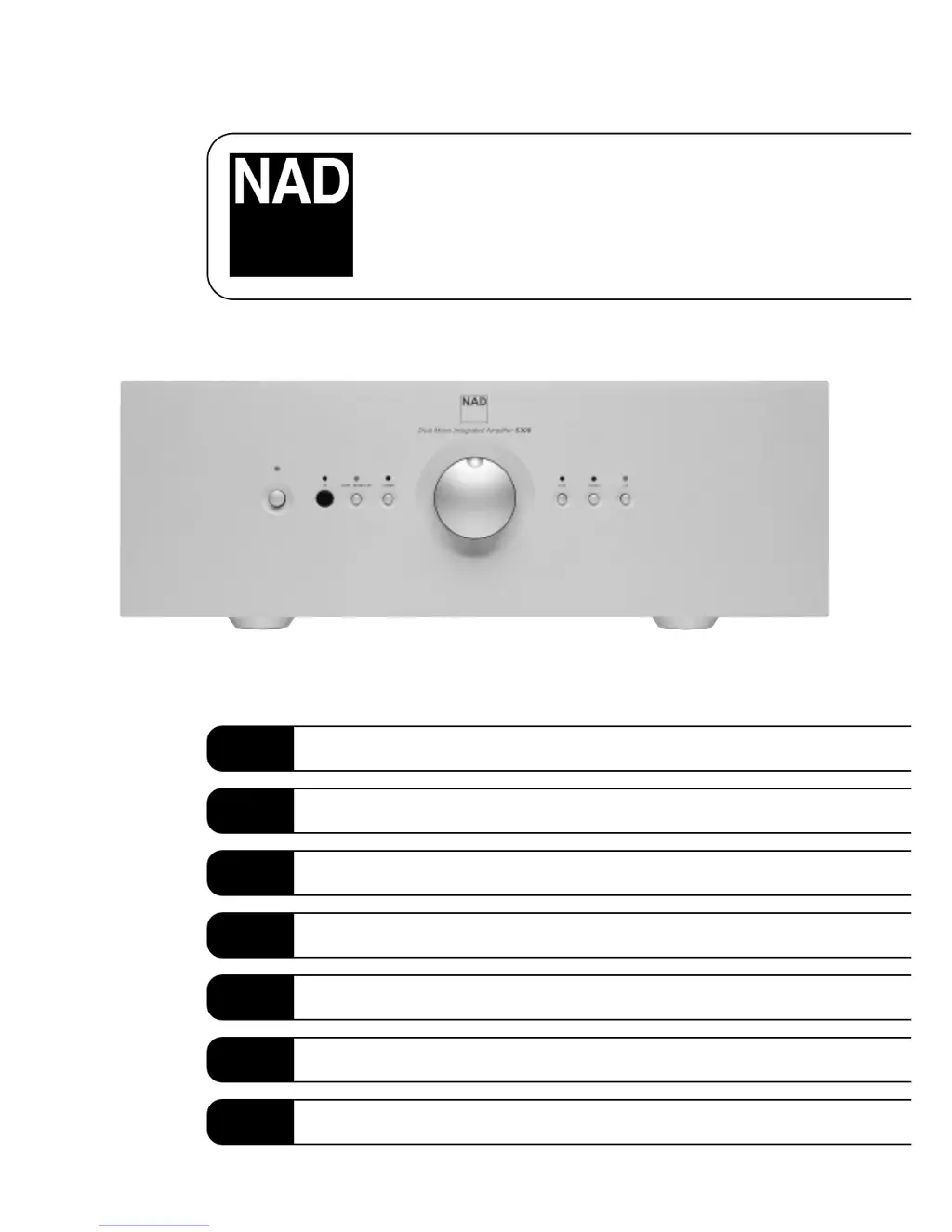
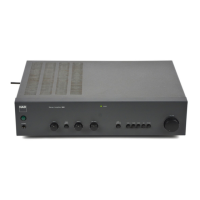
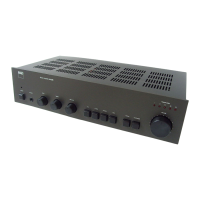
S300
Dual Mono Integrated Amplifier
Owner’s Manual
GB
Manuel d’Installation
F
Bedienungsanleitung
D
Manual del Usuario
E
Manuale delle Istruzioni
I
Manual do Proprietário
P
Bruksanvisning
S

Questions and Answers

  • K
    Kristin MartinezJul 26, 2025
    What to do if my NAD S300 Amplifier has no sound?
    • M
      Martin McintoshJul 26, 2025
      If your NAD Amplifier produces no sound, first ensure the AC Mains cable is properly plugged in and the power is switched on. Check that the TAPE MONITOR mode is not selected and that Mute is switched off. If the problem persists, the internal fuse might be blown, and you should consult a dealer.
  • M
    Mark HudsonAug 3, 2025
    What to do if NAD Amplifier has no sound in one channel?
    • M
      melodydelgadoAug 3, 2025
      If you are experiencing no sound in one channel of your NAD Amplifier, verify that the speaker is properly connected and not damaged. Also, check the input leads and their connections for any damage or disconnection.
  • S
    Shawn SmithAug 9, 2025
    Why does my NAD S300 Amplifier have weak bass / poor stereo image?
    • E
      Edward ReynoldsAug 9, 2025
      If your NAD Amplifier has weak bass or a poor stereo image, it might be due to the speakers being wired out of phase. Check the connections to all speakers in the system to ensure they are correctly wired.
  • J
    Jody ChoiAug 17, 2025
    Why is my NAD Amplifier remote control not working?
    • P
      Paul MendozaAug 17, 2025
      If the remote control handset for your NAD Amplifier isn't working, start by checking or replacing the batteries, ensuring they are correctly inserted. Also, make sure there are no obstructions blocking the IR transmitter or receiver windows.

Summary

Important Safety Instructions

Safety Cautions and Warnings

Essential safety advisories regarding electric shock, moisture, proper placement, and servicing.

Outdoor Antenna Grounding Guidelines

Instructions for safely grounding outdoor antennas to prevent voltage surges and static charges.

Rear Panel Connections

IEC AC Mains (Power) Input

Connection point for the AC power cable supplied with the unit.

Balanced CD Input

Input for balanced CD sources or other line-level signals using XLR connectors.

Video Input

Audio input for video sources like VCRs or satellite receivers.

Aux Input

Auxiliary line-level input for connecting sources without balanced outputs.

Tuner Input

Input for connecting a tuner or other line-level audio source.

Tape, Tape Record

Connections for analogue recording and playback with tape machines.

NAD-Link In, Out

Interface for remote control communication with other NAD units.

Speakers

Output terminals for connecting loudspeakers with 4 ohms or more impedance.

Ground Connector

Terminal for grounding to reduce hum or radio interference.

Front Panel Controls

Power Button and LED

Controls power on/off and indicates standby/operation status.

Input Selectors

Buttons to select the active audio input source.

Remote Control Overview

Quick Start and Installation

Quick Start Guide

Step-by-step initial setup instructions for connecting speakers and sources.

Installation Notes

Guidance on proper placement, ventilation, and handling of the amplifier.

Functions and Operation

Tape Functions

Details on using the tape monitor function for playback and recording.

Balance and Volume Control

Explanation of volume adjustment and the absence of a balance control.

IR (Infra-Red) Receiver

Location and function of the IR sensor for remote control signals.

Remote Control Handset

Overview of the universal remote handset and its capabilities.

Troubleshooting

No Sound Issues

Diagnosing and resolving common problems related to sound output.

One Channel Sound Issues

Troubleshooting steps for when only one speaker produces sound.

Weak Bass; Poor Stereo Image

Addressing issues with bass response and stereo soundstage quality.

Remote Control Handset Not Working

Resolving problems with the remote control's functionality.

NAD S300 Specifications

General IconGeneral
Signal to Noise Ratio>100dB (A-weighted)
Input Impedance20k ohms
Power Output100W per channel into 8 ohms
Frequency Response20Hz - 20kHz +0.3dB
Total Harmonic Distortion<0.03%

Related product manuals