EasyManua.ls Logo

NAD S100 - User Manual

NAD S100
32 pages
Print Icon
To Next Page IconTo Next Page
Loading...
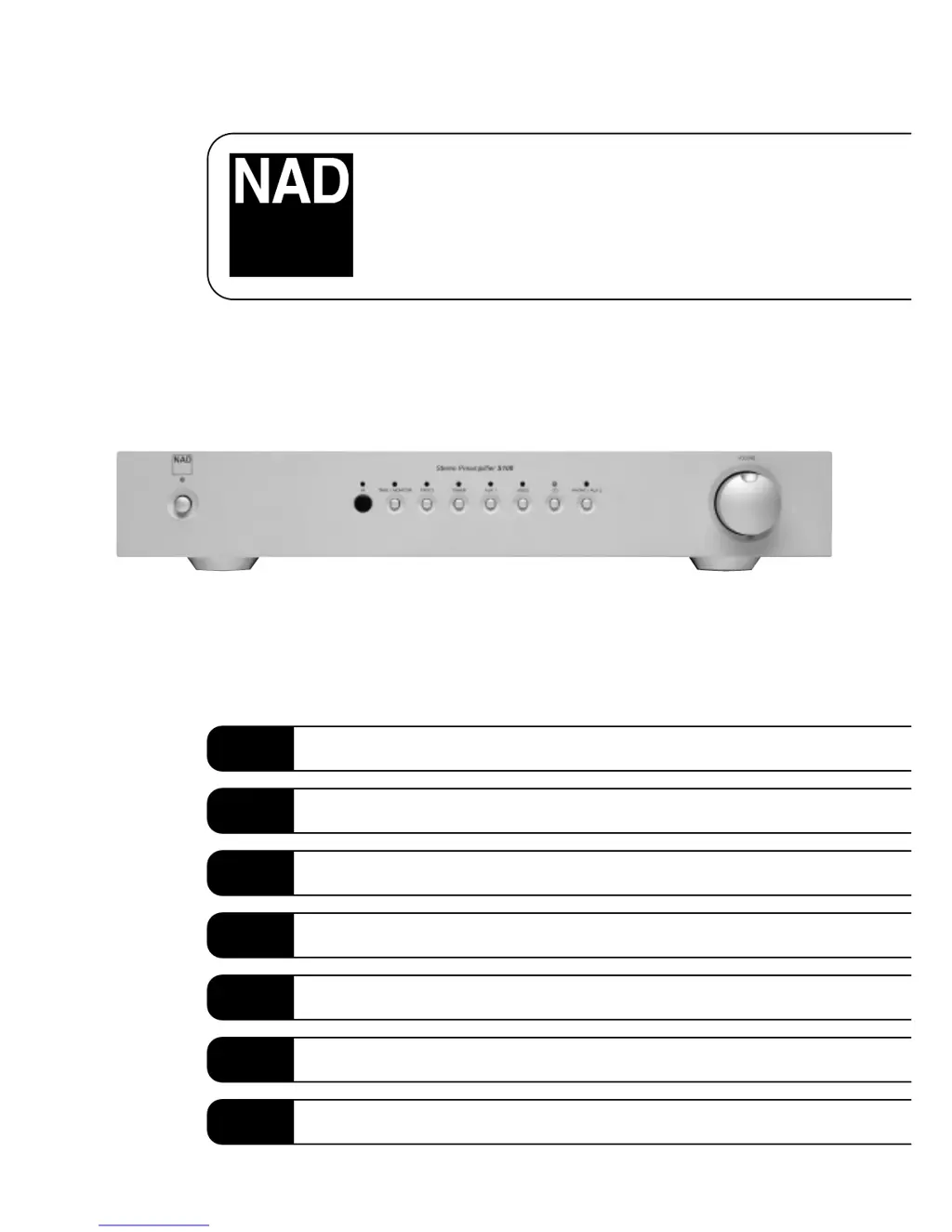
S100
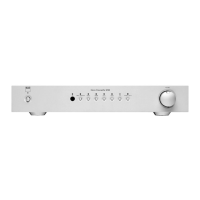
Stereo Preamplifier
Owner’s Manual
GB
Manuel d’Installation
F
Bedienungsanleitung
D
Manual del Usuario
E
Manuale delle Istruzioni
I
Manual do Proprietário
P
Bruksanvisning
S

Other manuals for NAD S100

Questions and Answers

  • M
    Michael CaseyJul 26, 2025
    Why is there no sound coming from my NAD S100 Amplifier?
    • S
      sgrayJul 26, 2025
      If there's no sound from your NAD Amplifier, here's what to check: * Make sure the power cable is plugged in and the power is switched on. * Ensure monitor mode is off. * Verify that Mute is switched off. * Check the connections to the power amp. * If none of these work, the internal fuse might be blown, so consult a dealer. * Also, ensure the power amp or active speakers are switched on.
  • D
    Deanna GarzaAug 1, 2025
    How to troubleshoot no sound in one channel of my NAD S100 Amplifier?
    • S
      Susan MarshallAug 1, 2025
      To troubleshoot a missing audio channel in your NAD Amplifier, verify the following: * Check the connector to the power amp to ensure it is properly fitted. * Inspect the input lead for any disconnections or damage and check its connections.
  • R
    Richard JonesAug 7, 2025
    What to do if there's a problem on the phono input of my NAD S100?
    • P
      Peter EspinozaAug 7, 2025
      If you're experiencing issues only on the phono input of your NAD Amplifier, consider the following: * Confirm that a phono amplification module is installed. * Check that the MM/MC switch is correctly set. * Ensure the phono earth lead is connected. * Verify that the turntable is connected to the correct MM or MC phono input.
  • R
    Rick AcostaAug 13, 2025
    What to do if the NAD S100 remote control is not working?
    • K
      Kevin SmithAug 13, 2025
      If the remote control for your NAD Amplifier isn’t working, try these steps: * Check the batteries to ensure they are not flat and are correctly inserted. * Make sure there are no obstructions blocking the IR transmitter or receiver windows.
  • W
    williamscraigAug 19, 2025
    Why does my NAD S100 Amplifier have weak bass or a poor stereo image?
    • B
      brandonjohnsonAug 19, 2025
      A weak bass or poor stereo image from your NAD Amplifier can be due to speakers connected out of phase. Check the connections to all speakers in your system to ensure they are correctly wired.

Summary

Important Safety Instructions

Electrical Shock and Cover Warning

Warning about not removing the cover to avoid electric shock and referring servicing to qualified personnel.

Rain and Moisture Exposure Warning

Caution against exposing the unit to rain or moisture to prevent fire or electric shock hazards.

Outdoor Antenna Grounding

Guidelines for grounding outdoor antennas to protect against voltage surges and static charges per NEC.

Front Panel Controls Overview

Front Panel Controls - Labels

Identifies numbered controls on the front panel of the NAD S100 Stereo Preamplifier.

Rear Panel Connections Overview

Rear Panel Connections - Labels

Identifies numbered connection ports on the rear panel of the NAD S100 Stereo Preamplifier.

Remote Control Overview

Quick Start and Installation Notes

Quick Start Guide

Step-by-step initial setup instructions for connecting and powering on the NAD S100.

Installation Notes

Guidelines for proper placement, ventilation, and cleaning of the NAD S100 unit.

Rear Panel Connections - Details

IEC AC Mains (Power) Input

Details about connecting the AC power cord to the unit and voltage conversion capabilities.

PHONO;AUX2 INPUT

Information on connecting turntables (MM/MC) or other line-level sources.

PHONO GROUND CONNECTOR

Instructions for connecting the earth lead from a turntable.

CD INPUT

Connecting a CD player or other line-level analog audio source.

VIDEO INPUT

Connecting audio signals from a VCR, TV, or satellite receiver.

AUX 1 INPUT

Connecting additional line-level audio sources.

TUNER INPUT

Connecting a tuner or other line-level audio source.

More Rear Panel Connections

TAPE 2 IN, OUT

Connecting tape recorders for analogue recording and playback via TAPE 2 connections.

TAPE 1 IN, OUT

Connecting tape recorders for analogue recording and playback via TAPE 1 connections.

PRE 1, PRE 2 OUT (UNBALANCED)

Connecting to power amplifiers or active speakers using unbalanced RCA outputs.

BALANCED OUTPUT

Connecting to professional amplifiers using balanced XLR outputs.

NAD-LINK IN, OUT

Connecting NAD Link for remote control of NAD system components.

Front Panel Controls - Operation

POWER Button

Operation of the front panel POWER button and standby indicator.

REMOTE SENSOR

Location and function of the remote control infrared sensor.

INPUT SELECTORS

Details on using input selector buttons for various sources.

Remote Control Functions

VOLUME Control

Explanation of the VOLUME control for adjusting loudness and its remote operation.

Remote Control Buttons

Detailed functions of remote buttons: STANDBY, MUTE, VIDEO, DISC, CD, TUNER, AUX, TAPE.

MASTER VOLUME Adjustment

Adjusting the volume level using the MASTER VOLUME buttons on the remote.

Tuner and CD Player Controls

Operating NAD Tuners and CD Players using the remote control.

Cassette Deck Controls

Operating NAD Cassette Decks using the remote control.

Troubleshooting Common Issues

No Sound Issues

Diagnosing and resolving issues related to no sound output.

One Channel Sound Issues

Troubleshooting steps for when only one audio channel is producing sound.

Phono Input Problems

Addressing specific issues occurring only when using the phono input.

Audio Quality Issues

Solutions for weak bass response or poor stereo imaging.

Remote Control Malfunctions

Troubleshooting steps for a non-functional remote control.

NAD S100 Specifications

General IconGeneral
BrandNAD
ModelS100
CategoryAmplifier
LanguageEnglish

Related product manuals