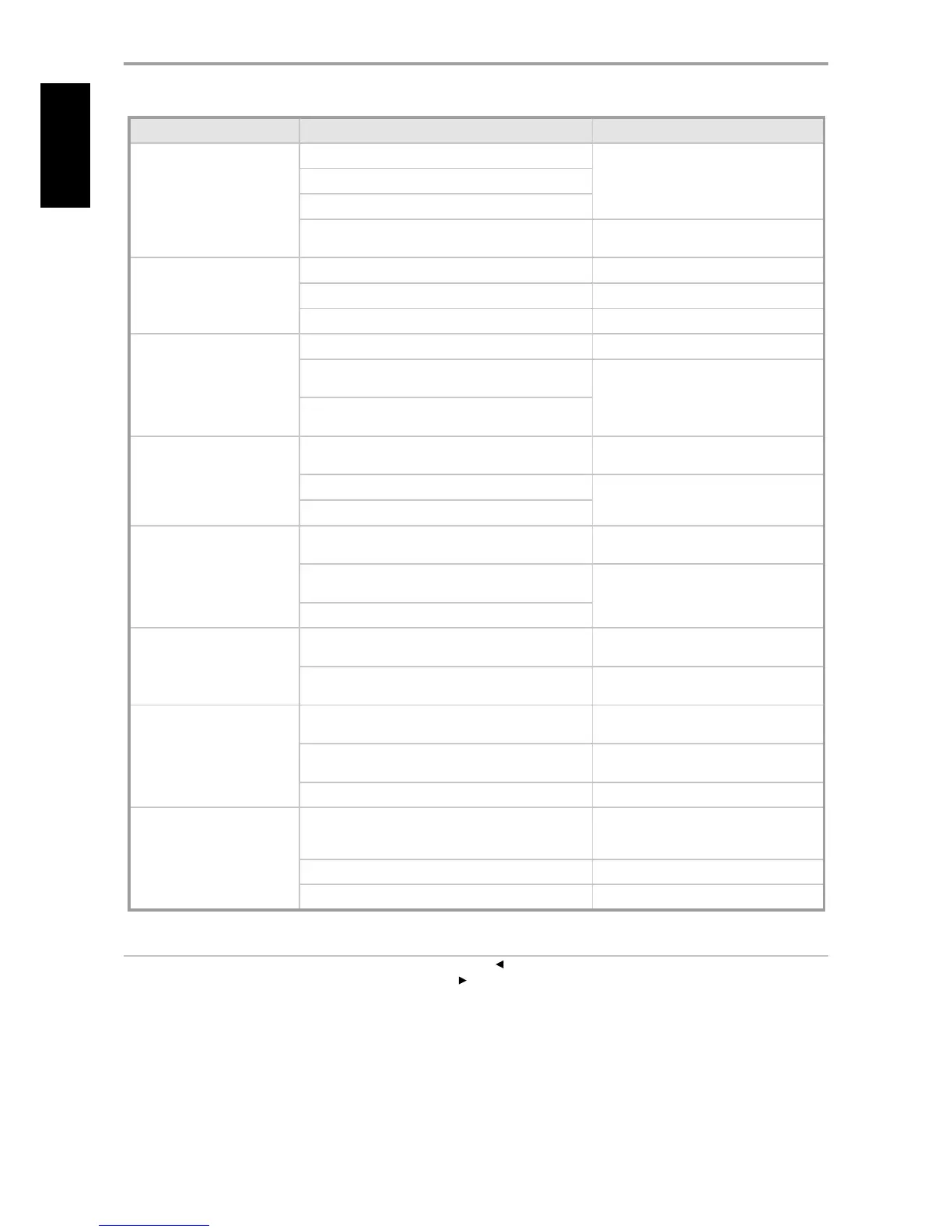
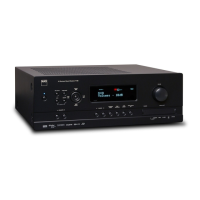
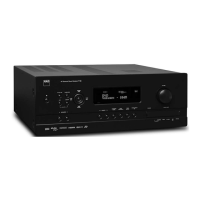
CONDITION POSSIBLE CAUSES POSSIBLE SOLUTIONS
No sound from all channels. AC power unplugged.
•
Check AC cable connection and outlet
•
Power not switched on.
•
Outlet has no power.
•
Speaker A (or Speaker B) is not activated.
•
Activate Speaker A (or Speaker B) by pressing
the corresponding front panel.
•
No sound from some channels. Faulty/missing cables.
•
Check cables.
•
“Speaker Conguration” channel (s) set to “OFF”.
•
Check “Speaker Conguration” menu.
•
Power-amp or speaker-connections faulty.
•
Check power amp, cabling, and speakers.
•
No sound from surround
channels.
No surround listening mode is engaged.
•
Select appropriate listening mode.
•
Surround-channels set to “OFF” on “Speaker Conguration”
menu.
•
Correct “Speaker Conguration” or “Speaker
Levels” settings.
•
Surround-channels level set too low on “Speaker Levels”
menu.
•
No sound from Subwoofer. Subwoofer is o, not powered or improperly connected.
•
Power-up subwoofer, check Sub’s AC outlet
or check connections.
•
Subwoofer set to “OFF” on “Speaker Conguration” menu.
•
Correct “Speaker Conguration” or “Speaker
Levels” settings.
•
Sub level set too low on “Speaker Levels” menu.
•
No sound from Center channel. Source is a 2/0 (etc.).
•
Play a known 5.1-channel recording or select
Dolby Pro Logic IIx Music mode.
•
Dolby Digital or DTS recording without center channel;
Center set to “OFF” on “Speaker Conguration” menu.
•
Correct “Speaker Conguration” or “Speaker
Levels” settings.
•
Center level set too low on “Speaker Levels” menu.
•
No Dolby Digital/ DTS. Source’s digital output is not connected to a T 785 digital
input.
•
Check connections.
•
Source component not congured for multichannel digital
output.
•
Check source component setup.
•
T 785 does not respond to
HTRC 1 remote.
Batteries are at or incorrectly inserted.
•
Check batteries.
•
IR transmitter window on remote or IR Receiver window on
T 785 is obstructed.
•
Check IR windows and ensure clear line-of-
sight from remote to T 785.
•
T 785 front panel is in very bright sunlight or ambient light.
•
Reduce sunlight/room lighting.
•
T 785 does not respond to
front panel commands or
remote control.
Microprocessor error.
•
Power-down the T 785 via the rear panel
Power switch and unplug it from the AC
outlet.
•
T 785 may have over heated.
•
Wait ve minutes, re-connect and power up.
•
12V TRIGGER IN/OUT is set to AUTO position.
•
Switch to 12V TRIGGER IN/OUT OFF position.
•
NOTES
• Factory defaults for North American (AH) version : Press simultaneously [Source ]+ [Front Input/MP]
• Factory defaults for European (C) version: Press simultaneously [ Source ]+[ Front Input/MP]
• Audyssey Auto Calibration settings along with other stored presets and settings will all be deleted upon restoring your T 785 to its factory defaults.
REFERENCE
TROUBLESHOOTING


 To Next Page