Table 1 1-way application function
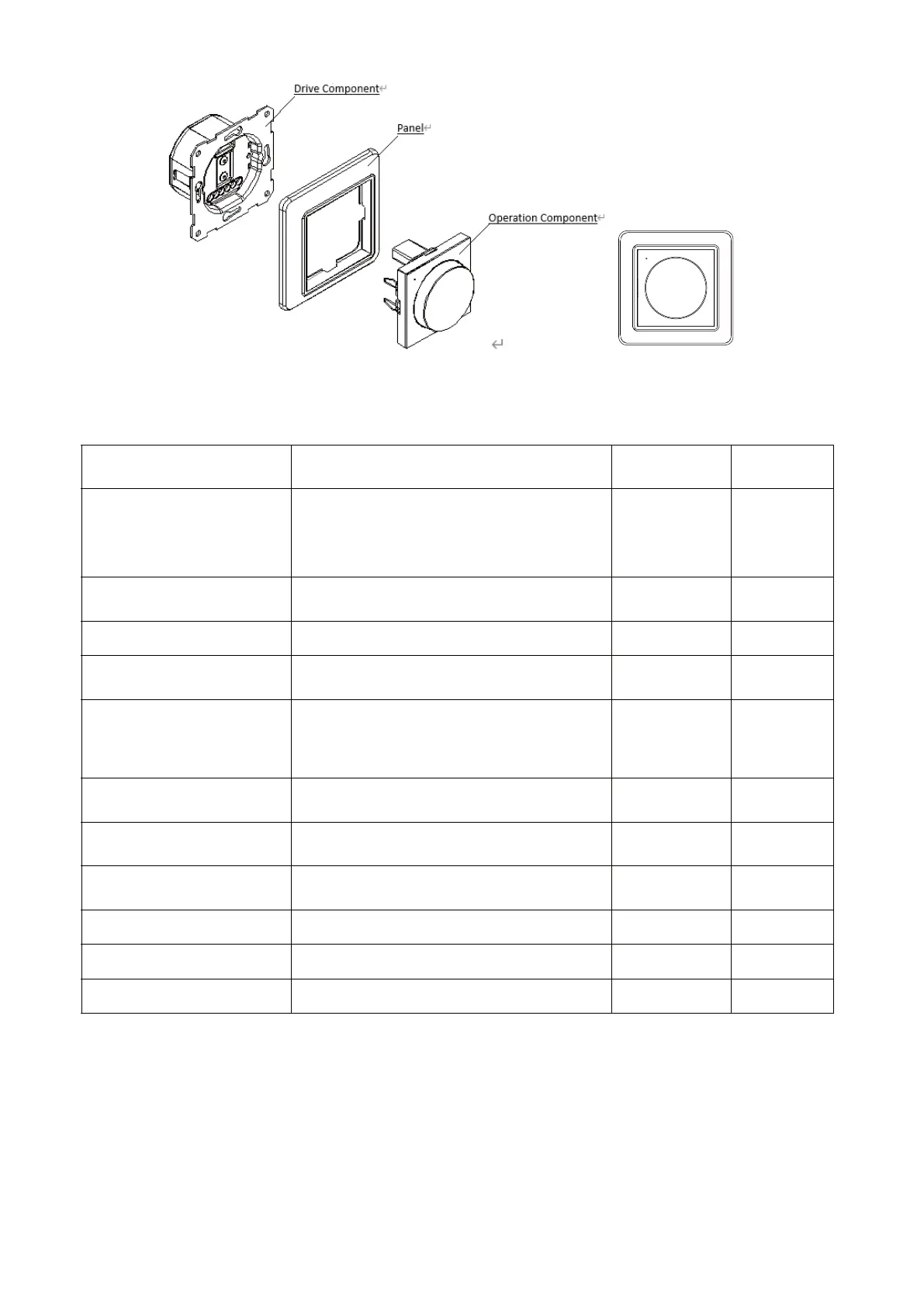
5.4.5 Install the Operation Component to the Fixing Panel and put them together to the Drive
Component.
6. User Instructions
6.1Function Instructions
F
F
un
ctio
n D
i
m
mer Operat
i
on Way
Dim
m
e
r
Op
e
ratio
n
App
Op
e
ration
Network Mode
Continuous short press the push-button rotary
dimmer seven times
√
×
ON/OFF
Short press the push-button rotary switch one
time
√√
h
c
tiwsy
r
a
t
or
n
ot
tub
-h
su
peht
nru
Tg
n
immi
D √√
Quicklyturntothefull
brightest
Continuous short press the push-button rotary
switch two times
√√
Set the min brightness
Continuous short press the push-button rotary
dimmer six times
√
×
Set the max brightness
Continuous short press the push-button
rotary dimmer eight times
√ ×
Clear the setting(min or
max ) brightness
Continuous short press the push-button rotary
dimmer nine times
√ ×
Restore factory Settings
Continuous short press the push-button rotary
switch ten times
√ ×
×
ONff
o/
n
o
el
ude
hcS
√
Share device
NO
× √
Group control
NO
× √



 To Next Page