Need help?
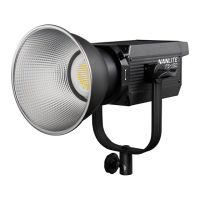
Do you have a question about the NANLITE FS-200 and is the answer not in the manual?
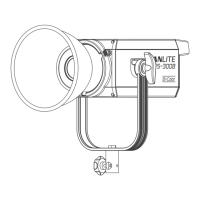
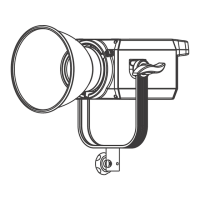
Instructions for attaching and detaching the reflector using the release button.
Steps to loosen the angle fixing knob, insert an umbrella, and tighten to secure it.
Connect power, turn on the switch, and check the indicator for normal operation.
Use the left knob to adjust brightness from 0% to 100%, shown on the display.
Use the right knob to select from various built-in special effects.
Adjust DIM 1/2 and SPEED for the INT LOOP effect using the left and right knobs.
Includes not looking at the emitter, avoiding liquids, and keeping away from flammables.
Check LED indicator, power cable connection, and voltage parameters.
Check DIM setting, control board, main board, or connecting cables.
 General
| Power | 200W |
|---|---|
| Light Source | LED |
| Dimming Range | 0-100% |
| Cooling System | Active Cooling |
| CRI | 96 |
| TLCI | 97 |
| Beam Angle | 45° |
| Power Source | AC 100-240V |
| Control | Wireless Remote |


 To Next Page