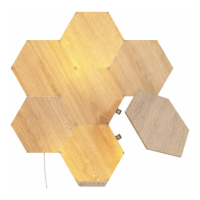
Scan (or manually enter) the HomeKit Setup Code (QR code). The app will begin searching for
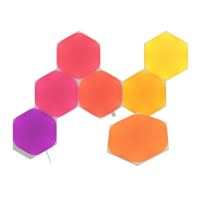
the accessory to add. When the pairing is complete the Hexagons will flash green. Then, the
panels will flash white to indicate that they have been identified by the app.
The Add Accessory window will pop up to accommodate renaming the device. Here, you can
also assign the device to a specific room, as well as choose to include it in the list of Favorites in
HomeKit.
The Setup Orientation screen will appear in order to confirm the orientation of the installation
with what is displayed on the screen.
Note: This is required to enable proper scene direction, and ensure that touch and swipe
gestures work properly.


 To Previous Page