5. Guideline of PC software
5.1. Installation of PC software driver
Step 1:
Connect USB to RS485 cable to laptop or PC.
Step 2:
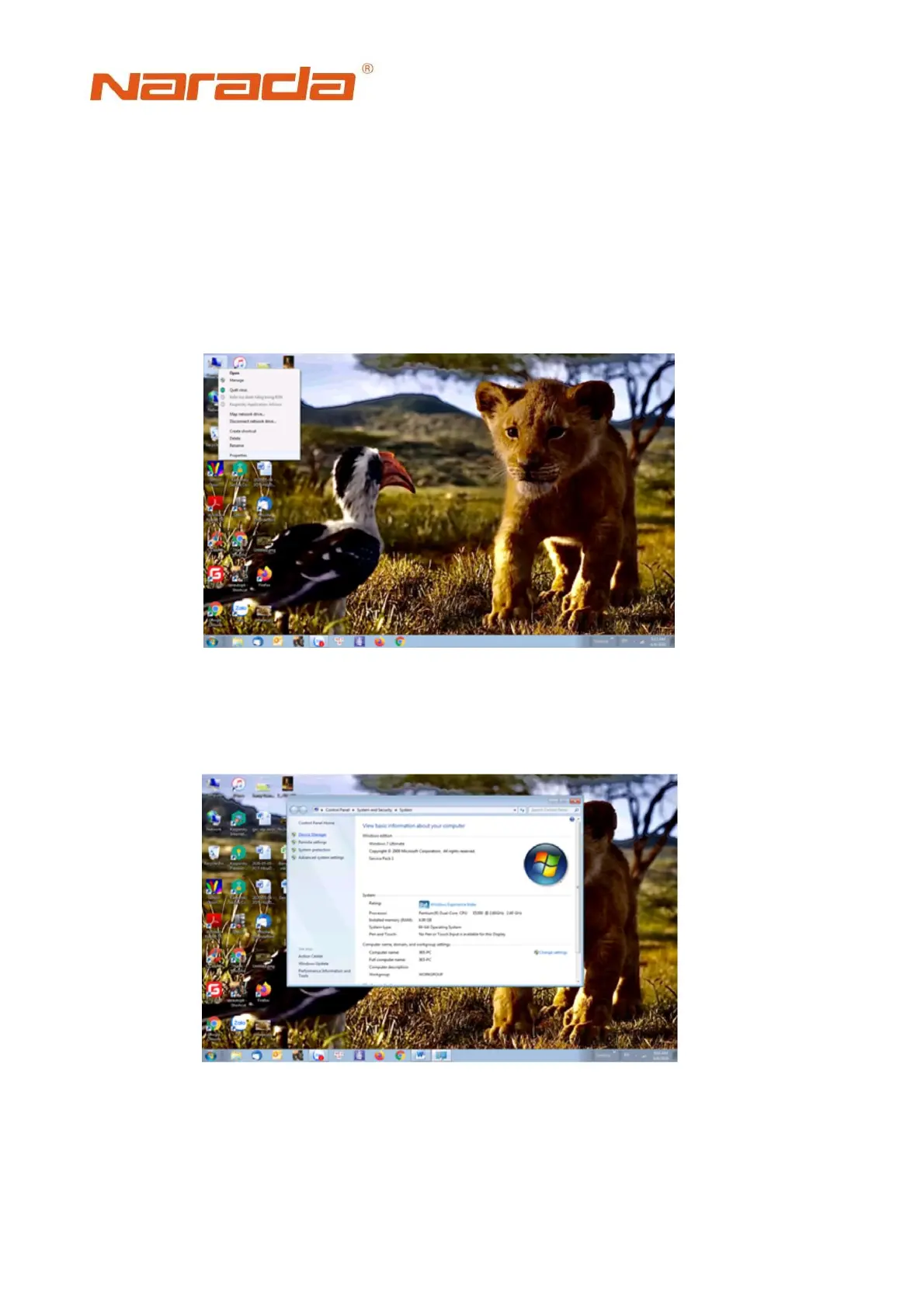
Right click on ‘My computer’ icon, choose “Properties”
Step 3:
Fig. 5.1 Open ‘Properties” in computer
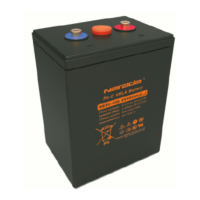
Open ‘Device manager’.
Fig. 5.2 Open ‘Device Manager’ in computer


 To Next Page