5.2. Installation of PC software
Step 1:
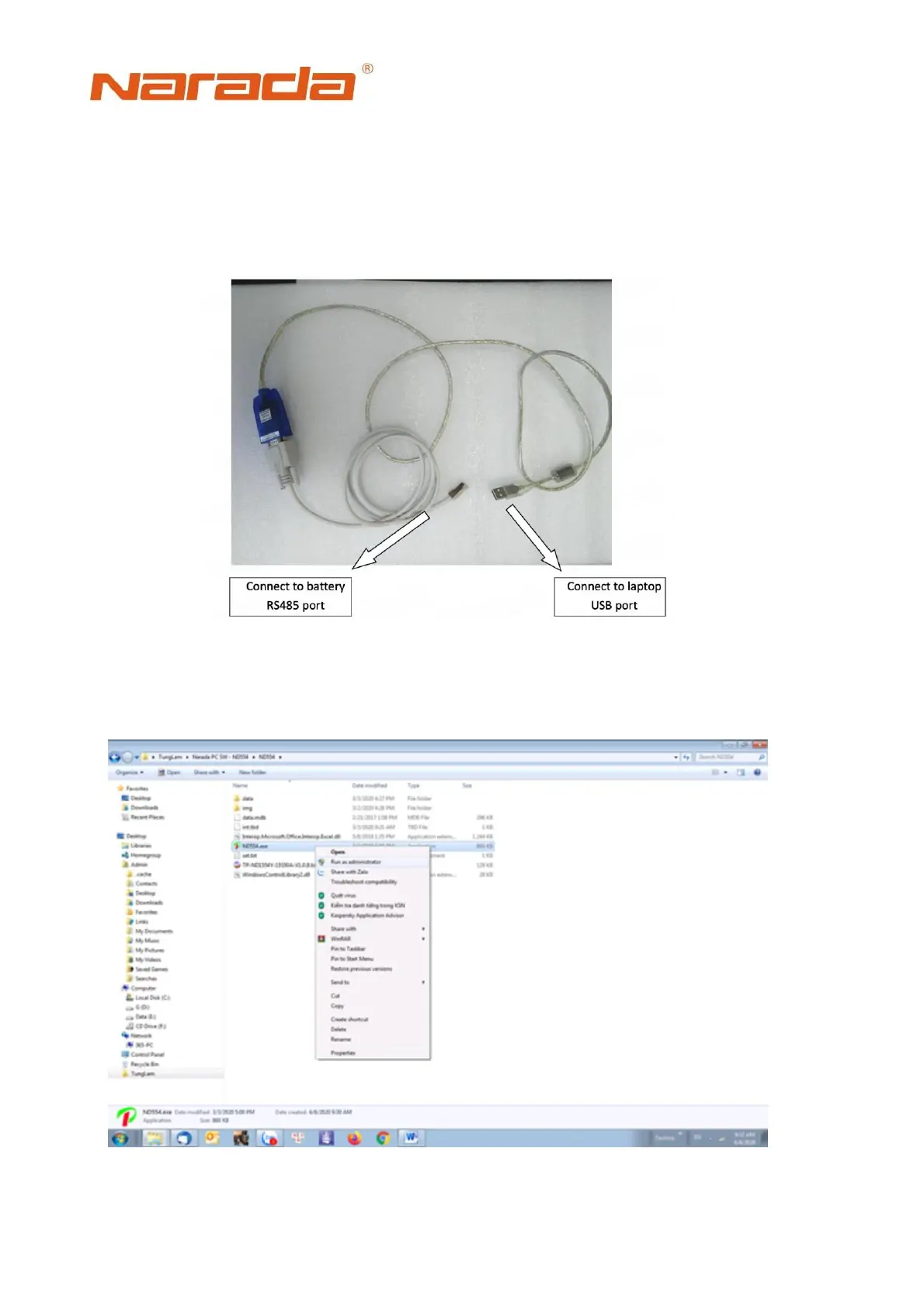
Using Narada RS485 to USB communication cable as shown in the figure bellowing.
The cable converts 485 signals to USB signal to PC. Connect USB to RS485
communication cable to laptop.
Step 2:
Open PC software
Fig. 5.5 photo of USB to 485 cables
Fig. 5.6 PC software for monitoring BMS


 To Next Page