Slide 21© Narda Safety Test Solutions GmbH www.narda-sts.com
Starting Up
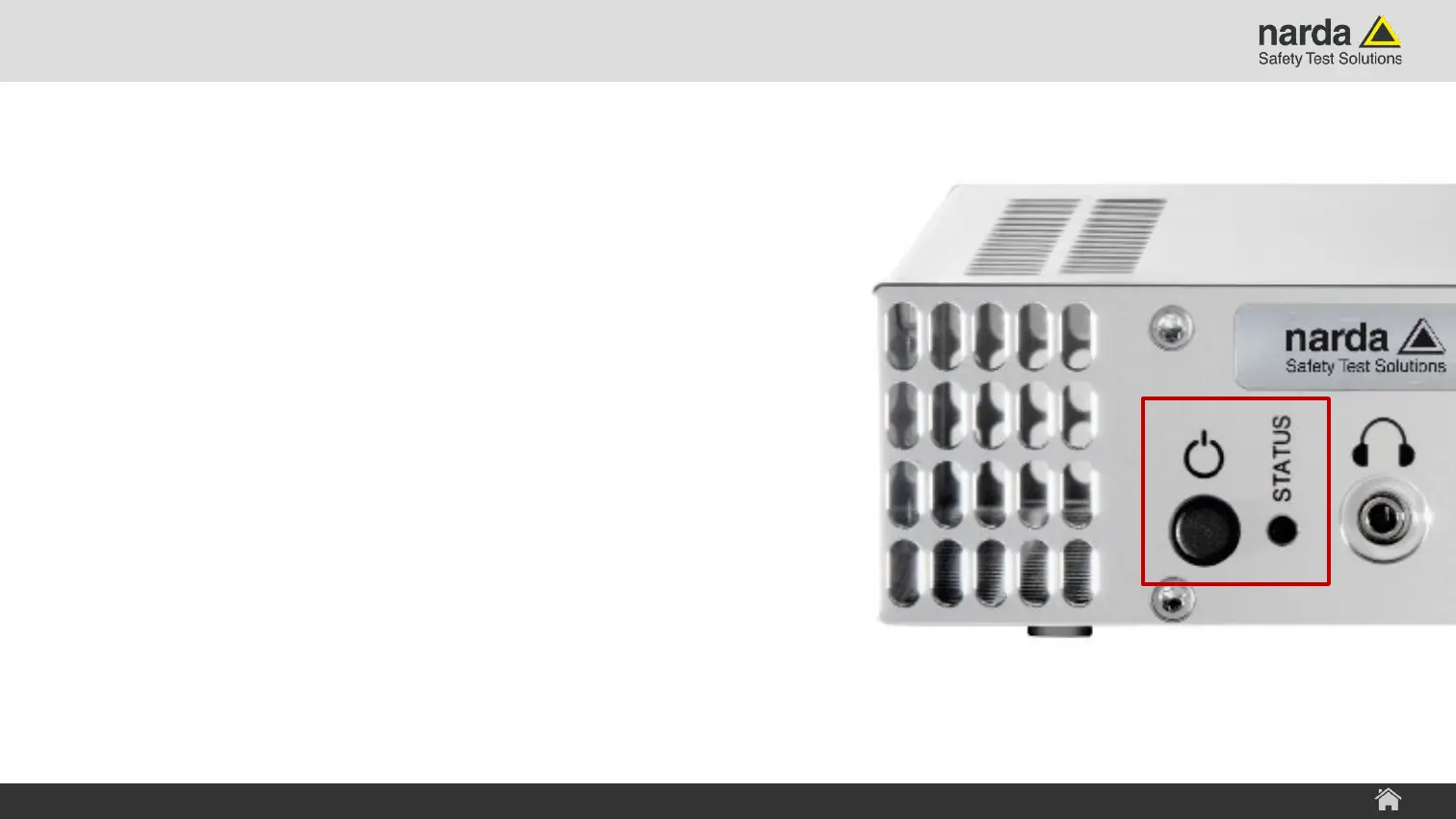
› Switching the Device on and off
› Push the power key for about 2 seconds and release it
again to switch the device on.
› Push the power key for about 3 seconds and release it
again to switch the device off.
› Pressing the power button for about 10 seconds is
basically like cutting the power to the system.
WARNING: This can lead to loss of data!
› Device Operating Status LED
› LED lights up red: Device is in initialization phase or an
error occurred
› LED lights up green: Device is operational
SignalShark - User Interface Manual
SignalShark 3320 Device Overview



 To Next Page