Slide 32© Narda Safety Test Solutions GmbH www.narda-sts.com
4) Views
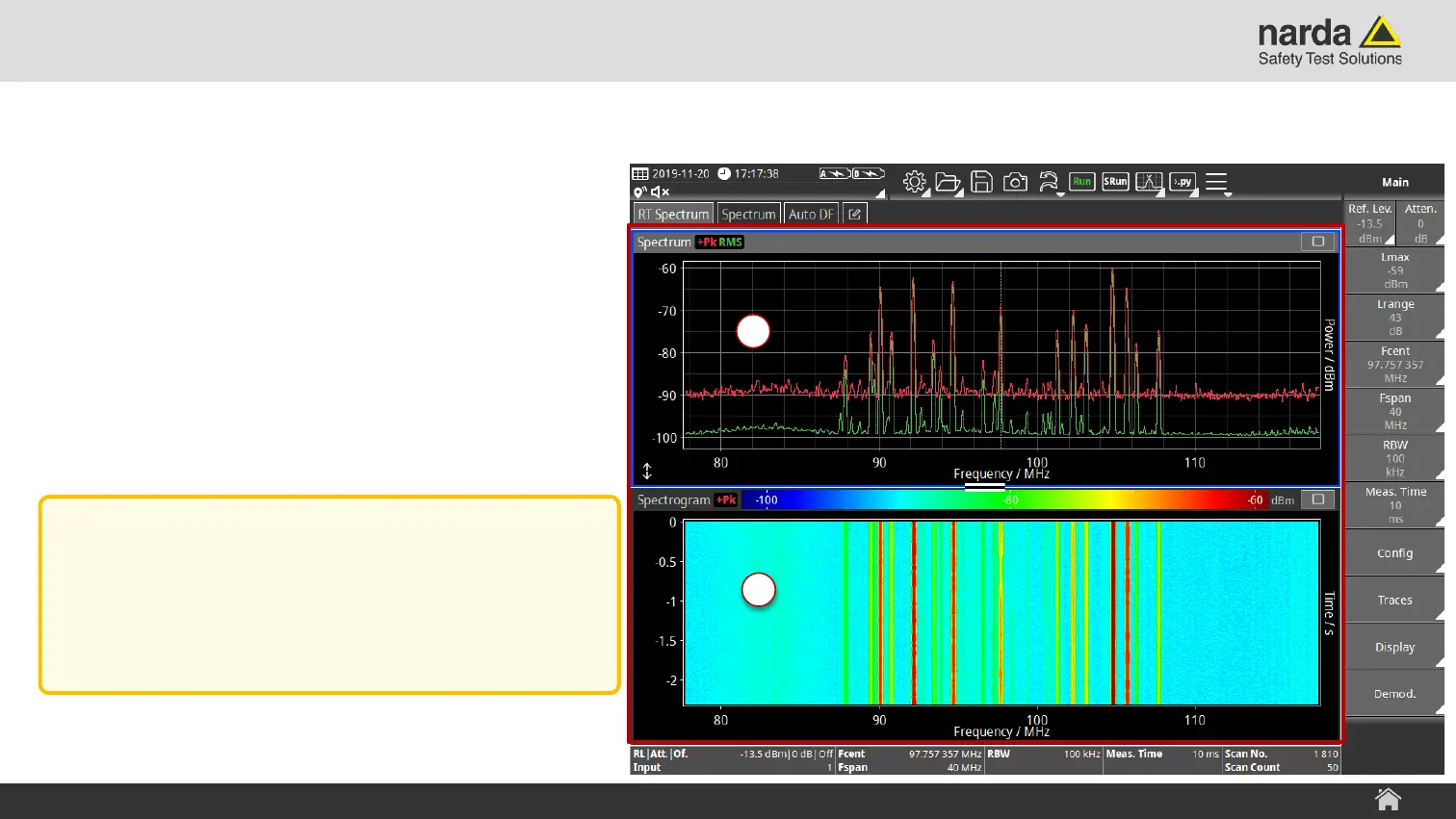
A view is a window containing a specific
visual representation of measurement data.
› The currently selected View is marked by
a blue border.
› The type, arrangement and size of a View
can be adapted by the user.
SignalShark - User Interface Manual
Screen Layout
4
4
Note:
It is possible to save the current
configuration and arrangement of Tasks
and Views into setup files.



 To Next Page