Slide 34© Narda Safety Test Solutions GmbH www.narda-sts.com
Screen Overview
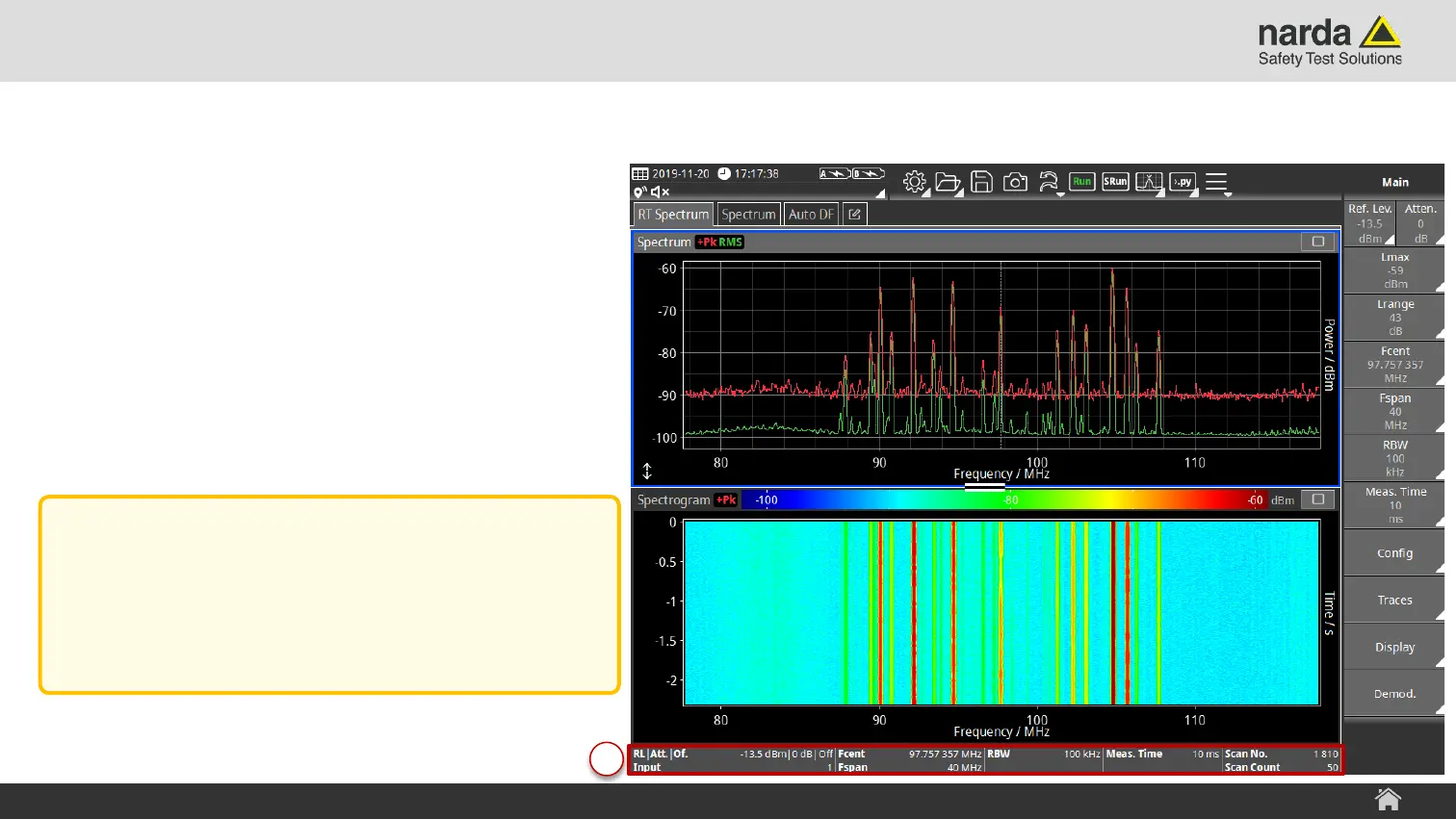
6) Measurement Information Bar
› Displays the most relevant settings of
the currently selected View.
SignalShark - User Interface Manual
Screen Layout
6
Note:
The content and layout of the
“Measurement Information Bar” depends on
the currently selected View.



 To Next Page