Slide 39© Narda Safety Test Solutions GmbH www.narda-sts.com
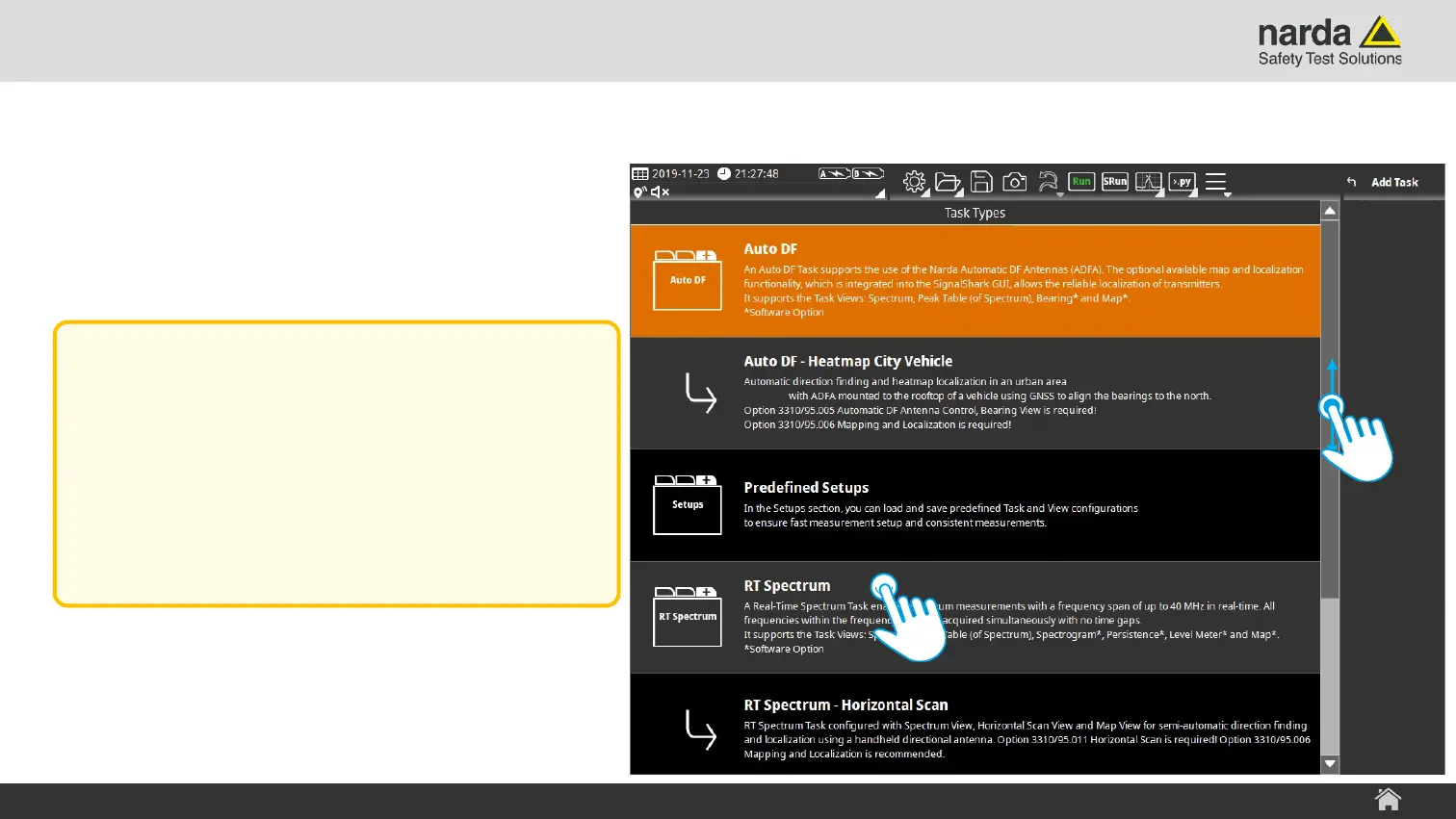
Add new Task Step 3
› Browse the “Task Types” list.
› Tap on the desired task type.
SignalShark - User Interface Manual
Basic Operation
Note:
It is possible to save user defined task
configurations as setups.
A tap on the Predefined Setups item will
open the setup menu from where a
predefined setup can be loaded.



 To Next Page