Slide 41© Narda Safety Test Solutions GmbH www.narda-sts.com
Change View Arrangement
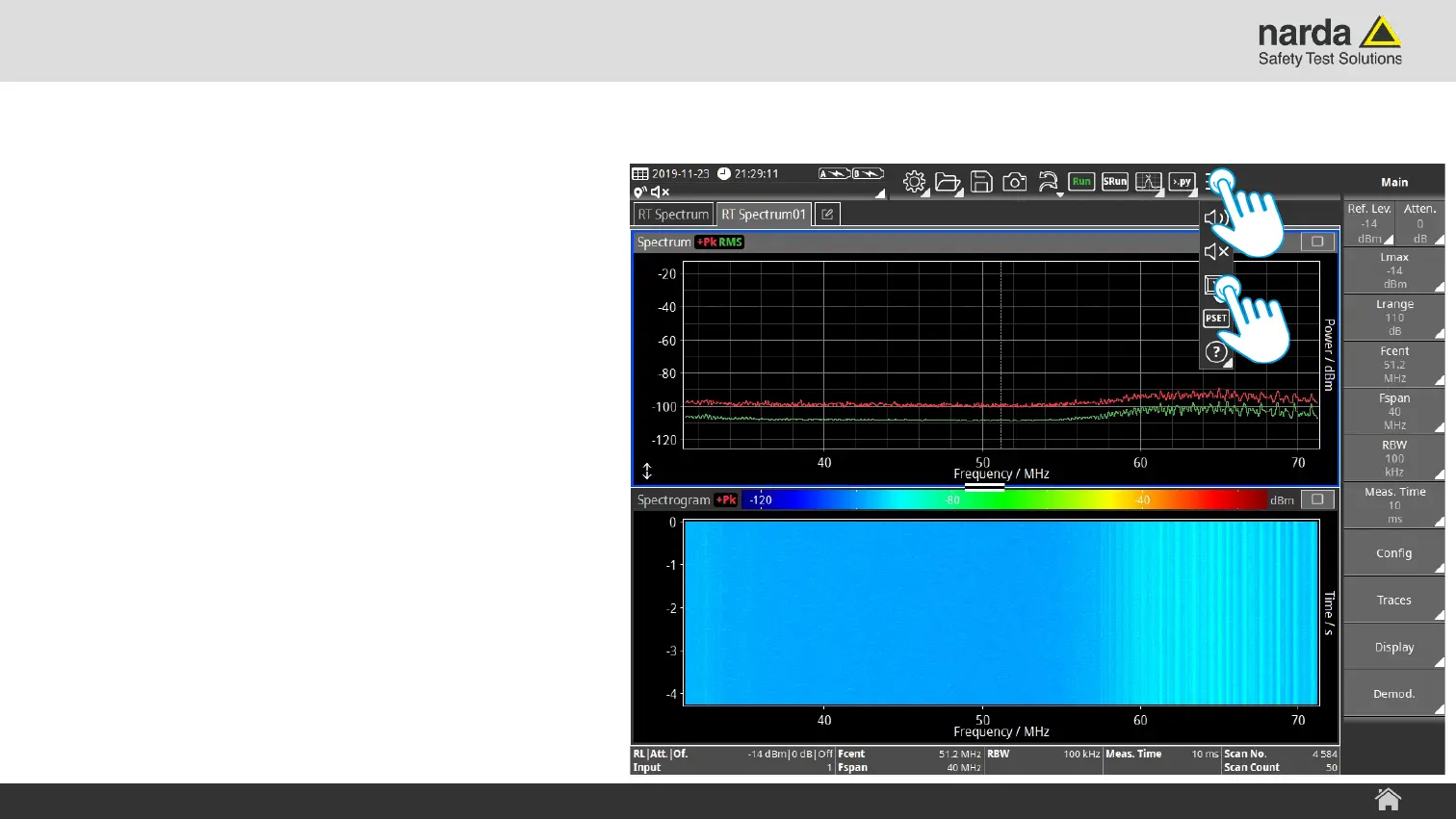
To change the arrangement of the Views:
› Tap on the Menu Tool button
› Tap on the Configure Task Views button.
The “Configure Task Views” submenu
opens
SignalShark - User Interface Manual
Basic Operation



 To Next Page