Slide 59© Narda Safety Test Solutions GmbH www.narda-sts.com
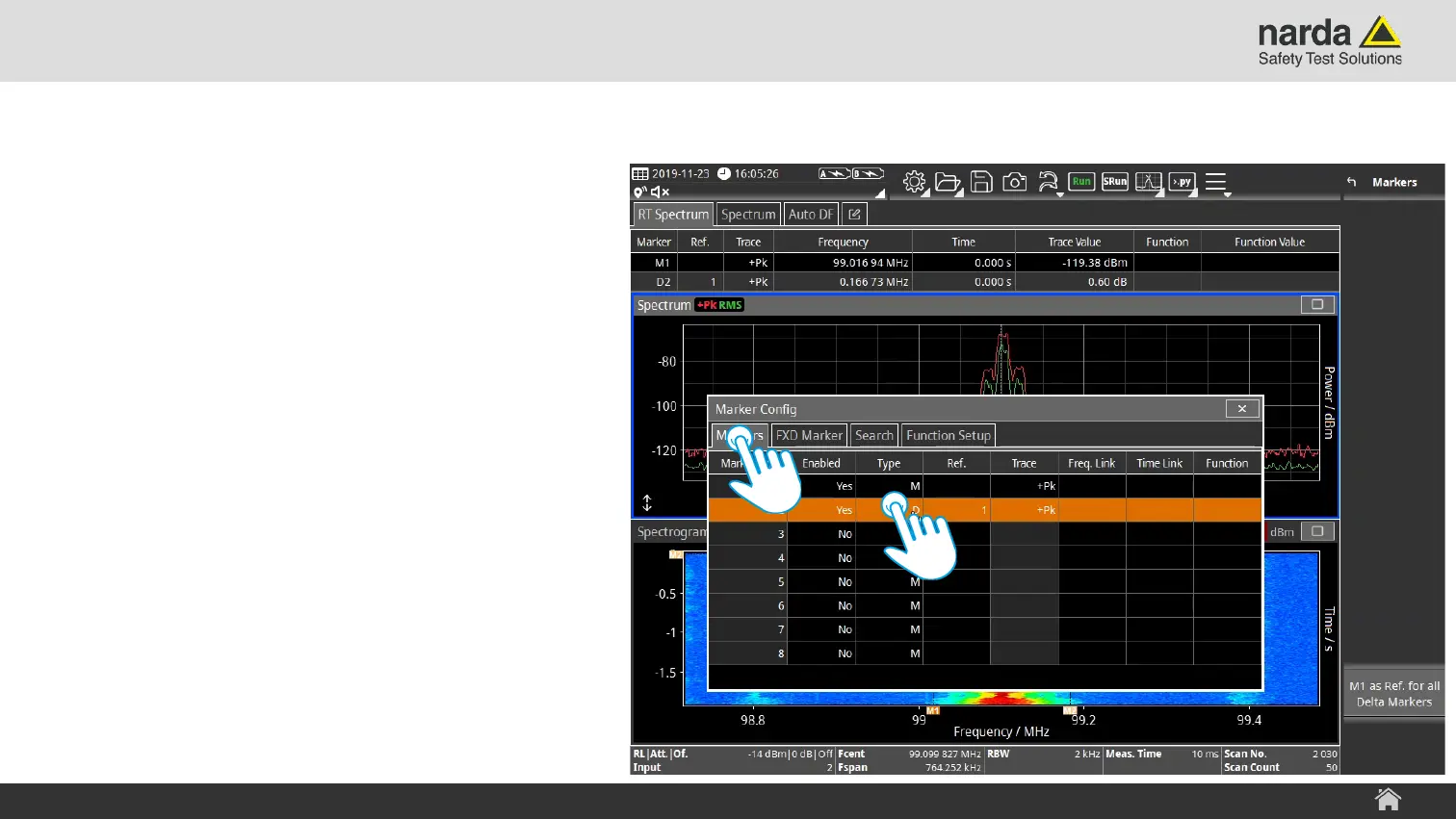
Change Marker Settings Step 2
› Select a category tap in the “Marker
Config” menu.
› Tap in the table cell you want to change.
› I.e. a tap in the cell “Type” toggles the
marker type from normal marker to
delta marker.
SignalShark - User Interface Manual
Basic Operation



 To Next Page