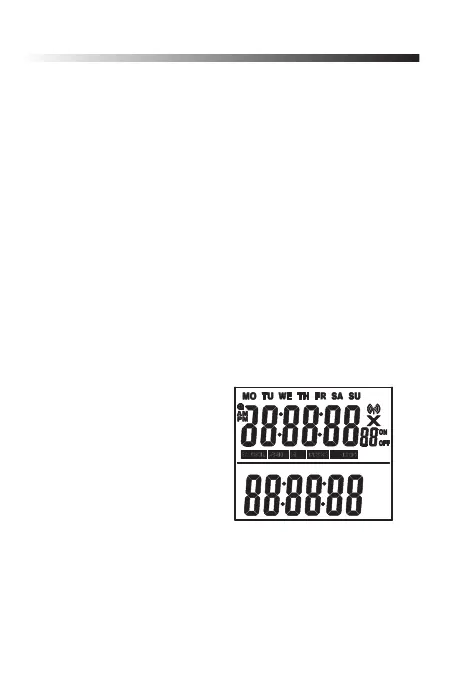
Program switch ON and OFF mes
The digital weekly mer‘s 20 programmable switch-
ing programs are subdivided in:
ON: for switch-on
OFF: for switch-off programs.
1. In clock mode, push and hold the SET/OK buon
and push the RND/+ buon repeatedly.
The display shows the symbols PROG and ON as
well as the switching program number 1.
2. Push the SET/OK buon for approx. 3 seconds
unl the LCD display shows SET next to PROG
and the weekday MO blinks.
3. Set the weekday using RND/+ or CD/- , there are
following selecon, which the switching program is
acvated:
MO = Monday
TU = Tuesday
WE = Wednesday
TH = Thursday
FR = Friday
SA = Saturday
SU = Sunday
MO, TU, WE, TH, FR (Monday to Friday)
MO, TU, WE, TH, FR, SA (Monday to Saturday)
SA + SU (Saturday and Sunday)
MO, TU, WE, TH, FR, SA, SU (Monday to Saturday)
CD
OFF
ON
MONTH
DAY YEAR
11



 To Next Page