© National Instruments Corporation | 3-1
3
Installation and Configuration
This chapter explains how to unpack, install, and configure the MXI-Express x1 hardware and
software.
Unpacking
Your MXI-Express x1 boards are shipped in antistatic packages to prevent electrostatic damage
(ESD) to the devices. ESD can damage several components on the device.
Caution Never touch the exposed pins of connectors. Doing so may damage the
device.
To avoid such damage in handling the device, take the following precautions:
• Ground yourself using a grounding strap or by holding a grounded object.
• Touch the antistatic package to a metal part of the computer chassis before removing the
device from the package.
Remove the device from the package and inspect the device for loose components or any sign
of damage. Notify NI if the device appears damaged in any way. Do not install a damaged device
into a computer, laptop, PXI/CompactPCI, PXI Express/CompactPCI Express, CompactRIO, or
VXI chassis.
Store the device in the antistatic envelope when not in use.
Hardware Installation
The following are general instructions for installing the MXI-Express x1 cards. Consult your
computer user manual or technical reference manual for specific instructions and warnings.
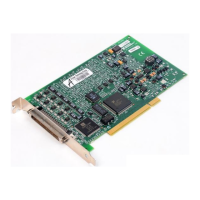
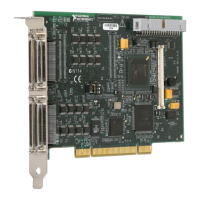
Installing an PCI-8361 or PCIe-8361/8362/8363
Host Card
Complete the following steps to install the PCI-8361 or PCIe-8361/8362/8363 in your computer.
1. Power off your computer.
Caution To protect both yourself and the computer from electrical hazards, your
computer should remain off until you finish installing all hardware as instructed.

 To Next Page
 Loading...