EasyManua.ls Logo

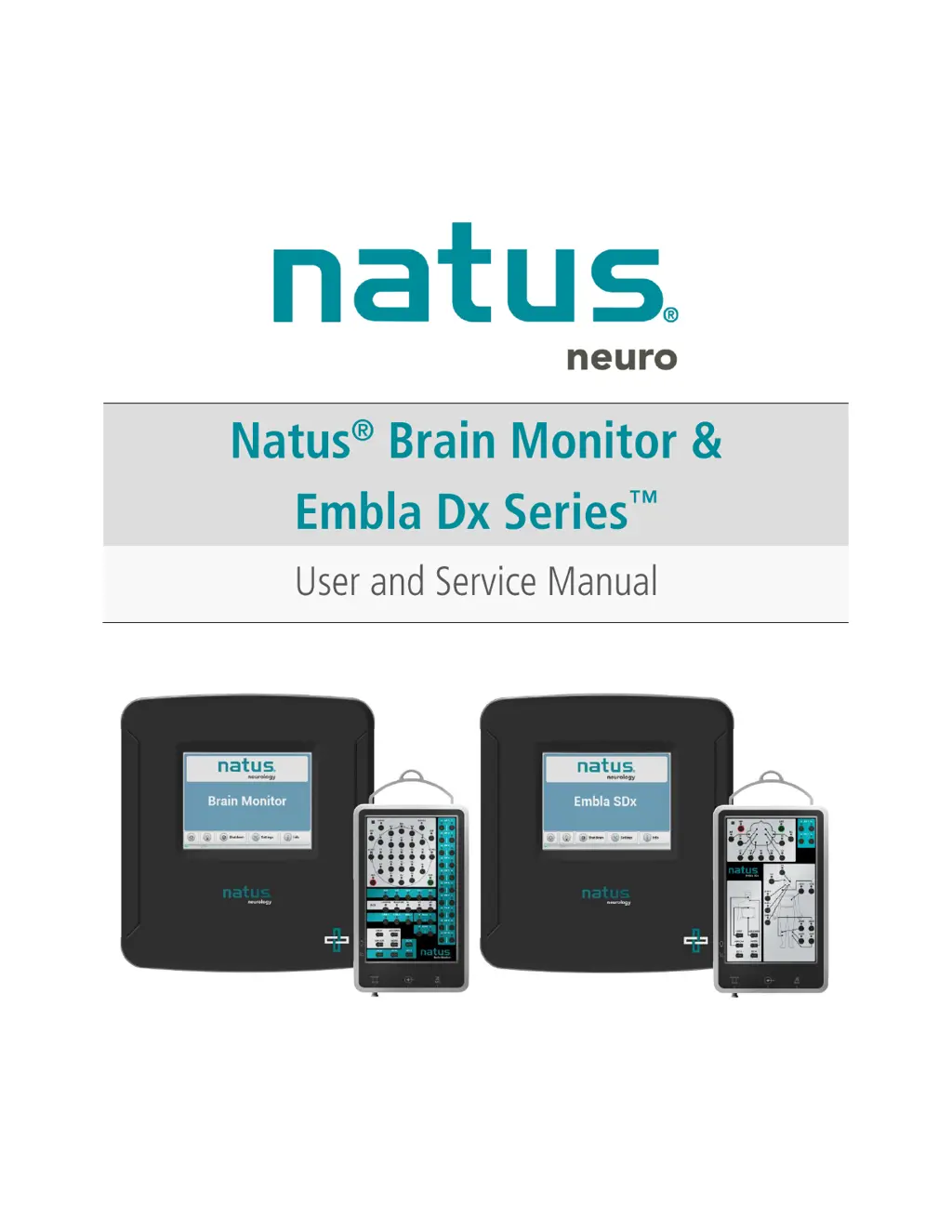
natus neuro Embla NDx - User Manual

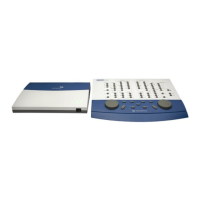
natus neuro Embla NDx
61 pages
Print Icon
To Next Page IconTo Next Page
Loading...

Table of Contents

Questions and Answers

  • B
    Brian MooreAug 19, 2025
    What to do if Natus Measuring Instruments has a missing or bad signal?
    • Y
      yutimothyAug 19, 2025
      If you're experiencing a missing or bad signal with your Natus Measuring Instruments, try swapping cables to the Breakout Box. You can also run a channel test to diagnose the issue.
  • J
    Jennifer JohnsonAug 28, 2025
    How to run a channel test on Natus Measuring Instruments?
    • S
      Sandra BowersAug 28, 2025
      To run a channel test on Natus Measuring Instruments: 1. Set the LFF to 0.1 Hz on the montage settings toolbar. 2. Go to Controls->Channel Test. 3. Click Sine or Square in the first menu on the Channel Test control bar. 4. Adjust the waveform frequency and amplitude on the Channel Test control bar as needed.
  • T
    Tammy GutierrezNov 8, 2025
    What to do if acquired waveforms are flat on Natus Measuring Instruments?
    • A
      Anna MullinsNov 8, 2025
      If the acquired waveforms appear flat or are not displaying correctly on your Natus Measuring Instruments, try these steps: * Restart the computer for at least 10 seconds and restart the test. * Ensure the patient is relaxed. * Inspect all cables for damage. * Verify tight connections between the headbox, breakout box, and computer. * Confirm patient electrodes are correctly connected to the appropriate channel in the headbox. * Ensure patient electrodes fit securely into the headbox. * Check for breaks in the patient electrode cables. * Make sure that electrodes are not touching each other, as this can cause a short circuit. * Unplug other devices on the same circuit that may be causing interference. * Install a medical grade ground to ensure proper grounding of the e...

Summary

Publisher Information

Publishers Notice

Details about Natus Medical Incorporated, contact information, and copyright.

Introduction and System Overview

Introduction to Natus Amplifiers

Overview of Natus Brain Monitor & Embla Dx Series amplifiers, their design, and product variations.

Intended Use

Specifies the purpose and application of the Natus Brain Monitor Amplifier in clinical settings.

Safety, Standards, and Warnings

Safety and Standards Conformity

Outlines compliance with general safety, usability, and EMC standards for Natus amplifiers.

Declarations of Compliance

Details compliance with IEC 60601-1-2 (Emissions, Immunity) and FCC regulations.

General Warnings and Cautions

Lists contraindications, general warnings, and specific precautions for safe system operation.

System Components and Specifications

Natus Base Unit and Breakout Boxes

Details the Natus Base Unit and various breakout boxes (Brain Monitor, NDx, SDx) with their ports.

System Specifications

Comprehensive technical data for Brain Monitor and Embla Dx Series amplifiers, including environmental conditions.

Setup and Operation

System Setup and Connections

Guides on connecting the Natus Base Unit to computers and breakout boxes.

Setting the IP Address and Touchscreen Interface

Instructions for configuring IP address and understanding touchscreen interface icons.

Amplifier Usage and Features

Covers initial setup, operation, and key features like patient connection and study initiation.

Maintenance, Troubleshooting, and Support

Maintenance, Cleaning, and Disposal

Procedures for routine maintenance, cleaning, and proper disposal of the system.

Troubleshooting and Signal Quality

Provides a checklist and steps to resolve common operational problems and signal issues.

Getting Help and Accessories

Information on obtaining support and a list of compatible accessories and replacement parts.

Appendices

Wiring Diagrams and Frequency Response

Includes digital trigger input, headcap connector wiring, and frequency response curves.

natus neuro Embla NDx Specifications

General IconGeneral
Brandnatus
Modelneuro Embla NDx
CategoryMeasuring Instruments
LanguageEnglish

Related product manuals