5
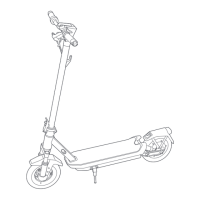
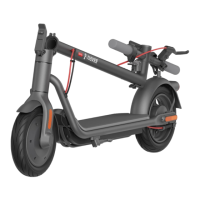
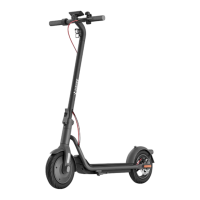
2. Product Overview
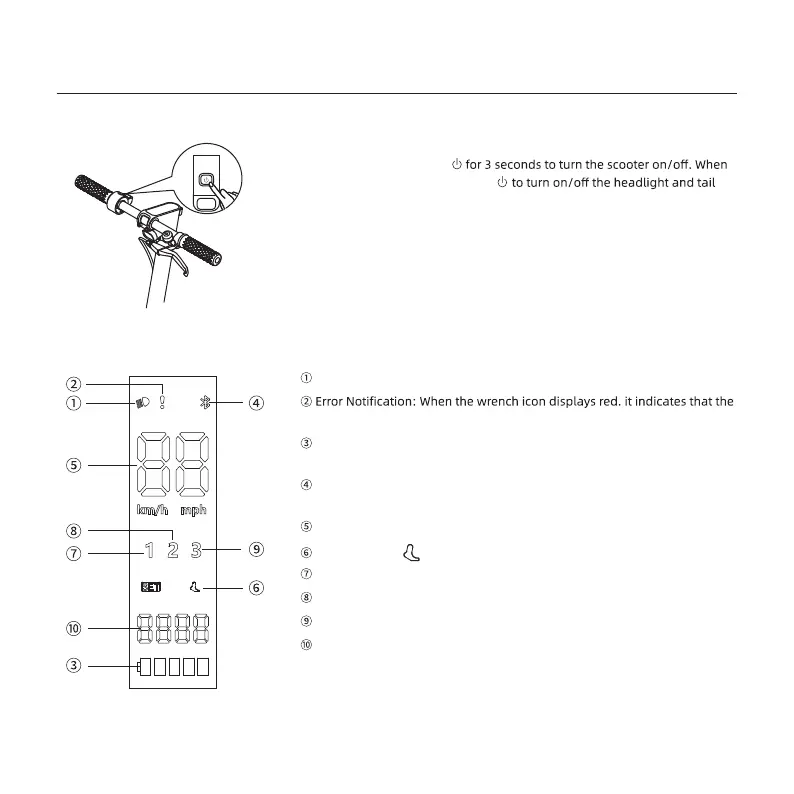
Headlight State Indicator
scooter has an error.
Battery Level: The battery power is indicated by 5 bars, each representing
approximately 20% of a full battery.
Bluetooth: When the bluetooth icon is on, it means that the scooter has
been successfully connected to the mobile device.
Speedmeter: Indicates the current speed.
Walking Mode:
First Gear
Second Gear
Third Gear
Total Mileage
Press and hold the button
the scooter is on, press the button
light, and press twice to cycle through the modes.
Power Button
Dashboard
is foe walking mode,and its maximum speed is 5 km/h.


 To Next Page