04 05
EN EN
2. Product Overview
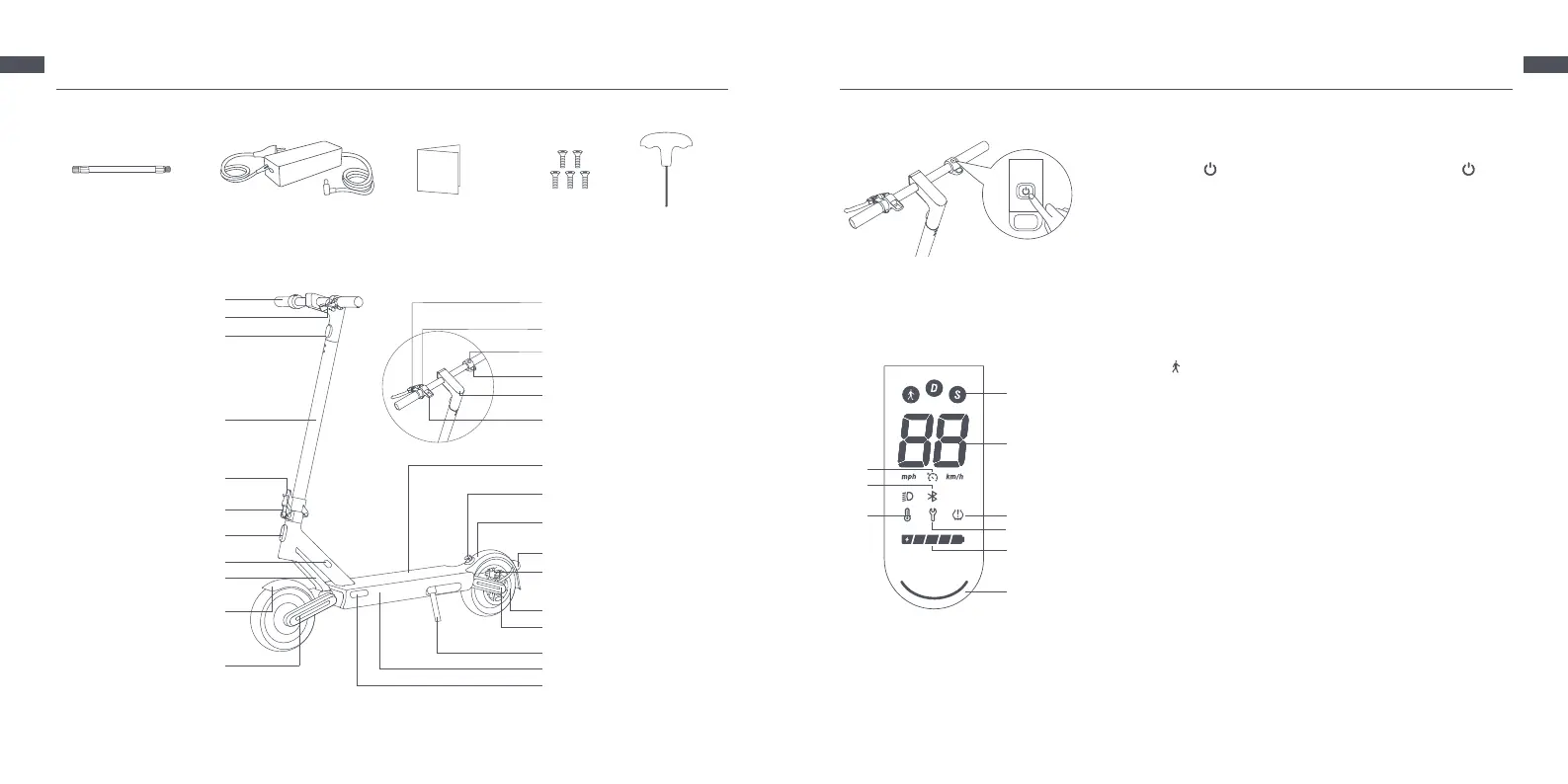
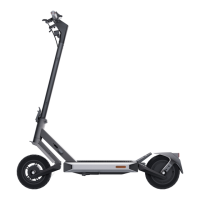
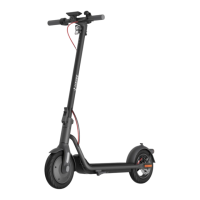
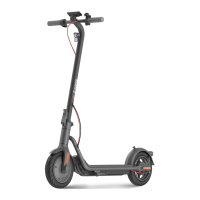
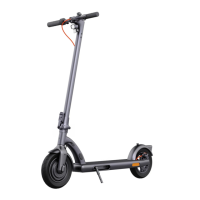
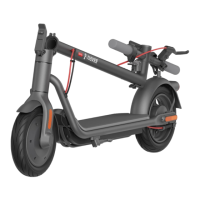
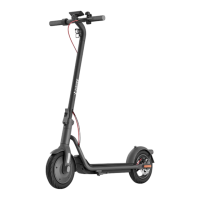
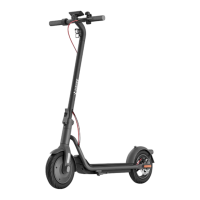
Scooter
Accessories
Extension Nozzle Battery Charger User Manual Screw x 5 Allen Key
Accelerator
Hook
Deck
Rear Mudguard
Front Mudguard
Tail Light & Rear Reector
Disc Brake
Side Reector
Kickstand
Battery Compartment
Rear Rocker Arm (Built-in)
Handlebar
Power Button
Headlight
Brake Lever
Bell Lever
Stem
Front Rocker Arm
(Built-in)
Front Fork
Quick Release Lever
Safety Lock
Front Reector
Wheel Motor
Charging Port
Dashboard
Buckle
Scooter Bell
The illustrations in this manual are for reference only, the actual appearance shall be subject to actual product.
① Riding Modes: is for walking mode, and its maximum speed is 6 km/h,
the taillight will blink red when this mode is enabled. D is for standard mode.
S is for sport mode.
② Speedometer: It displays the current speed when the scooter is working.
When the scooter has an issue, it displays an error code. When the scooter is
charging, it displays the current battery level.
③ Cruise Control: The cruise control function is disabled by default and can be
enabled in the Mi Home/Xiaomi Home app.
④ Bluetooth: The Bluetooth icon is always on, indicating that the scooter has
been successfully connected to the mobile device.
⑤ Temperature Warning: If the battery temperature is too high or too low,
the thermometer icon will be on. Use or charge the scooter after its battery
temperature returns to the normal operating range.
⑥ Ination: When the ination icon is on, it means that it is time to maintain
the tires.
⑦ Error Notication: When the wrench icon displays red, it indicates that the
scooter has an error.
⑧ Battery Level: The battery power is indicated by 5 bars, each representing
approximately 20 % of a full battery.
⑨ Status Light
Power Button
Dashboard
Press the button to turn the scooter on, and hold the button for 2
to 3 seconds to turn the scooter o. When the scooter is on, press once
to turn on/o the headlight and tail light, and press twice to change
riding modes.
①
②
③
④
⑤
⑨
⑥
⑦
⑧
2. Product Overview


 To Next Page