12
EN
Reset Bluetooth
Make sure the scooter is turned on. Squeeze the brake lever, and press the power button 5 times to reset. When the
scooter beeps, it has been reset successfully.
Restore Factory Settings
Make sure the scooter is turned on. Squeeze the brake lever, and simultaneously press and hold the power button for 7
seconds. When you hear a beep, the scooter has been restored to factory settings. This operation will completely delete
the data stored in the scooter, please proceed with caution.
Note: The scooter cannot be restored to factory settings during riding or when locked.
Before riding
7. How to Ride
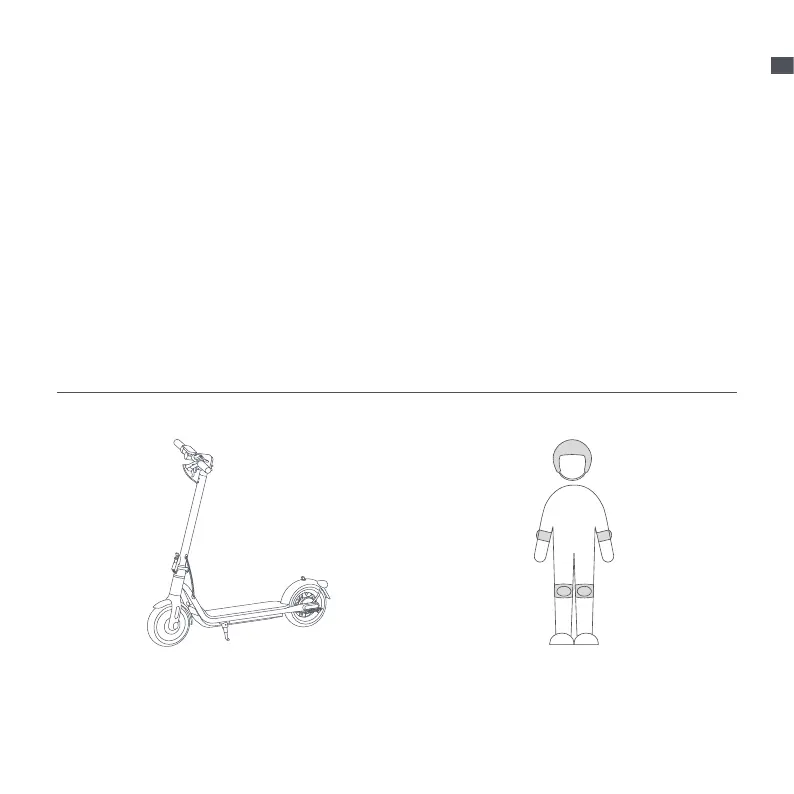
Before each ride, please check the status of your scooter,
including tire performance, remaining battery level and
scooter body state, and ensure that no part is loose or
damaged.
Before riding, please wear helmets, hand/wrist pads/
knee pads, elbow pads, and other protective gear at all
times.
Note: Check the tire pressure before riding. The
recommended tire pressure is 45–50 psi.


 To Next Page